1
Project Options
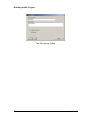
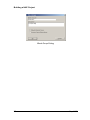
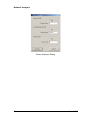
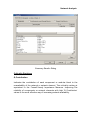
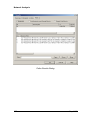
Project Options – Precision Tab
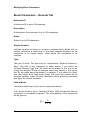
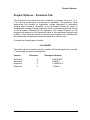
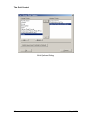
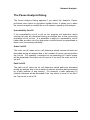
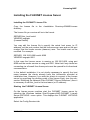
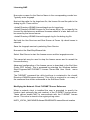
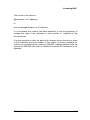
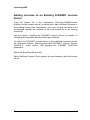
The Precisions Tab allows the user to specify a precision value of 2, 3, 4,
6 or 9 and a format type of automatic or exponent. The precision value
determines the number of significant figures displayed in calculated
floating point numbers. Selection of the automatic format will result in
floating point numbers being displayed either in standard numerical format
or as a number followed by an exponent. The format chosen by the
program will depend on the absolute value of the individual floating point
number. If the exponent option is chosen then floating point numbers will
be followed by an exponent unless the exponent value is zero.
Consider the floating point number
0.001234567
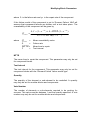
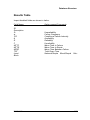
The table below illustrates how the number will be displayed for a variety
of format and precision combinations.
Format
Automatic
Automatic
Exponent
Exponent
NAP V1.0
Precision
6
3
6
3
Displayed Number
0.00123457
0.00123
1.234567e-3
1.234e-3
69