1
Setting Up for QuickSim II
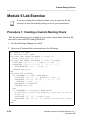
Module 1 Lab Exercise
Note
If you are reading this workbook online, you might want to print
out the lab exercises to have them handy when you are at your
workstation.
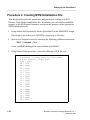
Procedure 1: Copying the Training Data
In this procedure you will make a working copy of the training data for use with
subsequent lab exercises.
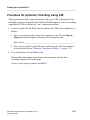
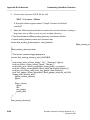
1. If the Design Manager is not invoked, invoke it now in a shell.
shell> $MGC_HOME/bin/dmgr
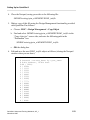
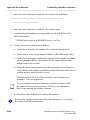
2. Set up a training directory in your account (or the location designated by your
instructor or system administrator) by doing the following steps:.
a. First check to see if your student training directory exists in your home
account ($HOME). Use the Design Manager to navigate to the location of
your training directory.
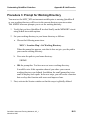
b. If it exists, go to Step 3. Otherwise, create the training directory using the
menu item: (Menu bar) > Add > Directory:
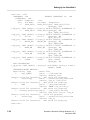
c. When the prompt bar appears, enter the path where you want this training
directory to be located (normally under your $HOME directory, or
optionally in the /tmp directory):
$HOME/training
Note that $HOME appears in the pathname. This represents the path to the
directory which houses your training directory. If you did not place your
training directory beneath $HOME, wherever you see “$HOME” you should
substitute your actual path for this name.
d. Click on the OK button.
1-30
QuickSim II Advanced Training Workbook, 8.5_1
November 1995