1
Custom Design Checks
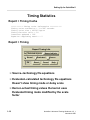
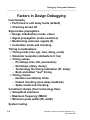
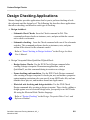
Design Checking Concepts
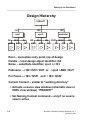
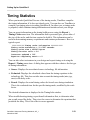
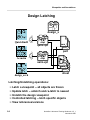
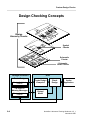
You can use DVE for interactive design hierarchy checking. Unlike symbol,
schematic sheet, or schematic checks in Design Architect, design hierarchy
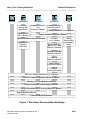
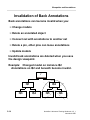
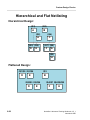
checks examine the design at all levels (as shown on the previous page) with
respect to the current design configuration rules specified in the design viewpoint.
Design hierarchy checking is performed to verify the syntax of the evaluated
design to ensure that downstream applications can use the design. During design
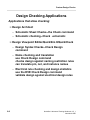
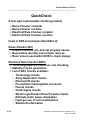
hierarchy checks, you can also run name and electrical rule checks (written using
QuickCheck). You can also run the design hierarchy and QuickCheck checks
within QuickSim II which can save unnecessary invocation of DVE.
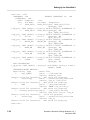
For a list of checks performed, refer to “Design Checking” in the Design Viewing
and Analysis Support Manual. For more information on Design Architect checks,
refer to “Design Error Checking” in the Design Architect User's Manual.
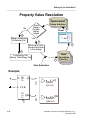
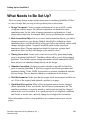
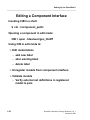
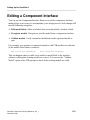
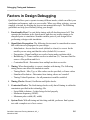
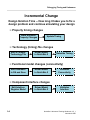
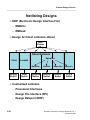
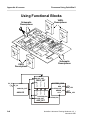
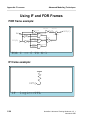
In the scenario presented in the bottom figure on the previous page, you have both
Design Architect and DVE open on the same design at the same time (Design
Architect on the component, DVE on the design viewpoint). You may want to use
this method on new designs, or on designs where you anticipate the possibility of
numerous errors. Using this technique can save time, by eliminating the need to
re-invoke applications.
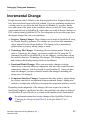
You are not required to run DVE checks every time your design changes, but it
can be helpful for some changes.
Note
You should perform design hierarchy checks prior to releasing the
design to downstream applications, such as board layout or before
netlisting the design for submission to your ASIC vendor.
QuickSim II Advanced Training Workbook, 8.5_1
November 1995
6-5