1
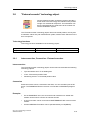
Download, testing and diagnostics
8-38
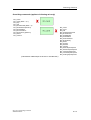
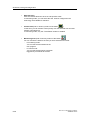
•
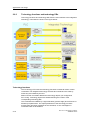
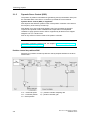
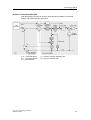
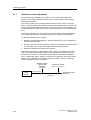
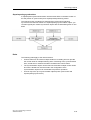
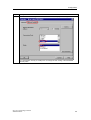
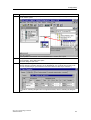
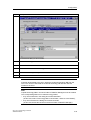
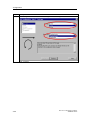
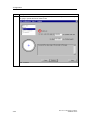
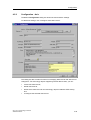
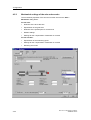
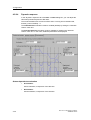
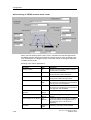
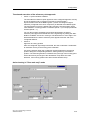
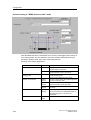
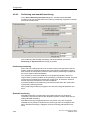
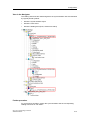
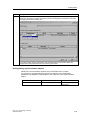
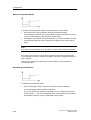
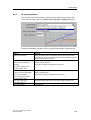
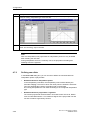
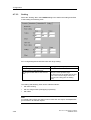
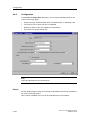
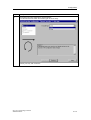
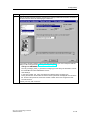
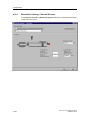
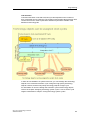
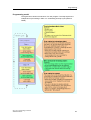
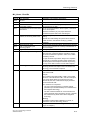
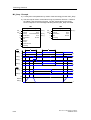
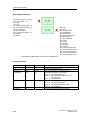
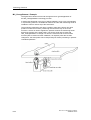
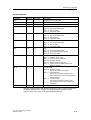
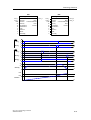
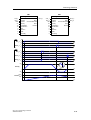
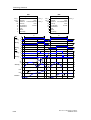
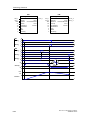
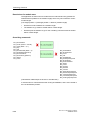
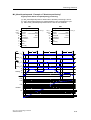
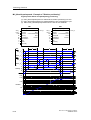
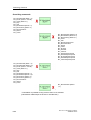
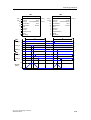
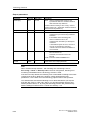
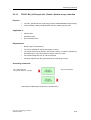
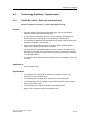
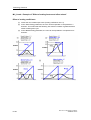
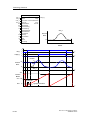
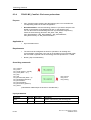
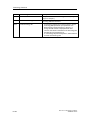
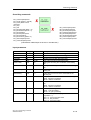
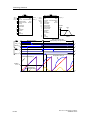
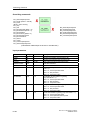
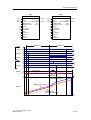
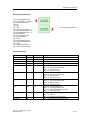
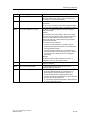
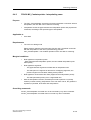
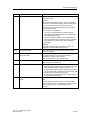
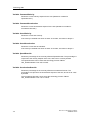
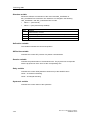
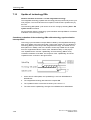
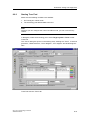
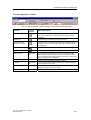
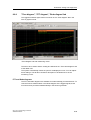
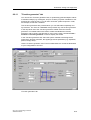
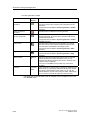
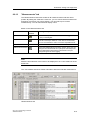
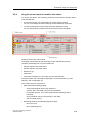
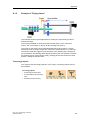
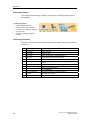
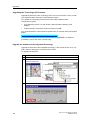
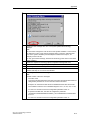
Selection area
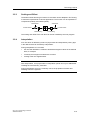
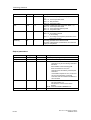
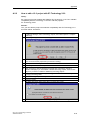
Click the relevant buttons to show or hide specific areas.
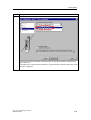
In monitoring mode, you can select the axis. All axes configured in the
technology are available for selection.
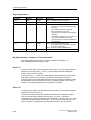
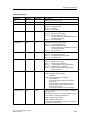
•
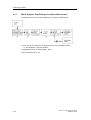
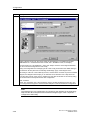
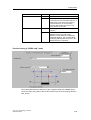
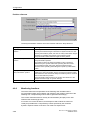
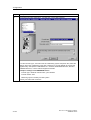
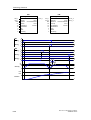
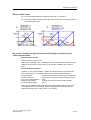
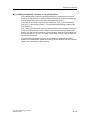
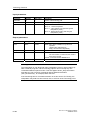
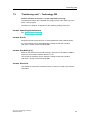
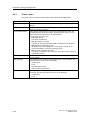
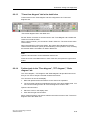
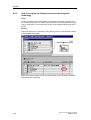
Control area (hide or show by means of the button
)
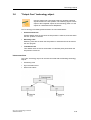
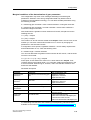
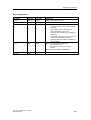
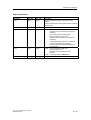
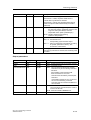
In this area, you can assume control priority over the selected axis and sent
motions commands to it.
In monitoring mode, only the "Trace Editor" button is enabled.
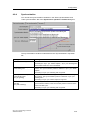
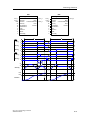
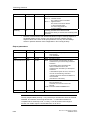
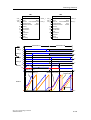
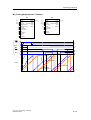
•
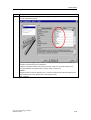
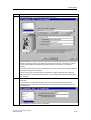
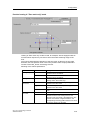
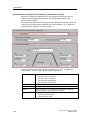
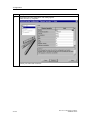
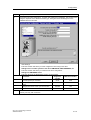
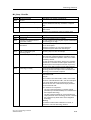
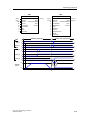
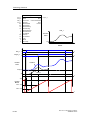
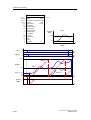
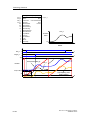
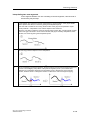
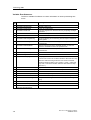
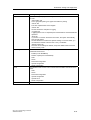
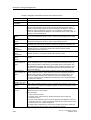
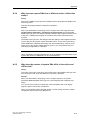
Monitoring area (hide of show by means of the button
)
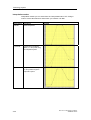
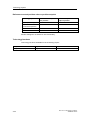
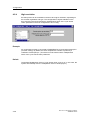
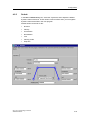
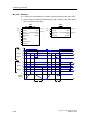
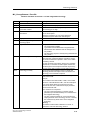
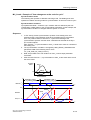
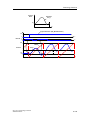
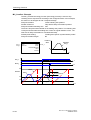
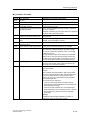
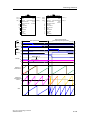
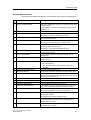
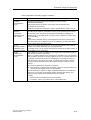
You can monitor the data for the axis you have selected in this area:
-
in monitoring mode:
You can test motions initiated in the
user program.
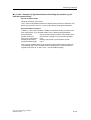
-
in control mode:
You can test motions which have been
triggered by commands to the axis.
CPU 317T: Technology Functions
A5E00251798-03