1
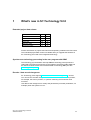
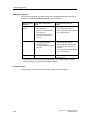
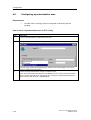
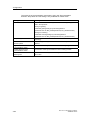
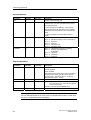
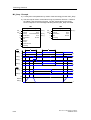
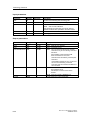
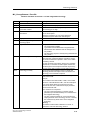
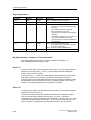
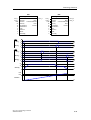
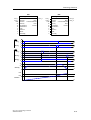
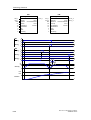
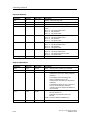
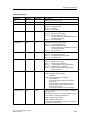
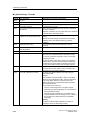
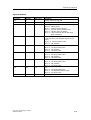
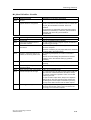
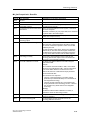
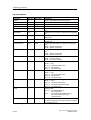
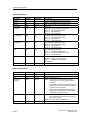
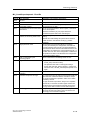
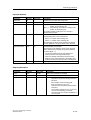
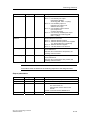
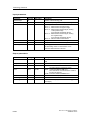
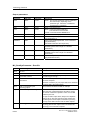
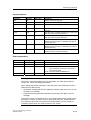
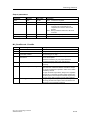
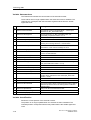
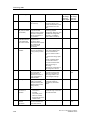
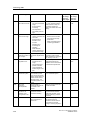
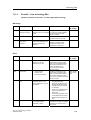
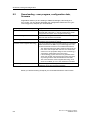
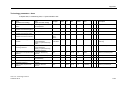
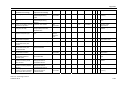
Configuration
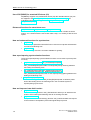
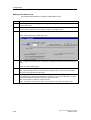
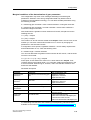
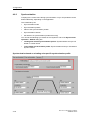
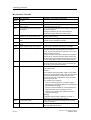
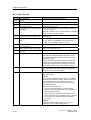
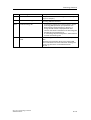
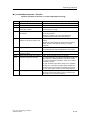
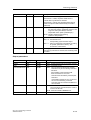
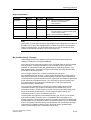
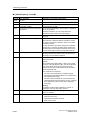
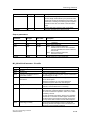
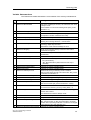
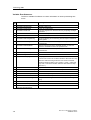
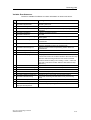
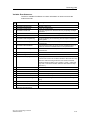
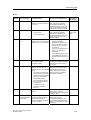
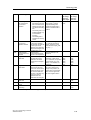
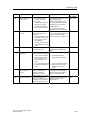
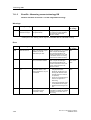
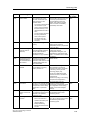
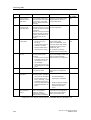
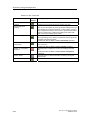
Step
Description
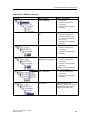
2.
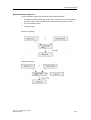
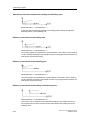
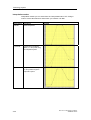
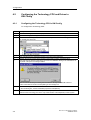
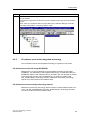
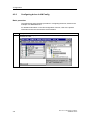
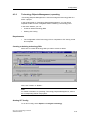
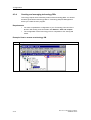
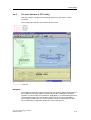
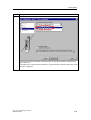
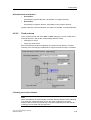
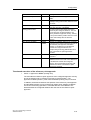
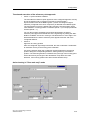
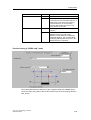
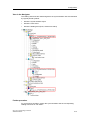
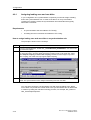
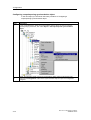
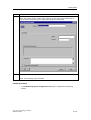
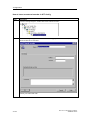
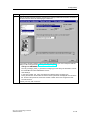
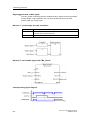
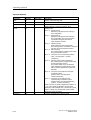
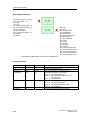
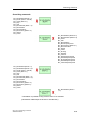
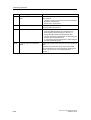
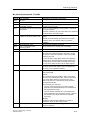
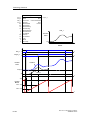
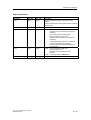
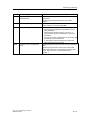
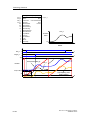
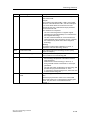
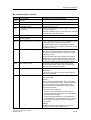
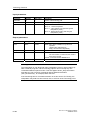
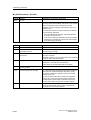
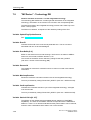
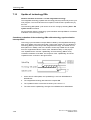
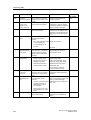
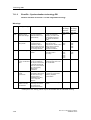
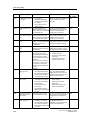
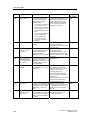
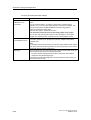
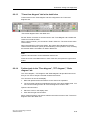
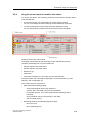
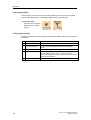
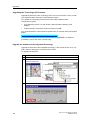
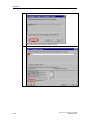
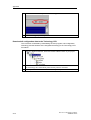
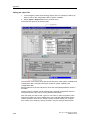
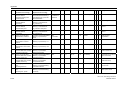
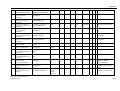
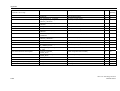
Select the drive component (example: "SIMODRIVE 611 universal"), then drag-and-drop it to
the DP master system.
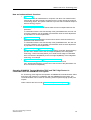
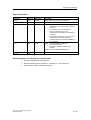
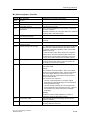
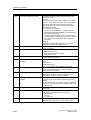
3.
4.
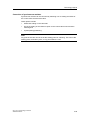
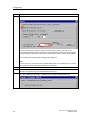
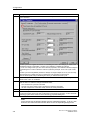
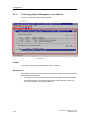
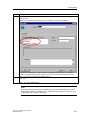
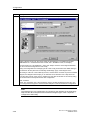
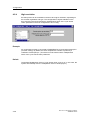
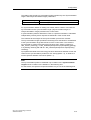
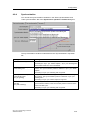
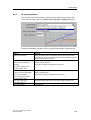
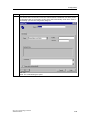
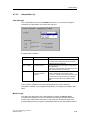
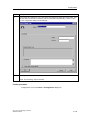
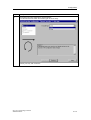
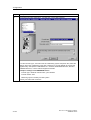
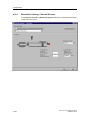
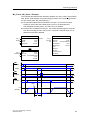
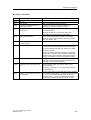
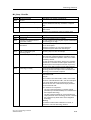
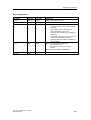
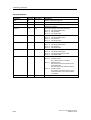
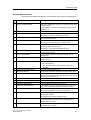
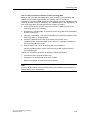
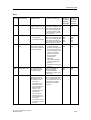
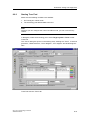
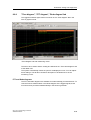
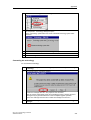
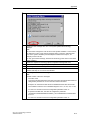
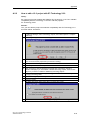
The "Properties – PROFIBUS interface SIMODRIVE 611 U DP2, DP3" opens.
Configure the relevant PROFIBUS address, for example, 4. Confirm with "OK."
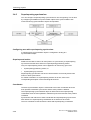
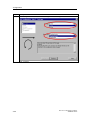
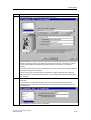
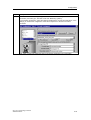
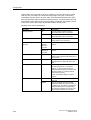
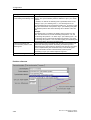
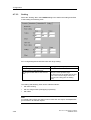
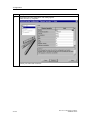
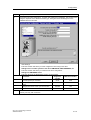
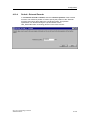
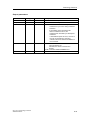
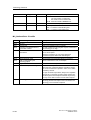
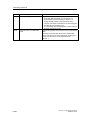
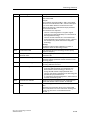
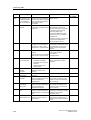
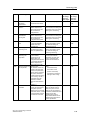
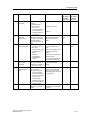
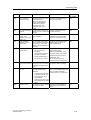
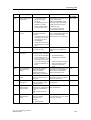
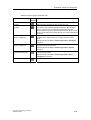
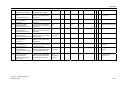
The "Properties - Drive" dialog box opens.
Close the dialog box with "OK."
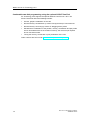
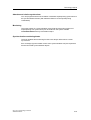
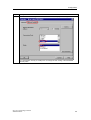
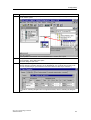
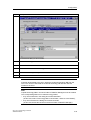
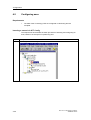
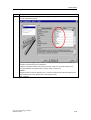
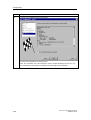
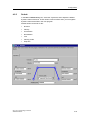
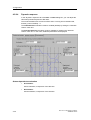
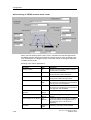
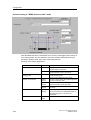
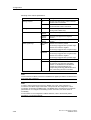
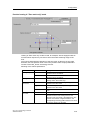
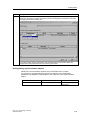
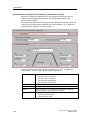
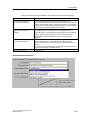
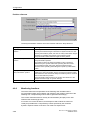
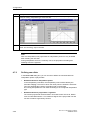
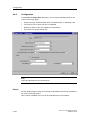
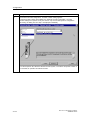
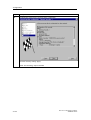
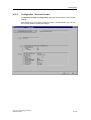
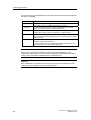
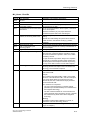
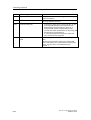
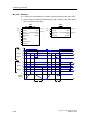
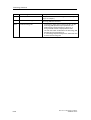
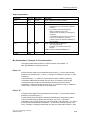
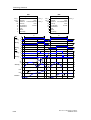
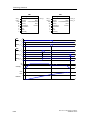
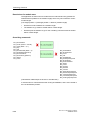
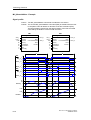
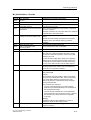
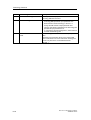
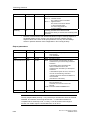
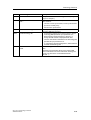
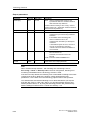
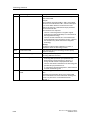
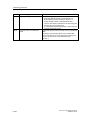
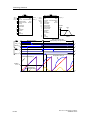
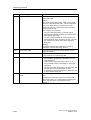
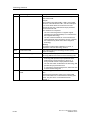
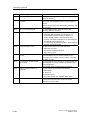
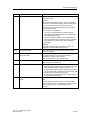
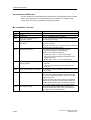
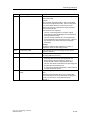
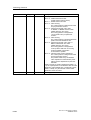
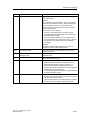
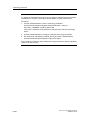
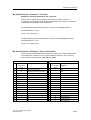
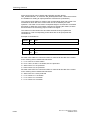
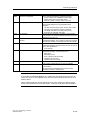
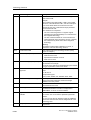
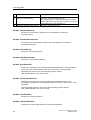
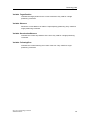
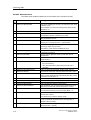
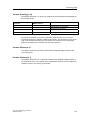
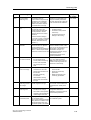
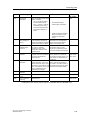
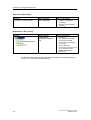
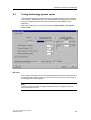
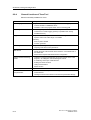
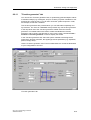
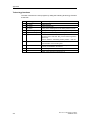
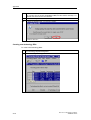
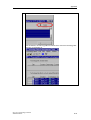
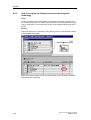
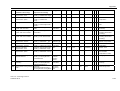
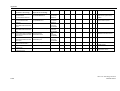
Change to the "Configuration" tab of the "DP Slave properties" dialog box, then select the
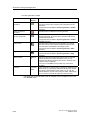
relevant telegram (example: telegram 102 for SIMODRIVE 611 universal with one axis to use
the axis as positioning or synchronization axis without DSC and with torque reduction.)
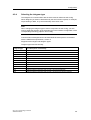
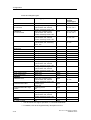
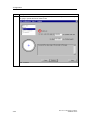
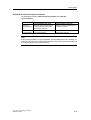
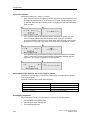
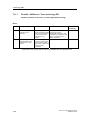
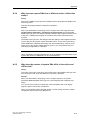
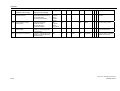
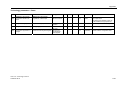
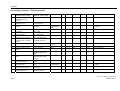
For details on selecting telegrams and on supported function, refer to "Selecting the telegram
type".
CPU 317T: Technology Functions
A5E00251798-03
4-7