1
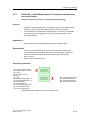
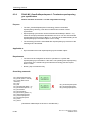
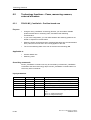
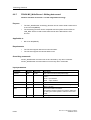
Technology DBs
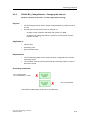
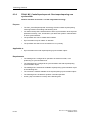
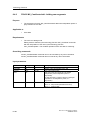
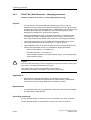
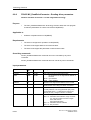
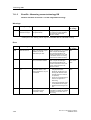
7.11.2
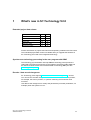
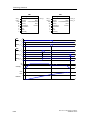
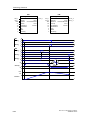
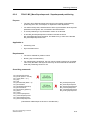
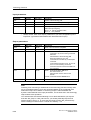
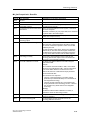
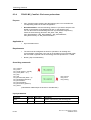
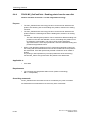
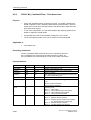
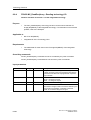
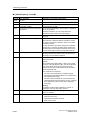
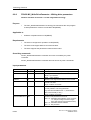
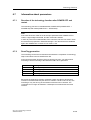
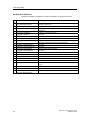
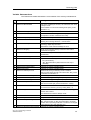
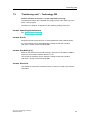
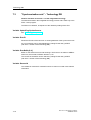
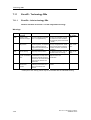
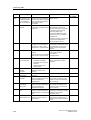
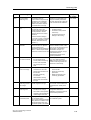
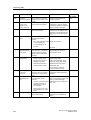
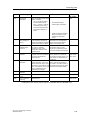
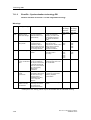
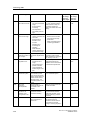
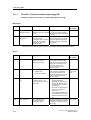
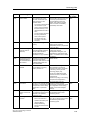
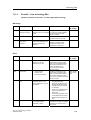
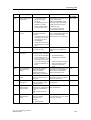
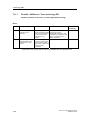
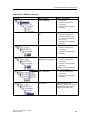
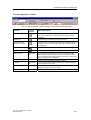
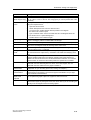
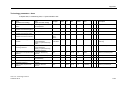
ErrorIDs - Synchronization technology DB
Valid for firmware version V3.1.x of the integrated technology
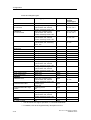
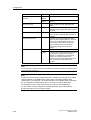
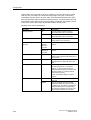
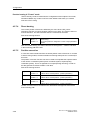
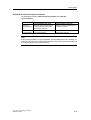
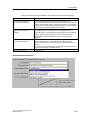
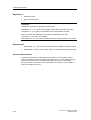
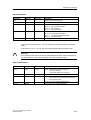
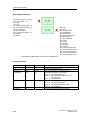
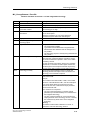
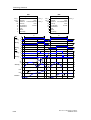
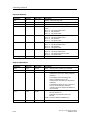
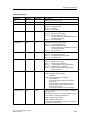
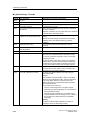
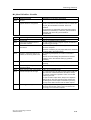
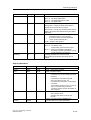
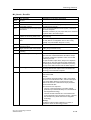
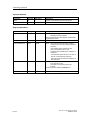
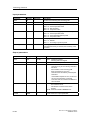
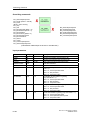
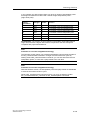
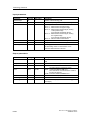
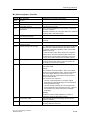
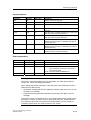
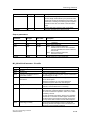
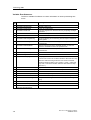
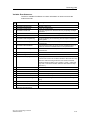
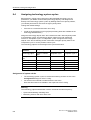
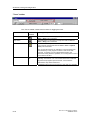
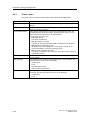
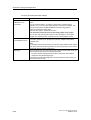
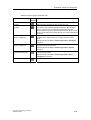
Warnings
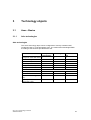
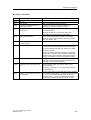
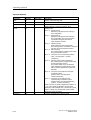
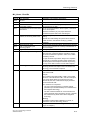
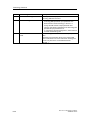
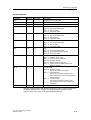
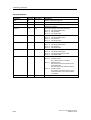
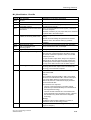
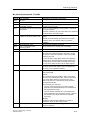
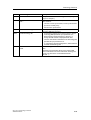
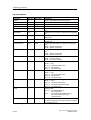
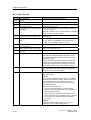
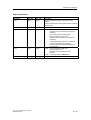
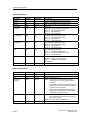
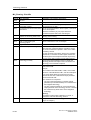
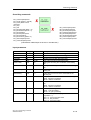
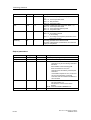
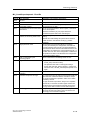
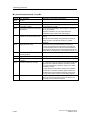
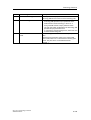
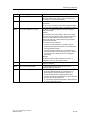
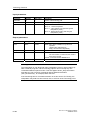
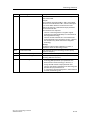
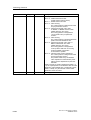
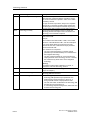
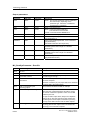
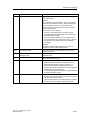
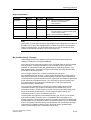
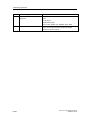
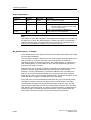
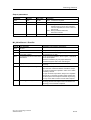
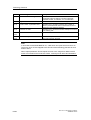
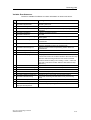
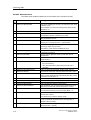
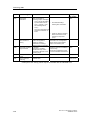
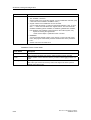
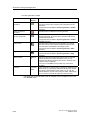
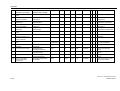
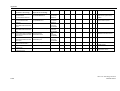
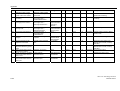
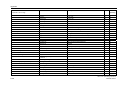
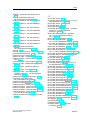
ErrorID Warning message
Possible causes
To correct or avoid errors
Interrupts in Interrupts in
S7T Config* S7T Config*
Synchroni- Synchronization object zation axis
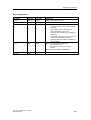
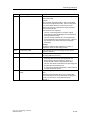
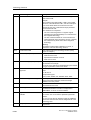
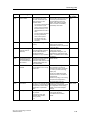
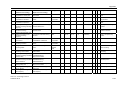
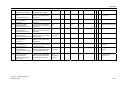
20010
20010
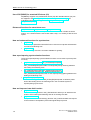
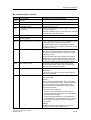
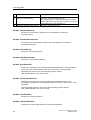
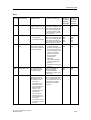
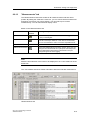
Dynamic values are The dynamic values of the
being limited
command (velocity,
acceleration, delay or
starting torque) are being
limited, because they are
out of configured limits.
Check why the setpoint
40002,
values are too high:
40003,
configured max. values; mean 40004
velocity setpoint interface;
encoder connection;
mechanical installation.
40002,
40003,
40004,
50003,
50005
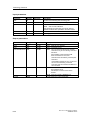
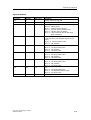
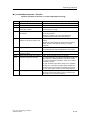
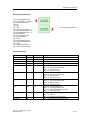
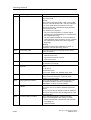
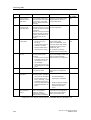
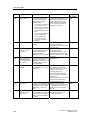
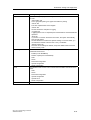
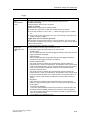
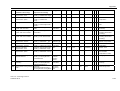
0022
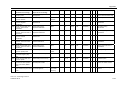
Internal warning
For detailed information, refer 50103,
to the alarm view in
50104,
S7T Config
50105,
50106,
50108,
50109
20009,
40109,
50010
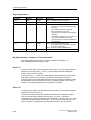
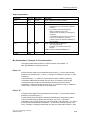
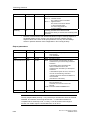
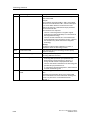
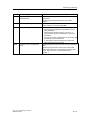
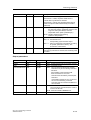
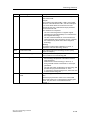
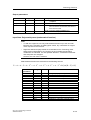
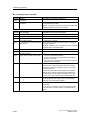
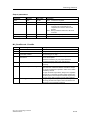
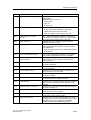
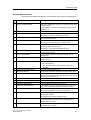
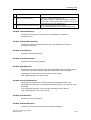
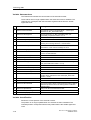
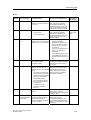
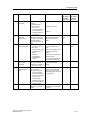
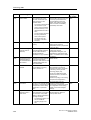
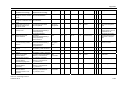
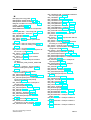
0023
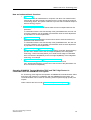
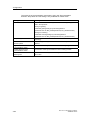
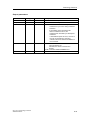
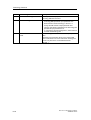
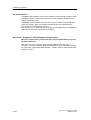
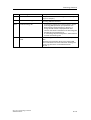
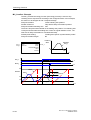
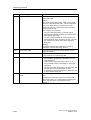
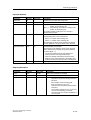
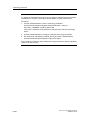
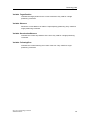
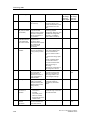
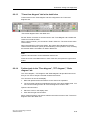
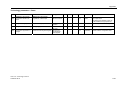
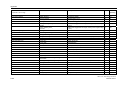
In your configuration,
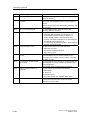
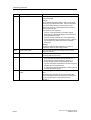
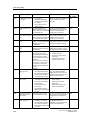
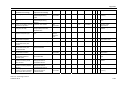
Stop time is limited The specified stop time
increase the stop time or the
by max. acceleration can not be maintained.
value
The stop time of the drive max. acceleration.
is extended, because its
value can not be reached
due to the currently
effective max.
acceleration.
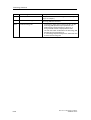
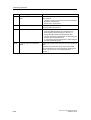
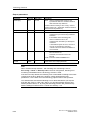
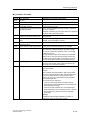
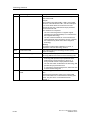
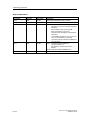
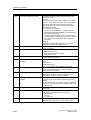
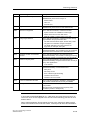
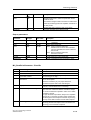
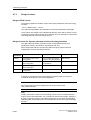
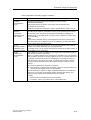
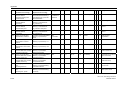
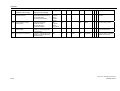
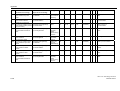
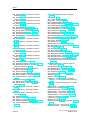
0024
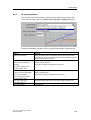
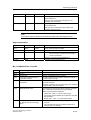
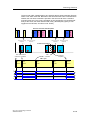
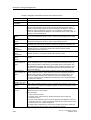
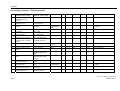
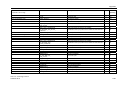
Long-term instability The nominator and
of gear
denominator values of the
synchronism
gear ratio are too high.
This may result in
mathematical rounding
errors in long-term
operation.
Adjust the gear ratio,
or correct any inaccuracies
caused by repeated
synchronization
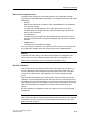
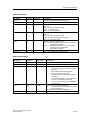
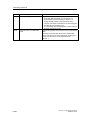
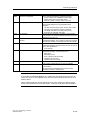
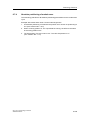
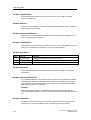
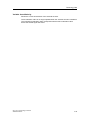
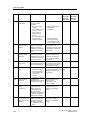
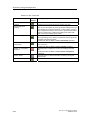
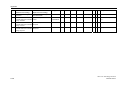
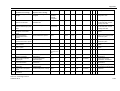
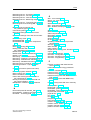
0026
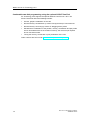
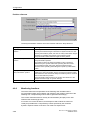
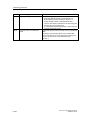
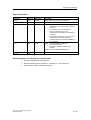
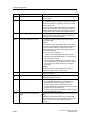
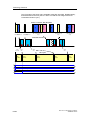
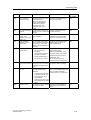
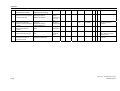
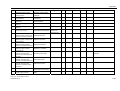
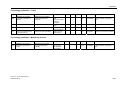
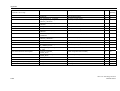
The position is
limited to the SW
limit switches
Check the calculated target
position
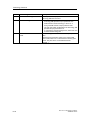
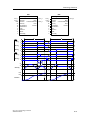
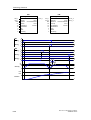
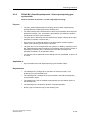
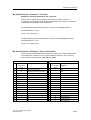
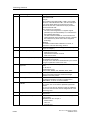
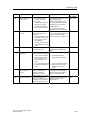
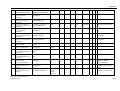
0020
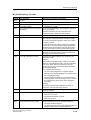
Restart to apply
parameter changes
0021
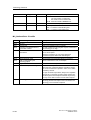
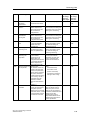
You have changed a
parameter which is not
applied directly
Temporary internal
problem
The target position of a
positioning command is
out of range of the
software limit switches
To apply the parameter
changes, you need to lock
and reinitialize the object
(MC_Reset with Restart =
TRUE)
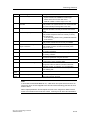
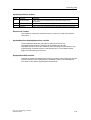
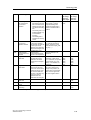
40013
0023
50008
40105
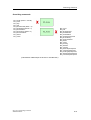
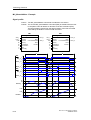
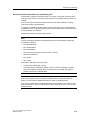
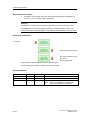
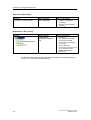
* Interrupts in S7T Config, which may be associated with the indicated warning.
7-36
CPU 317T: Technology Functions
A5E00251798-03