1
Configuration
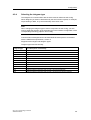
4.2.3
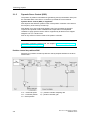
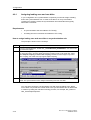
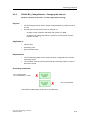
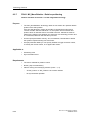
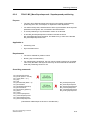
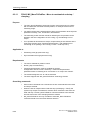
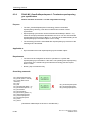
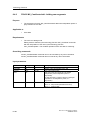
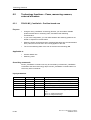
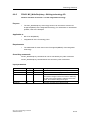
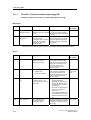
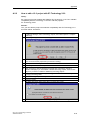
Configuring drives in HW Config
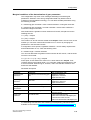
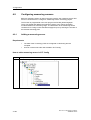
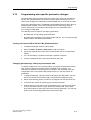
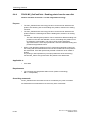
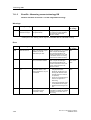
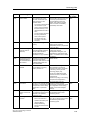
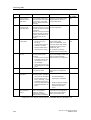
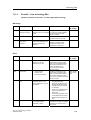
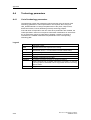
Basic procedure
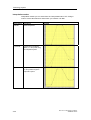
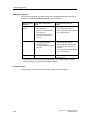
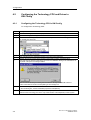
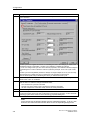
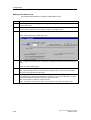
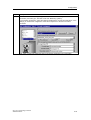
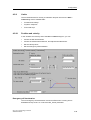
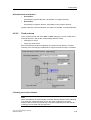
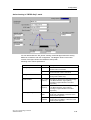
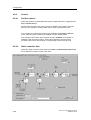
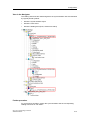
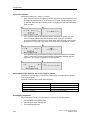
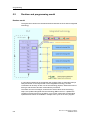
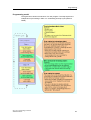
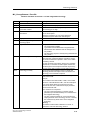
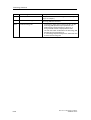
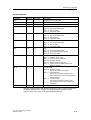
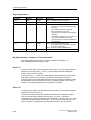
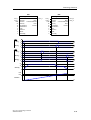
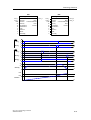
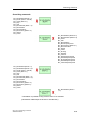
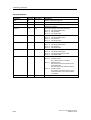
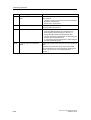
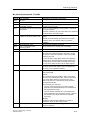
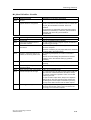
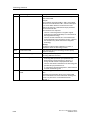
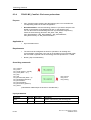
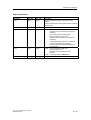
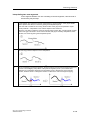
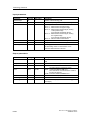
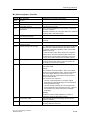
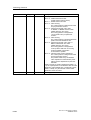
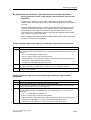
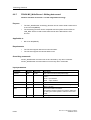
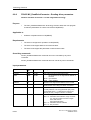
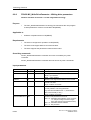
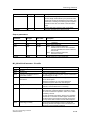
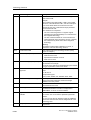
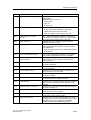
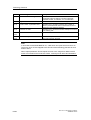
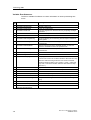
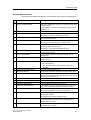
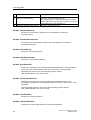
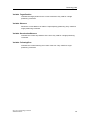
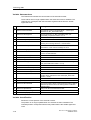
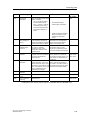
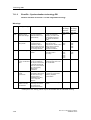
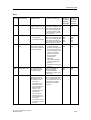
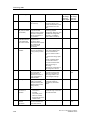
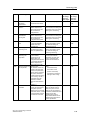
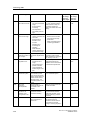
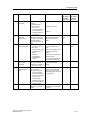
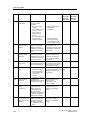
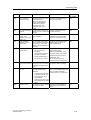
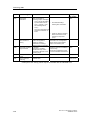
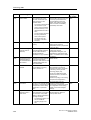
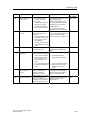
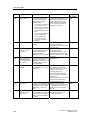
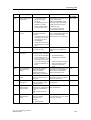
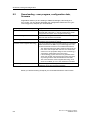
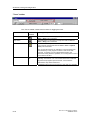
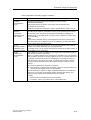
The steps below show the basic procedure in configuring the drives, based on the
example of a SIMODRIVE 611.
For detailed information on the HW Configuration of drives, refer to the product
information and to the relevant drive documentation.
Step
Description
1.
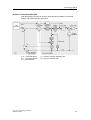
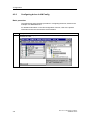
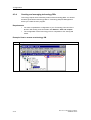
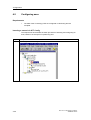
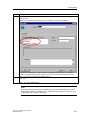
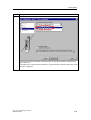
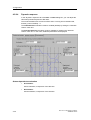
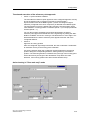
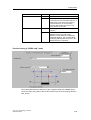
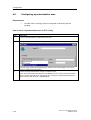
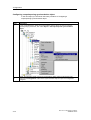
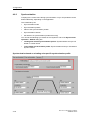
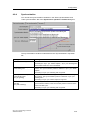
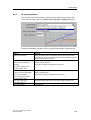
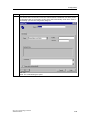
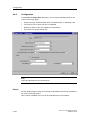
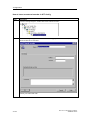
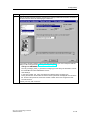
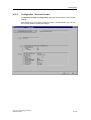
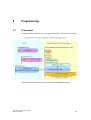
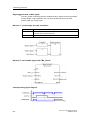
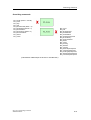
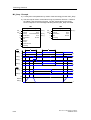
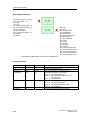
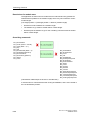
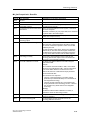
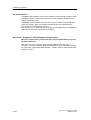
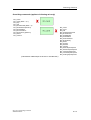
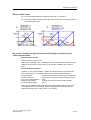
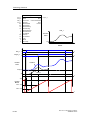
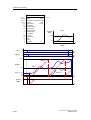
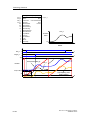
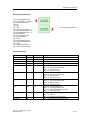
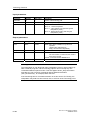
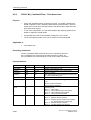
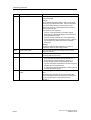
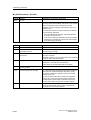
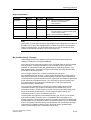
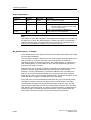
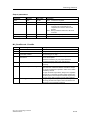
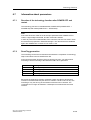
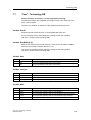
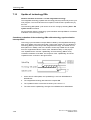
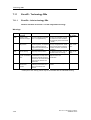
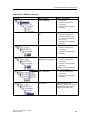
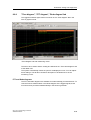
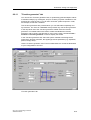
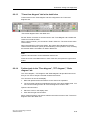
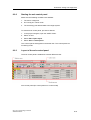
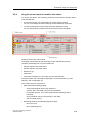
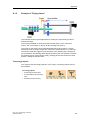
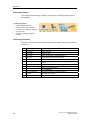
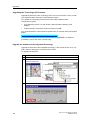
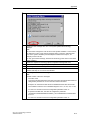
In the Hardware catalog, open the "CPU 317T > PROFIBUS DP(DRIVE) > Drives >
SIMODRIVE" folder.
4-6
CPU 317T: Technology Functions
A5E00251798-03