1
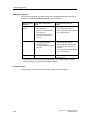
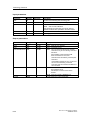
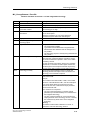
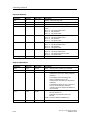
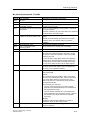
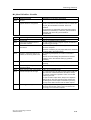
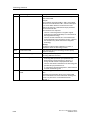
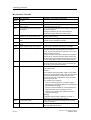
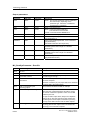
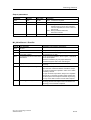
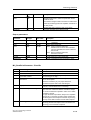
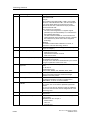
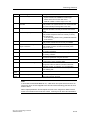
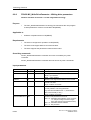
Configuration
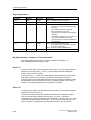
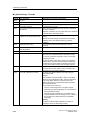
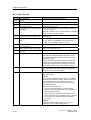
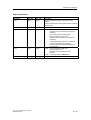
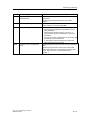
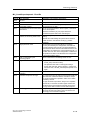
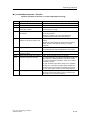
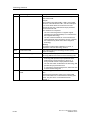
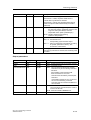
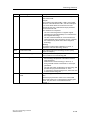
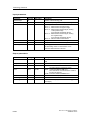
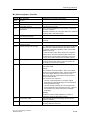
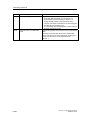
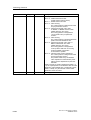
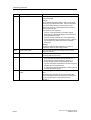
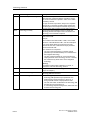
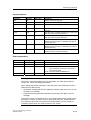
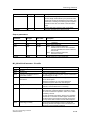
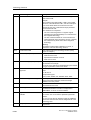
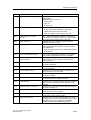
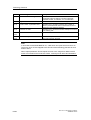
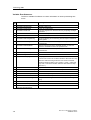
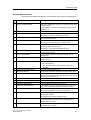
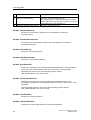
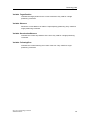
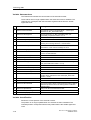
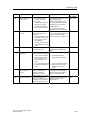
Step
Description
10.
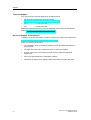
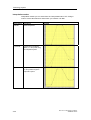
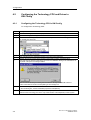
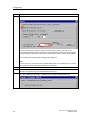
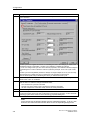
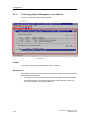
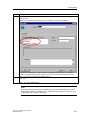
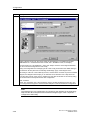
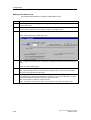
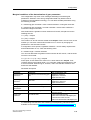
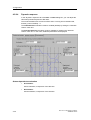
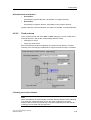
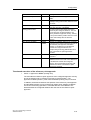
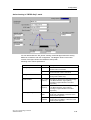
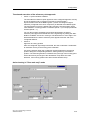
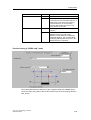
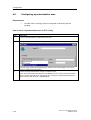
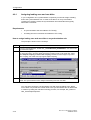
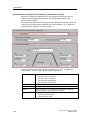
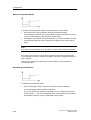
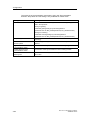
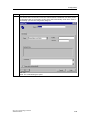
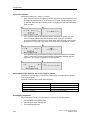
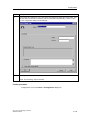
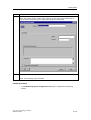
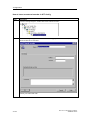
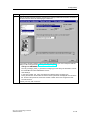
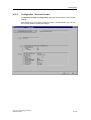
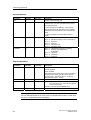
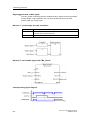
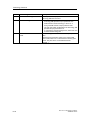
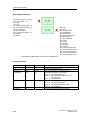
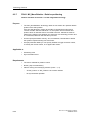
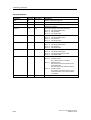
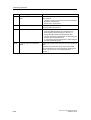
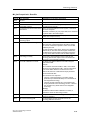
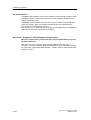
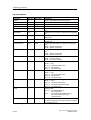
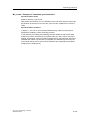
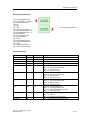
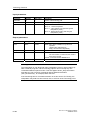
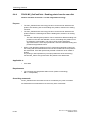
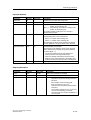
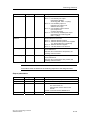
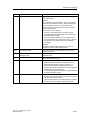
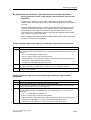
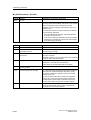
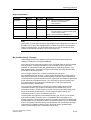
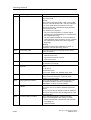
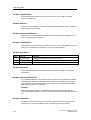
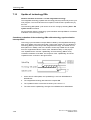
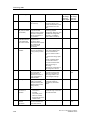
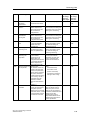
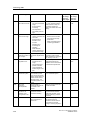
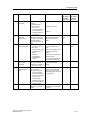
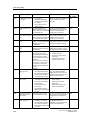
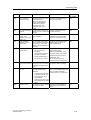
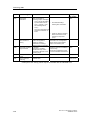
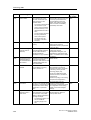
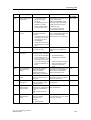
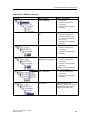
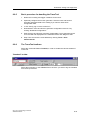
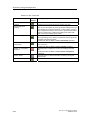
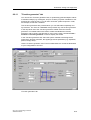
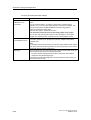
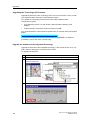
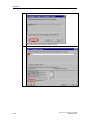
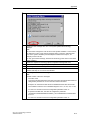
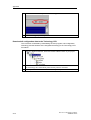
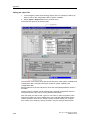
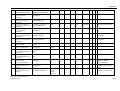
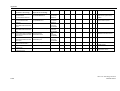
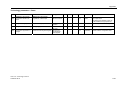
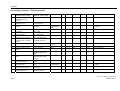
Click "Options". In the next dialog box, set the "Activate constant bus cycle time" check box.
For the constant DP bus cycle time, enter the synchronized cycle time you want use for
synchronized operation the drive components on the DP(DRIVE). Observe the device-specific
properties and the project data volume of the components you want to operate on DP(DRIVE).
Do not change the remaining default settings in this dialog box.
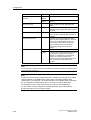
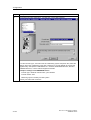
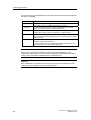
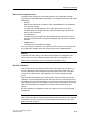
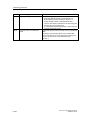
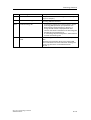
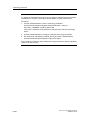
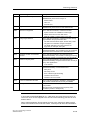
Note:
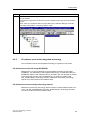
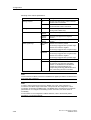
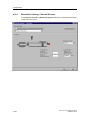
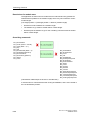
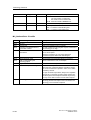
You can also set up your drives in the properties dialog boxes. The constant DP bus cycle and
the cycle time are then automatically enabled or synchronized.
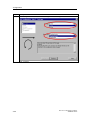
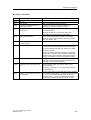
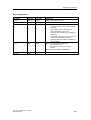
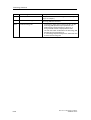
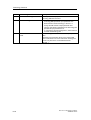
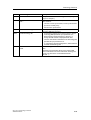
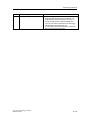
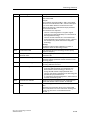
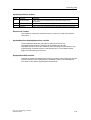
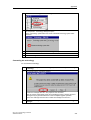
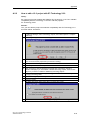
11.
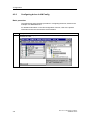
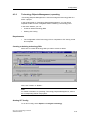
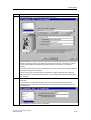
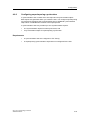
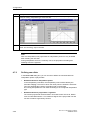
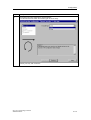
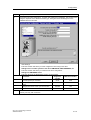
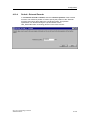
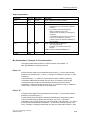
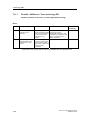
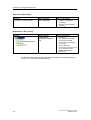
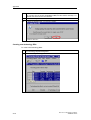
Close all dialog boxes of HW Config by clicking "OK".
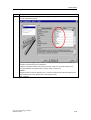
12.
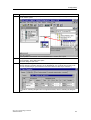
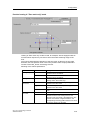
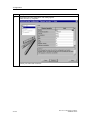
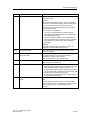
Increase the transmission velocity of the MPI/DP interface (see step 6.) Save and compile the
hardware configuration data, then download these to the PLC.
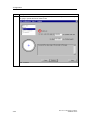
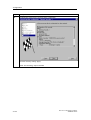
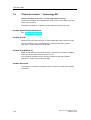
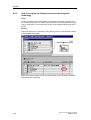
13.
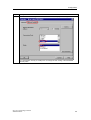
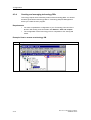
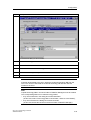
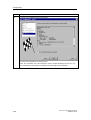
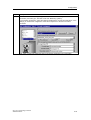
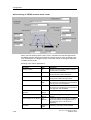
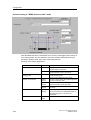
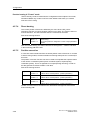
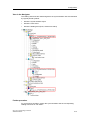
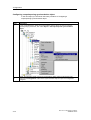
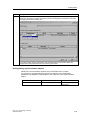
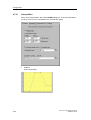
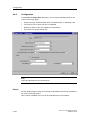
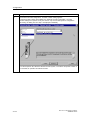
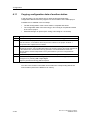
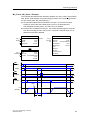
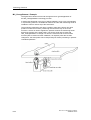
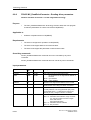
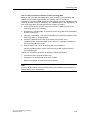
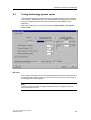
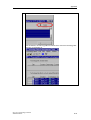
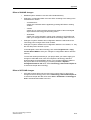
In HW Config, double-click the technology (slot 3), then select the "Technology System Data"
tab. Set the "Generate Technology System Data" and confirm the settings with "OK."
4-4
CPU 317T: Technology Functions
A5E00251798-03