1
SYNC
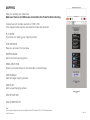
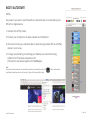
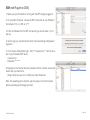
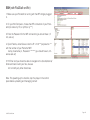
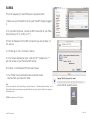
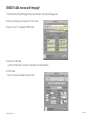
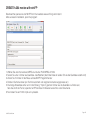
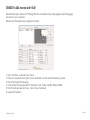
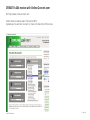
Make sure that the movie file on the PocketVJ has the same name on all slaves.
1. Connect to your PocketVJ as described in 1. Connecting.
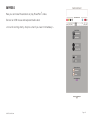
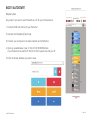
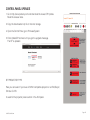
2. Set only one PocketVJ to master, set all others to slave (otherwise it will not work!)
3. Connect them directly with a RJ45 cable if there is only one slave,
use a switch to connect more players, if you use a router, make sure its configured to 192.168.2.1
Notes:
- If you connect a slave after the master is already running, master must be restarted to detect the slave and send the timecode.
- We recommend to make the first 10s of the movie black, so there will be no visible syncs for the observer.
- Make sure there are only video files in the ‘video’ folder, if there are images etc. sync will not work.
- For syncing you must have same conditions for every Pocket VJ, that means:
same output resolutions, movie files with same length, framerate and bitrate and also if there is audio same
output and bitrate (if you use different conditions, you might have to adjust the sync window by hand).
- Sync has an accuracy of ±3fps (regular its between 0 and1 fps),
if there is always the same offset of synced files you can manually change the sync window and tolerance to fit
your needs. Its depending on the bitrate (check: https://github.com/turingmachine/omxplayer-sync)
Play the testfile and take pictures with your camera to check the timecode offset.
- Make sure your files are at least 60s in duration to increase the stability of seamless looping.
- For Syncing with high bitrates (1080p with 12 MB/s or more) you may set the SYNC_OFFSET to a higher value
- If the slave always starts again after 5 seconds of playing, make sure it gets signal from master, and make sure
it has the same conditions as the master.
©2015 PocketVJ.com
Page 10