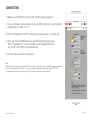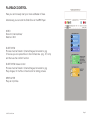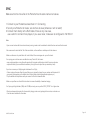
1
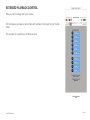
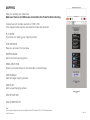
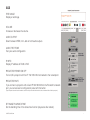
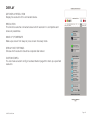
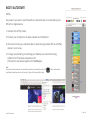
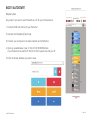
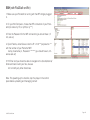
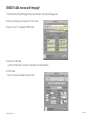
AUX
TEST IMAGE
Display a testimage.
VOLUME
Increase or decrease the volume.
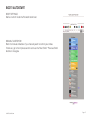
AUDIO OUTPUT
Select between HDMi, mini Jack or both audio outputs.
AUDIO TEST TONE
Test your audio configuration.
IP INFO:
Display IP address of RJ45 or Wifi.
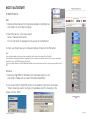
PROJECTOR POWER ON OFF
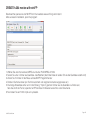
Turn on/off a projector with the IP: 192.168.2.254 connected to the networkport.
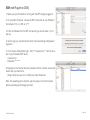
PROJECTOR INFO
If you connect a projector with a fixed IP:192.168.2.254 to the PocketVJ’s network
port, you can access its configuration panel with this button.
(if your computer has more than one network, make sure only the one with the PocketVJ is active, otherwise it will not find the projector).
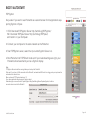
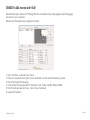
SET IMAGE PLAYBACK TIME
Set the blending time of the slide show function (stays also after reboot).
©2015 PocketVJ.com
Page 15