1
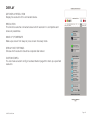
MAPPING
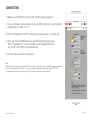
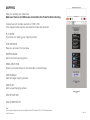
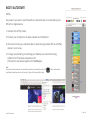
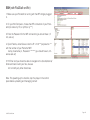
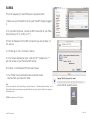
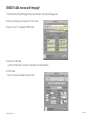
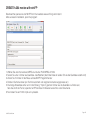
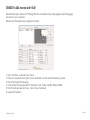
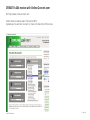
Here you can Map your Video files.
Make sure there is an USB mouse connected to the PocketVJ before booting.
It works best with a Video resolution of 1280 x 720.
If the mapped video stutters, decrease the bitrate and resolution.
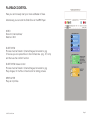
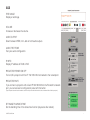
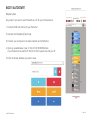
PLAY MODE
This mode is for playing your mapping content.
TEXTURE MODE
Here you can select the input area.
MAPPING MODE
Define the mesh warping points.
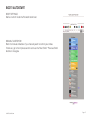
MEDIA SELECTION
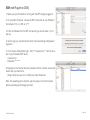
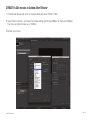
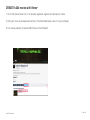
Select input media stored on /internal/video or internal/image.
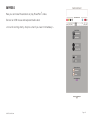
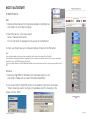
ADD TRIANGLE
Adds a triangle mapping surface.
ADD QUAD
Adds a quad mapping surface.
DELETE SURFACE
SAVE COMPOSITION
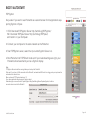
Note:
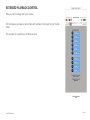
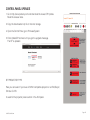
If you connect a keyboard, you are not able to use the CP remote but the 1,2,3,4, keyboard keys.
©2015 PocketVJ.com
Page 12