1
Customizing and Other Advanced Topics
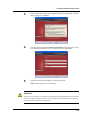
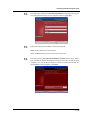
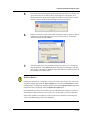
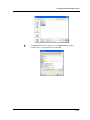
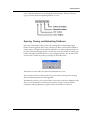
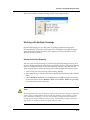
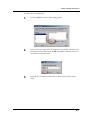
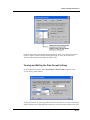
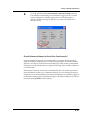
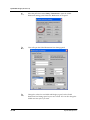
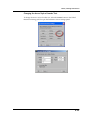
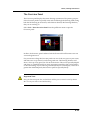
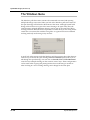
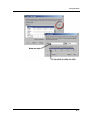
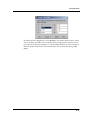
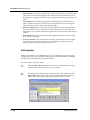
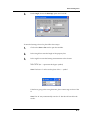
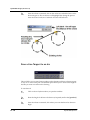
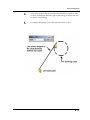
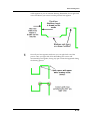
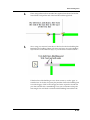
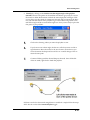
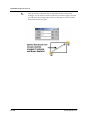
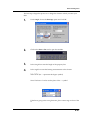
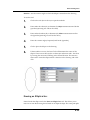
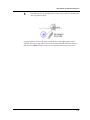
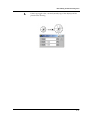
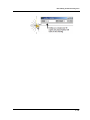
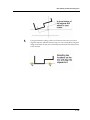
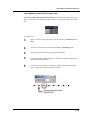
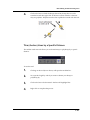
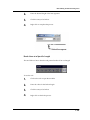
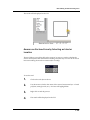
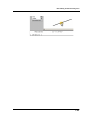
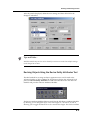
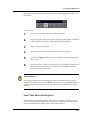
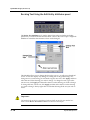
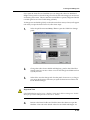
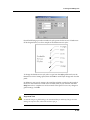
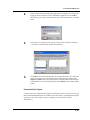
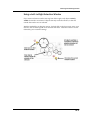
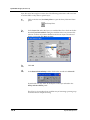
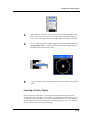
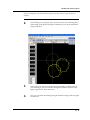
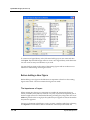
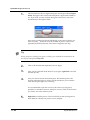
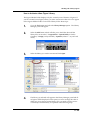
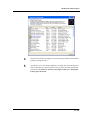
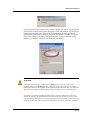
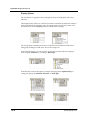
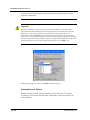
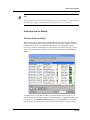
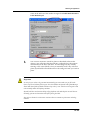
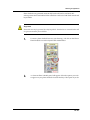
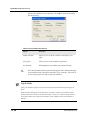
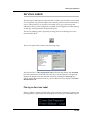
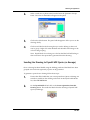
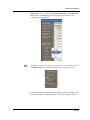
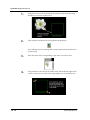
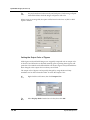
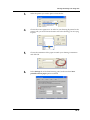
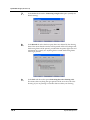
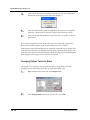
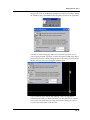
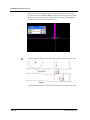
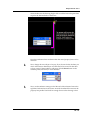
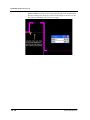
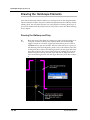
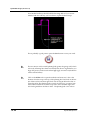
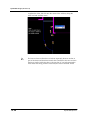
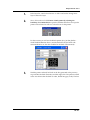
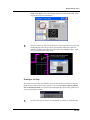
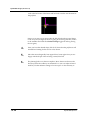
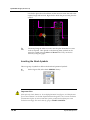
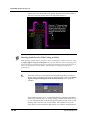
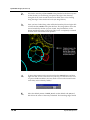
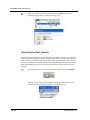
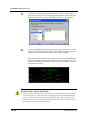
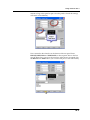
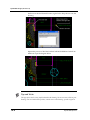
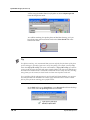
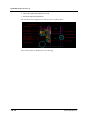
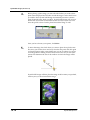
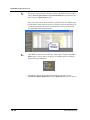
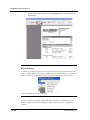
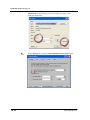
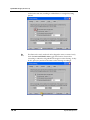
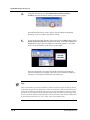
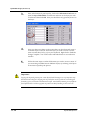
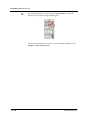
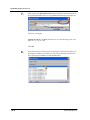
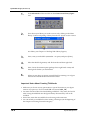
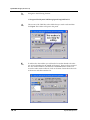
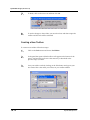
the text). This will open the Edit Entity Attributes panel. Click on the Data
tab and select the button with the ‘A’. Make any adjustments to the style
and size then click Ok on this panel and Ok on the next. You will notice
that the sample text has changed.
8.
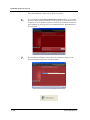
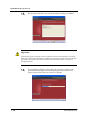
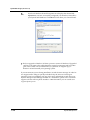
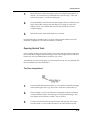
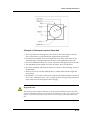
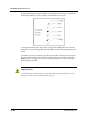
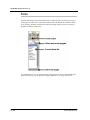
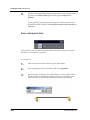
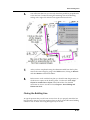
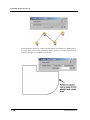
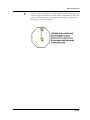
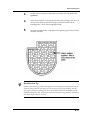
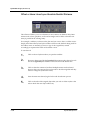
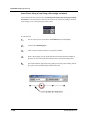
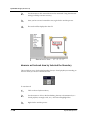
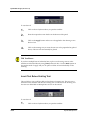
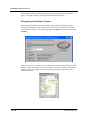
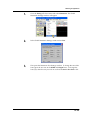
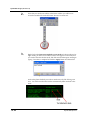
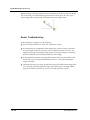
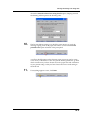
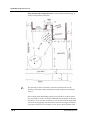
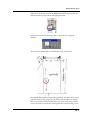
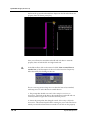
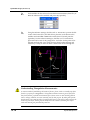
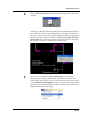
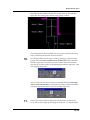
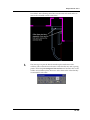
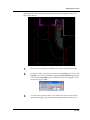
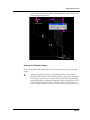
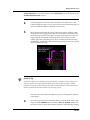
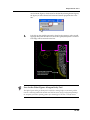
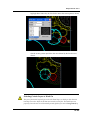
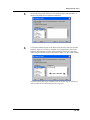
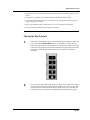
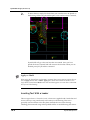
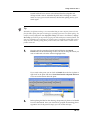
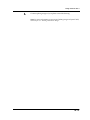
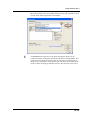
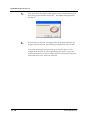
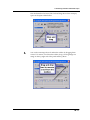
Once you have made all the necessary changes and are happy with the look
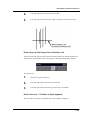
of your titleblock you must erase all the temporary text that was used but
be sure to leave the text nodes (the small triangles).
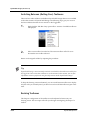
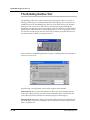
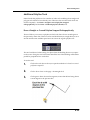
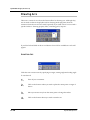
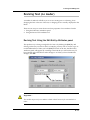
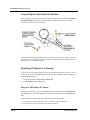
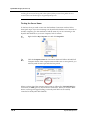
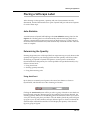
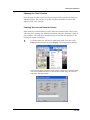
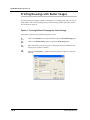
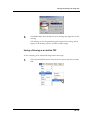
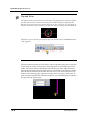
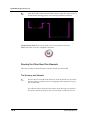
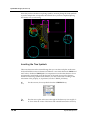
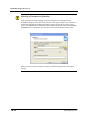
Saving a Custom Titleblock
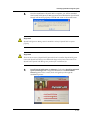
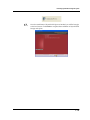
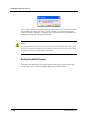
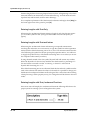
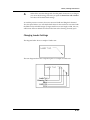
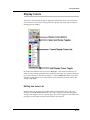
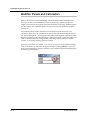
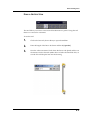
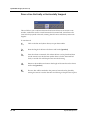
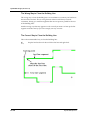
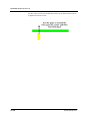
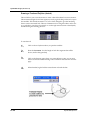
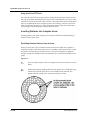
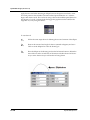
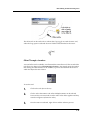
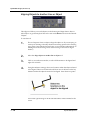
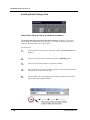
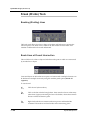
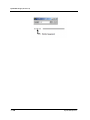
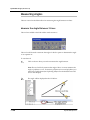
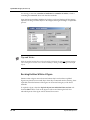
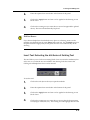
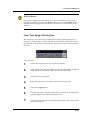
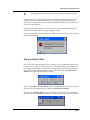
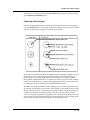
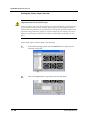
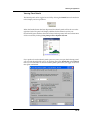
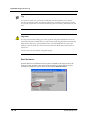
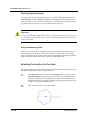
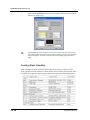
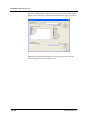
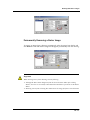
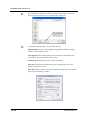
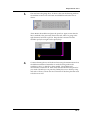
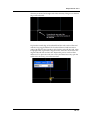
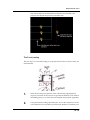
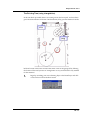
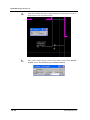
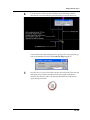
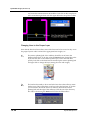
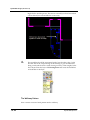
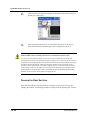
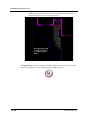
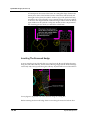
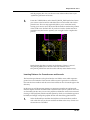
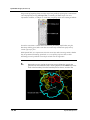
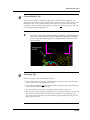
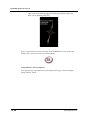
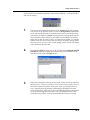
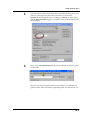
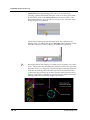
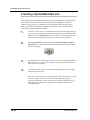
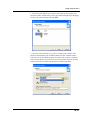
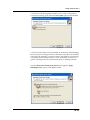
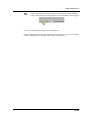
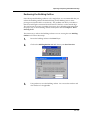
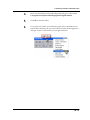
Before saving though, be sure that your “nodes” are still visible, otherwise they will
not be included in the figure.
18.7