1
DynaSCAPE Design (version 4.3)
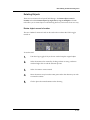
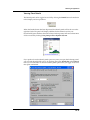
Setting the Library Layer Override
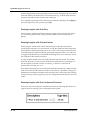
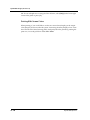
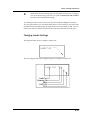
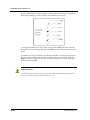
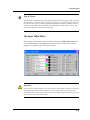
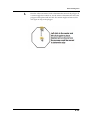
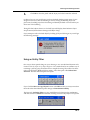
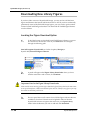
Important Note for Override Layers
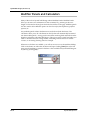
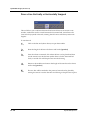
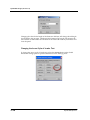
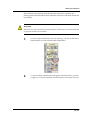
Setting the Library Layer Override is important as it controls which layer your library figures
get put in when it is inserted into a drawing. Keeping figures on their appropriate layers is
essential when using Modes to turn specific layers on and off while performing different tasks
and when creating Dimension, Lighting or Irrigation plans from your drawing. You can set
different override layers for each library. You cannot set individual override layers for each
figure.
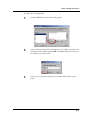
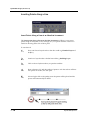
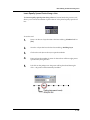
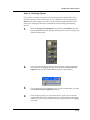
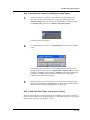
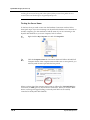
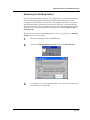
Follow these steps to set the Library Layer Override:
11.26
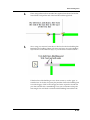
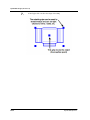
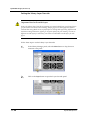
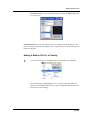
1.
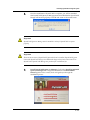
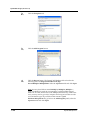
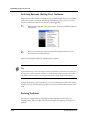
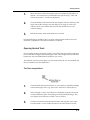
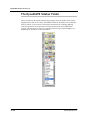
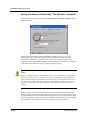
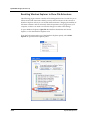
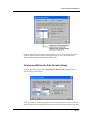
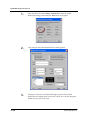
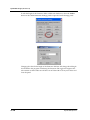
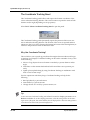
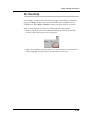
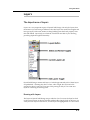
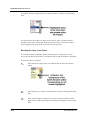
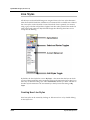
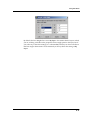
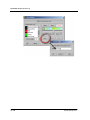
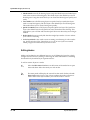
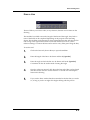
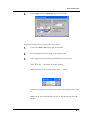
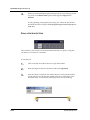
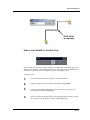
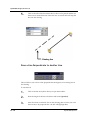
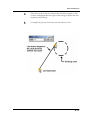
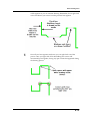
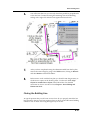
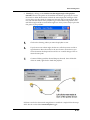
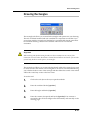
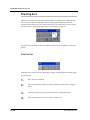
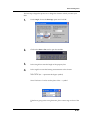
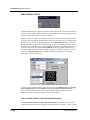
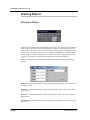
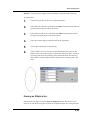
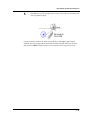
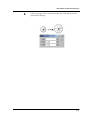
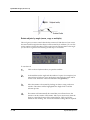
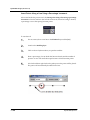
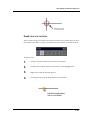
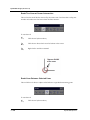
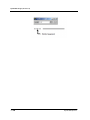
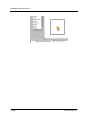
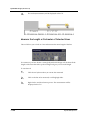
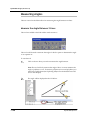
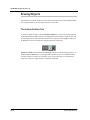
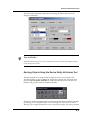
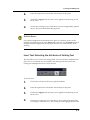
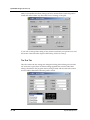
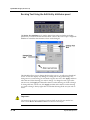
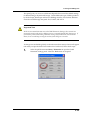
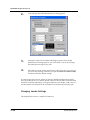
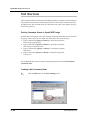
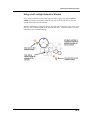
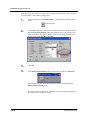
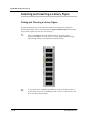
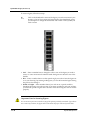
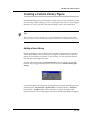
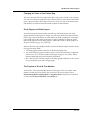
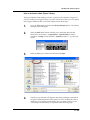
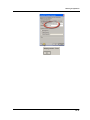
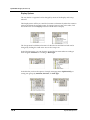
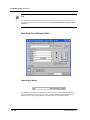
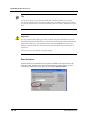
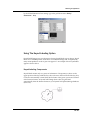
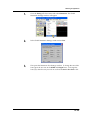
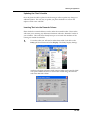
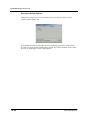
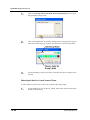
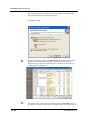
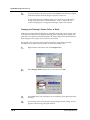
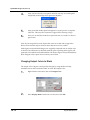
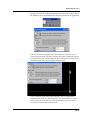
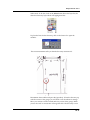
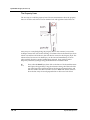
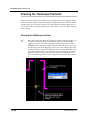
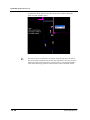
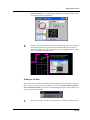
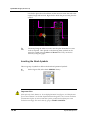
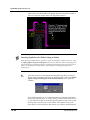
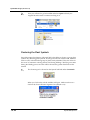
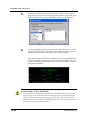
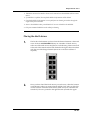
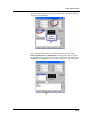
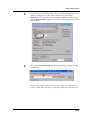
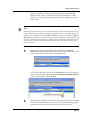
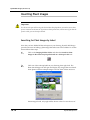
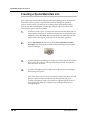
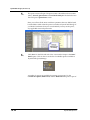
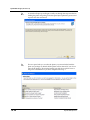
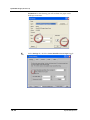
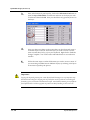
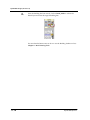
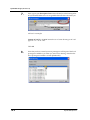
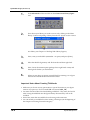
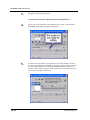
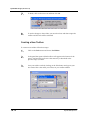
In the Library Manager panel, select the More button to drop down an
extension to the panel.
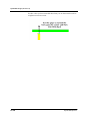
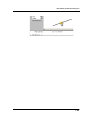
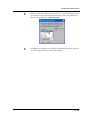
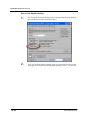
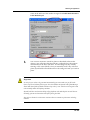
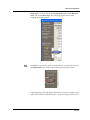
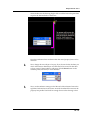
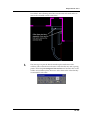
2.
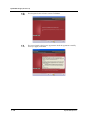
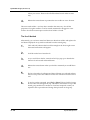
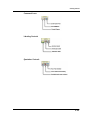
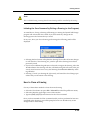
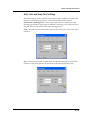
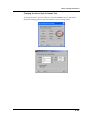
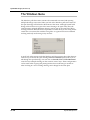
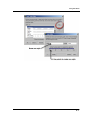
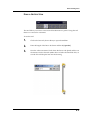
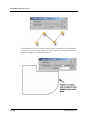
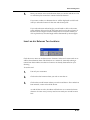
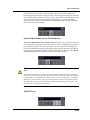
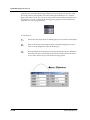
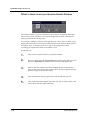
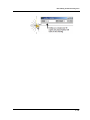
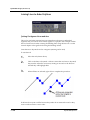
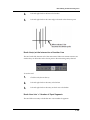
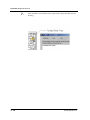
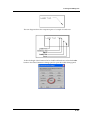
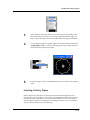
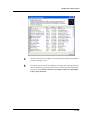
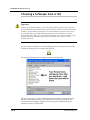
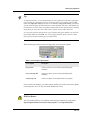
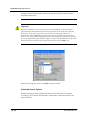
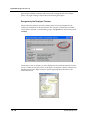
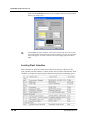
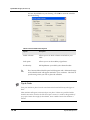
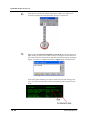
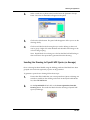
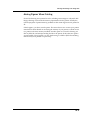
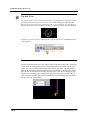
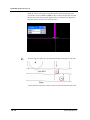
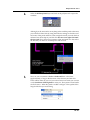
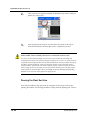
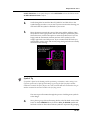
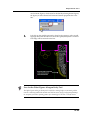
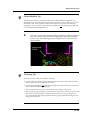
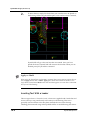
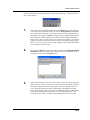
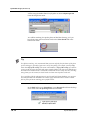
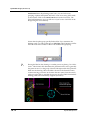
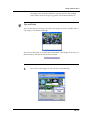
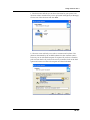
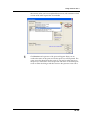
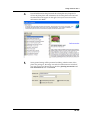
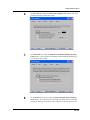
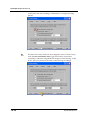
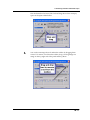
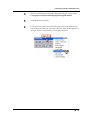
Click on the Layer button to open the Layer Override panel.
DynaSCAPE Software