1
Selecting and Filtering Entities
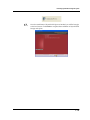
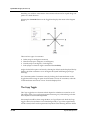
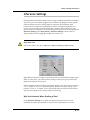
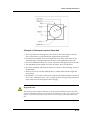
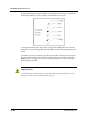
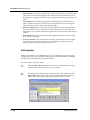
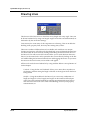
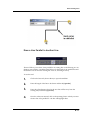
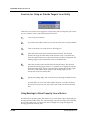
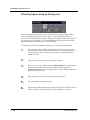
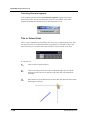
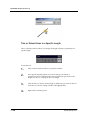
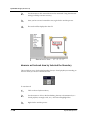
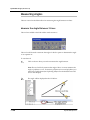
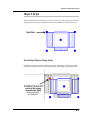
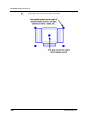
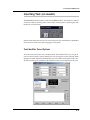
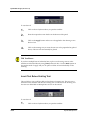
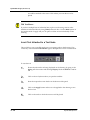
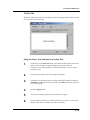
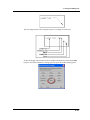
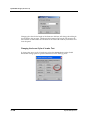
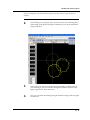
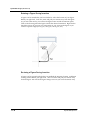
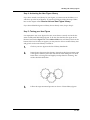
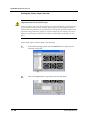
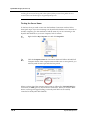
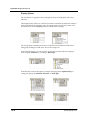
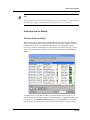
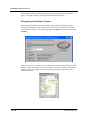
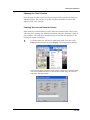
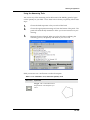
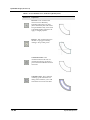
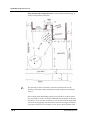
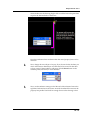
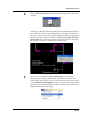
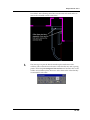
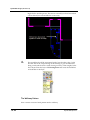
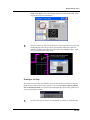
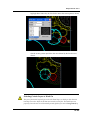
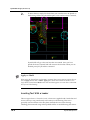
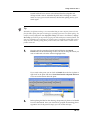
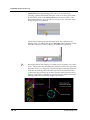
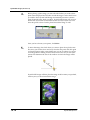
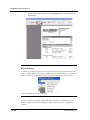
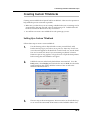
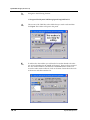
Using a Left-to-Right Selection Window
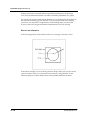
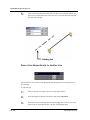
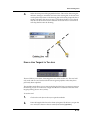
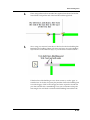
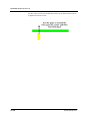
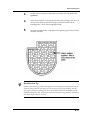
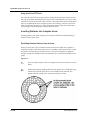
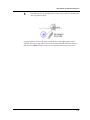
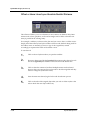
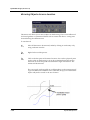
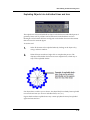
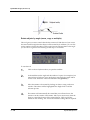
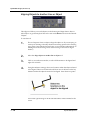
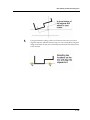
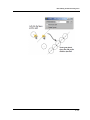
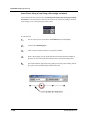
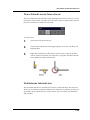
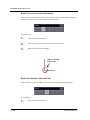
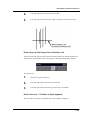
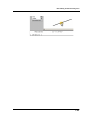
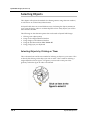
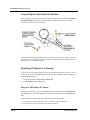
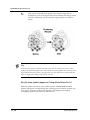
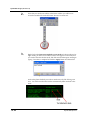
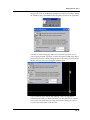
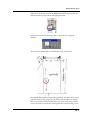
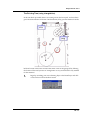
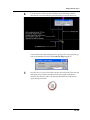
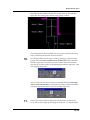
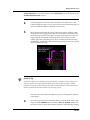
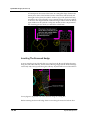
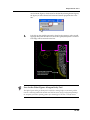
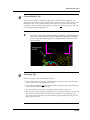
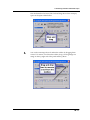
If you create a selection window moving from left-to-right, only objects entirely
within the window are selected. Objects that only touch the window, or that are
outside the window are not selected.
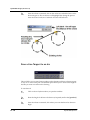
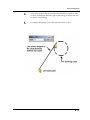
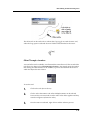
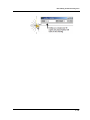
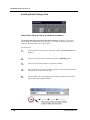
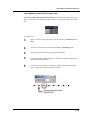
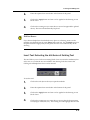
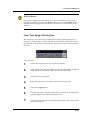
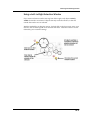
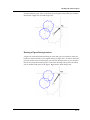
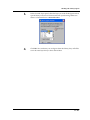
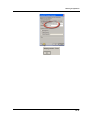
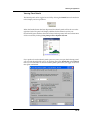
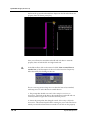
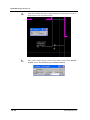
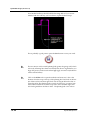
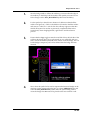
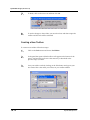
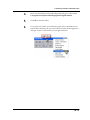
With this method do not drag the mouse. Just left-click on the first corner, move your
mouse to the second diagonal corner and left-click there. Selection windows are not
effected by your constraint settings.
10.3