1
DynaSCAPE Design (version 4.3)
Opening a Version 2.0/2.5 (Legacy) Drawing
or Project Bundle
Drawings that have been created and saved in an older version of DynaSCAPE (2.x)
will have the file extension (*.dpd) or ((*.prw).
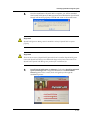
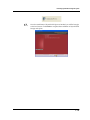
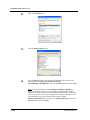
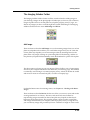
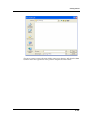
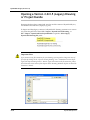
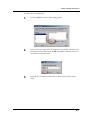
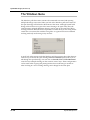
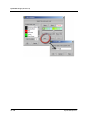
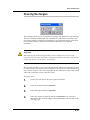
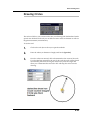
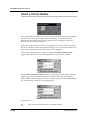
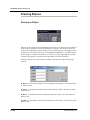
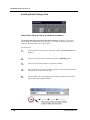
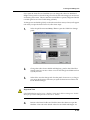
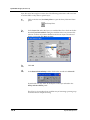
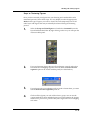
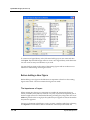
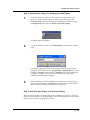
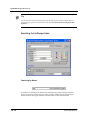
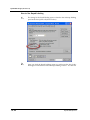
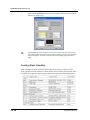
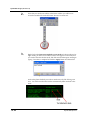
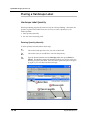
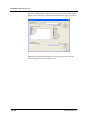
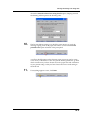
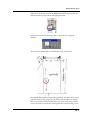
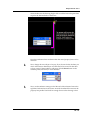
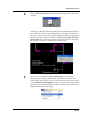
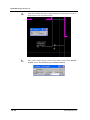
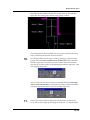
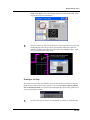
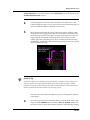
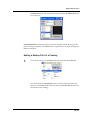
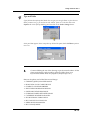
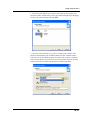
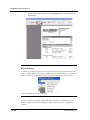
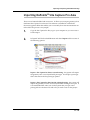
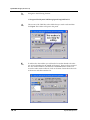
To Import an older (legacy) version of a DynaSCAPE drawing (version 2.0 or version
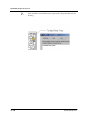
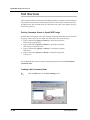
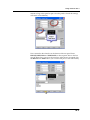
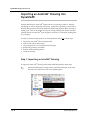
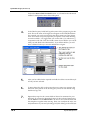
2.5), select the pull-down menu File | Import | DynaSCAPE 2.5 Drawing, or
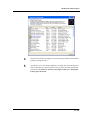
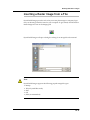
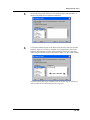
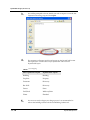
File | Import | DynaSCAPE 2.5 Project Bundle to open the Select Legacy
DynaSCAPE drawing file panel.
Important Note:
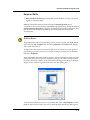
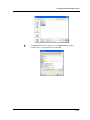
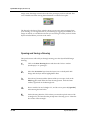
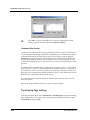
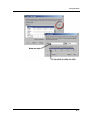
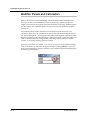
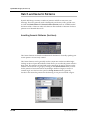
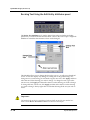
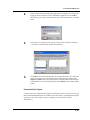
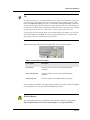
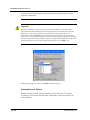
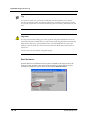
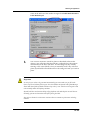
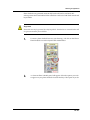
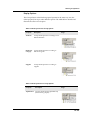
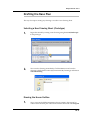
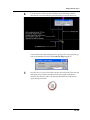
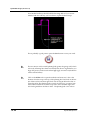
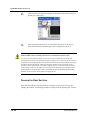
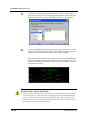
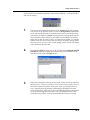
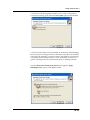
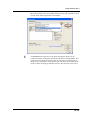
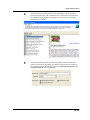
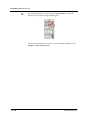
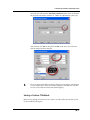
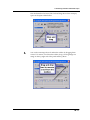
If you cannot see any file extensions for your drawings you may need to change the view of
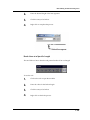
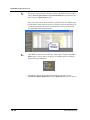
your files by clicking on the “Open an existing drawing” icon | View Menu icon (on the far
right of the Open Drawing Panel) | Details. If you still cannot see the file extensions, follow
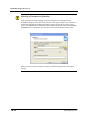
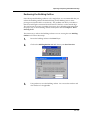
the instructions in the section of this chapter called “Resetting Windows Explorer to Show File
Extensions” (ahead).
3.4
DynaSCAPE Software