1
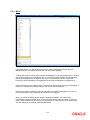
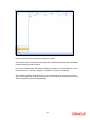
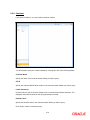
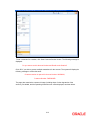
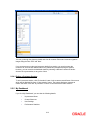
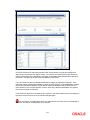
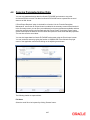
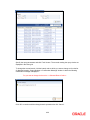
The maker remarks, override remarks and warnings are displayed during authorization. The first level authorizer can enter remarks against ‘First Checker Remarks’ and the next level authorizer can enter remarks against ‘Checker Remarks’. Click ‘View Changes’ button to view the modification. The following screen will be displayed. The changed details will be highlighted. Click ‘Exit’ button to go back to ‘Authorization’ screen. Select the modification that needs to be authorized and click ‘Ok’ button to authorize the transaction. If you do not want to confirm the authorization, click ‘Exit’ button. You will be taken back to the Tax Summary View. The record will not be authorized. 4.1.12 Retrieving information about a product The details about a product can be retrieved either as a display or in print. The details are available in two forms: The Product Summary View gives a list of the attributes of all the products The Product Detailed View gives you all the attributes about a specific product You can print the details of a product from any of these screens. 4-7