1
CHISON 600M (2009 VERSION) ULTRASOUND SYSTEM
Image control and adjustment
Caution: The depth can not be adjusted when the image is frozen.
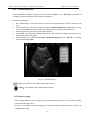
6.1.4 Zoom function
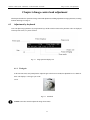
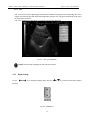
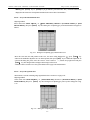
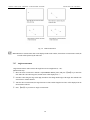
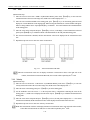
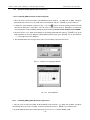
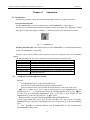
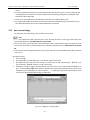
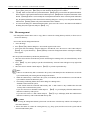
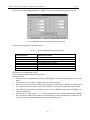
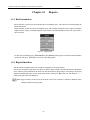
Press the 【ZOOM】 key to change image zooming step and its value displays in the parameter display area. There are
4 kinds of zooming mode: 1 to 4.
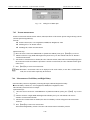
Fig. 6-5 ZOOM key
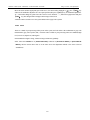
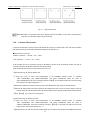
Note: Only the B mode image can be zoomed in real time.
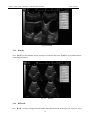
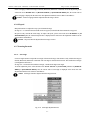
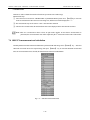
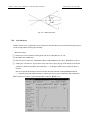
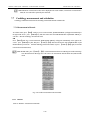
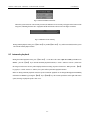
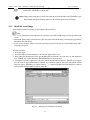
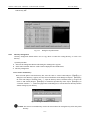
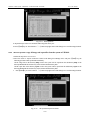
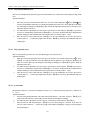
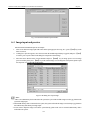
Fig 6-6 B Freeze Menu
6.1.5 IP
IP is the combination of a group of image processing parameters (gray, smoothness, frame averaging), which
represents the image processing effect.
The value range of IP is 0~9, represents the effect of 10 kinds of image processing respectively.
Operator may preset IP according to the requirement, please refer to 13.3.4 “Preset of IP” for preset details.
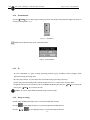
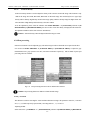
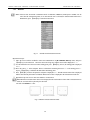
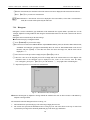
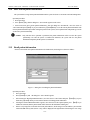
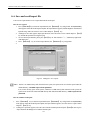
To adjust IP value, please select menu item-“IP” from [B IMAGE MENU] first, then press 【SET】key to increase IP
value or press 【END】 key to decrease IP value.
Caution:IP value is only available for B mode image in real time status.
6.1.6 Image reversing
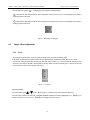
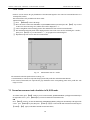
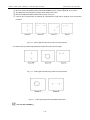
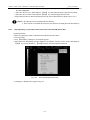
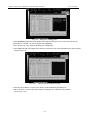
B mode image and B/M mode image can be reversed horizontally and vertically.
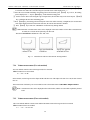
Press the
key, the displayed image is reversed in the right-left horizontal direction.
Press the 【↑】+
key, the displayed image is reversed in the up-down direction.
6-3