1
CHISON 600M (2009 VERSION)
6.
ULTRASOUND SYSTEM
Body Marks
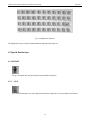
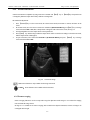
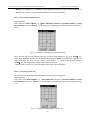
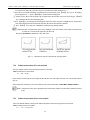
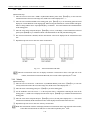
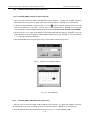
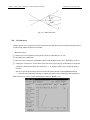
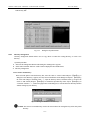
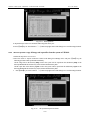
To pull the body marker, move the trackball to it, then turn the trackball. Pull the body marker to the required
location and press 【SET】 key to confirm. To delete the body marker, press “D” key before pressing 【SET】key.
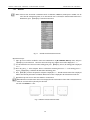
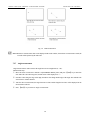
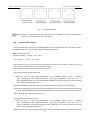
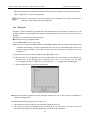
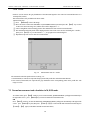
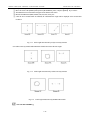
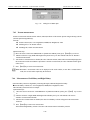
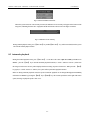
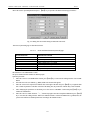
Fig 10-8 BODY MARK key
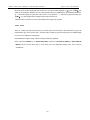
Caution: During the status to add body mark, it is prohibited to defreeze the image. To defreeze the image, please
finish the operation of adding body mark first.
Note: When the dialogue box of selecting body mark appears, to exit without adding any body mark, please press
【BODY MARK】key directly.
10-4