1
Using Voice Memo
Using the faceplate or remote controller—
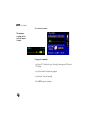
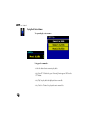
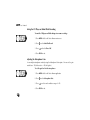
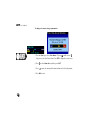
1. Press MENU while in Voice Memo application.
2. Press
to select Open, and then press ENT.
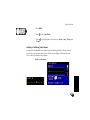
3. Select a memo, and then press ENT to start play back.
Fast Forward, Fast Reverse, and Pause
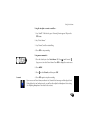
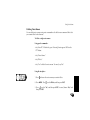
During playback, the following options are available—
• Press
to rewind (fast reverse).
• Press
to advance (fast forward).
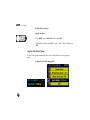
• Press ENT to pause playback, and then press ENT or
(Right) to resume.
• Press ENT to end playback.
169