1
User’s Manual
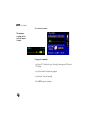
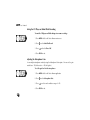
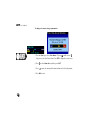
To delete all voice memos—
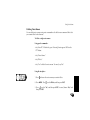
Using the faceplate—
1. Press MENU, choose Delete All, and then press ENT.
2. Choose “Yes,” and then press ENT. To cancel, choose “No,” and then press
ENT.
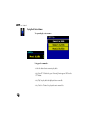
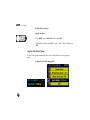
Using the Auto-Delete Option
The Auto Delete option automatically deletes voice memos based on a time period you
specify.
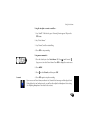
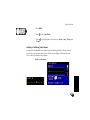
To change the auto-delete time period—
172