1
APPENDIX B
MAS
TER
PLE
X
Q T TO O
LBARS
B.3
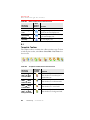
Plate Toolbar
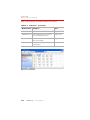
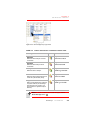
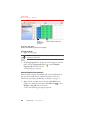
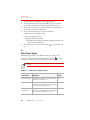
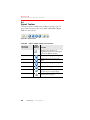
The Plate toolbar is available when a Plate window is open. To show or
hide the plate toolbar, select Show > Show/Hide > Plate Tools from the
menu bar.
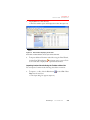
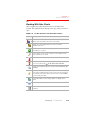
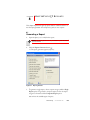
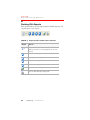
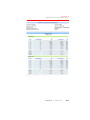
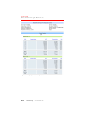
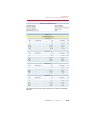
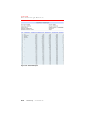
Figure B.3 Plate toolbar
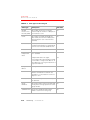
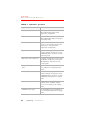
Table B.3
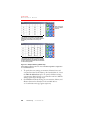
Plate toolbar buttons and functions
Menu Bar
Command
Plate
Selection Tool
Plate
Wells
Edit
Plate Virtual
Pipette
Plate
Filter
Analytes
Plate Import
Standards
Plate Data
Charts
Plate View
Curves
B.4
MasterPlex QT
Main
Toolbar
Button
Function
Click this button to enable users to
select wells in the Plate window using
the mouse cursor.
Click this button to enable users to
edit user-modifiable data in the Plate
window.
Enables the virtual pipette that is
used to transfer analyte data from a
source plate to a virtual plate.
Opens the virtual analyte filter. Note:
This button is only available when
the virtual pipette is turned on.
When toggled on, this button enables
the user to copy a standard data set
from one plate to another using a
drag-and-drop operation.
Opens a Data Chart window and
displays the well chart of the selected
data type for the selected well(s).
Opens the Standard Curves window
for the active Plate window.
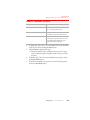
Displays the Report Generator dialog
box.
www.miraibio.com