1
APPENDIX B
MAS
TER
PLE
X
Q T TO O
LBARS
B.4
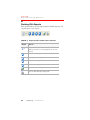
Calculation Toolbar
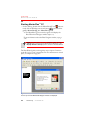
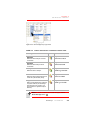
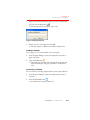
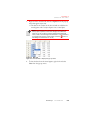
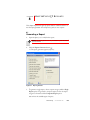
The calculation toolbar is available when a Plate window is open. To
show or hide the calculation toolbar, select Show > Show/Hide >
Calculation Tools from the menu bar.
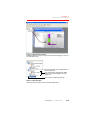
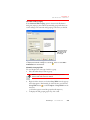
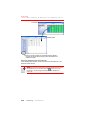
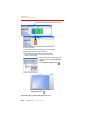
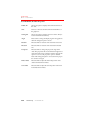
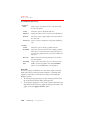
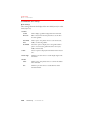
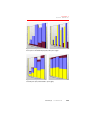
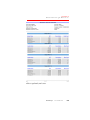
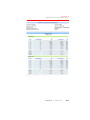
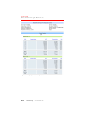
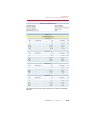
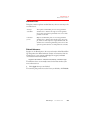
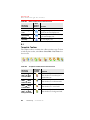
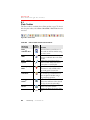
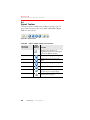
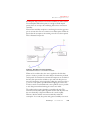
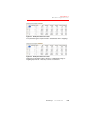
Figure B.4 Calculation toolbar
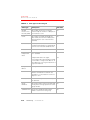
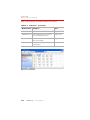
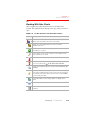
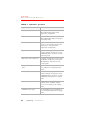
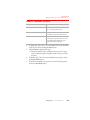
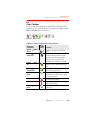
Table B.4
Calculation toolbar buttons and functions
Menu Bar
Command
Calculation
Model Equations
Calculate Calculate STD
Curves
Calculate Fit
Regression
Curves
B.6
MasterPlex QT
Main
Toolbar
Button
Function
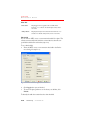
Displays the Model Equations dialog
box so that you can select a model for
a standard or regression analysis data
set.
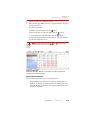
Generates the standard curves for the
selected standard data set using the
selected model and interpolates
analyte concentrations from the
standard curves.
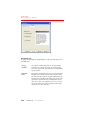
Generates a Dose-Reponse curve for
the selected regression analysis data
set using the selected model and
determines LogEC50.
www.miraibio.com