1
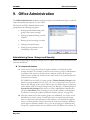
Office Administration
EZ-CARE2
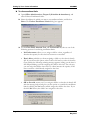
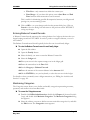
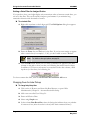
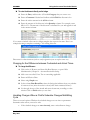
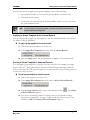
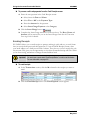
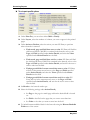
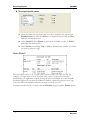
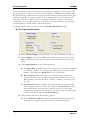
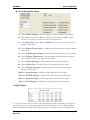
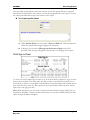
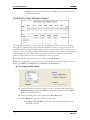
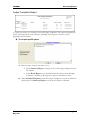
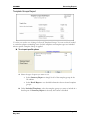
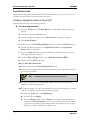
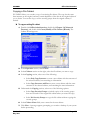
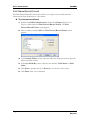
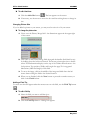
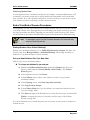
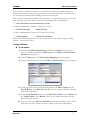
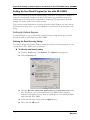
X To create a new scheduled backup
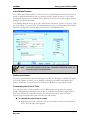
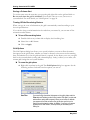
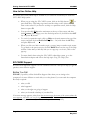
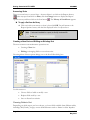
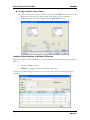
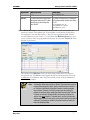
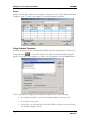
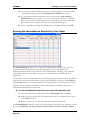
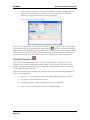
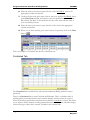
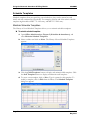
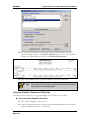
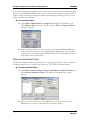
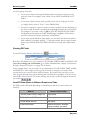
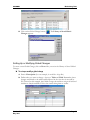
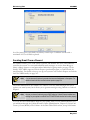
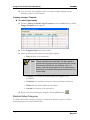
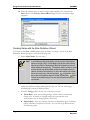
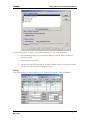
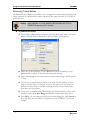
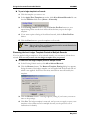
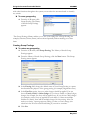
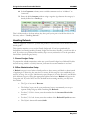
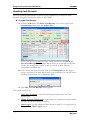
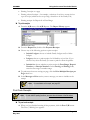
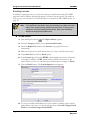
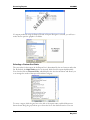
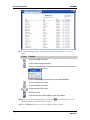
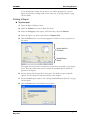
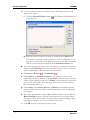
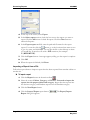
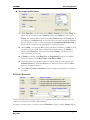
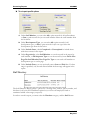
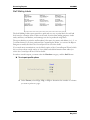
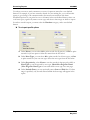
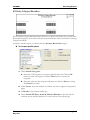
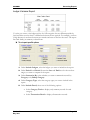
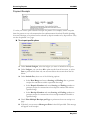
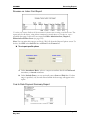
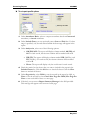
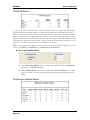
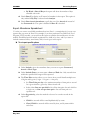
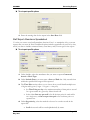
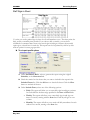
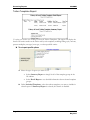
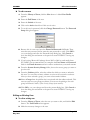
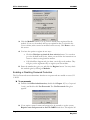
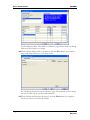
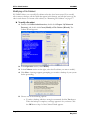
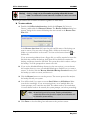
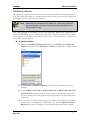
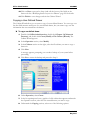
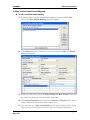
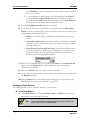
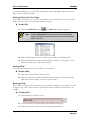
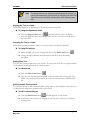
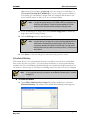
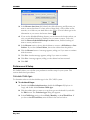
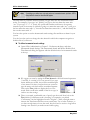
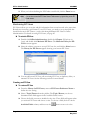
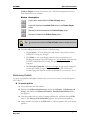
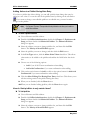
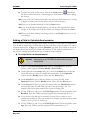
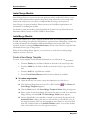
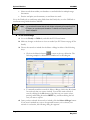
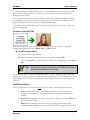
1. Click the New button on the Library of Saved Scheduled Backups screen. The
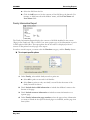
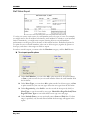
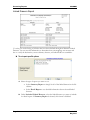
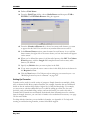
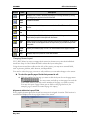
New Scheduled Backup screen appears:
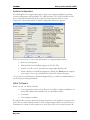
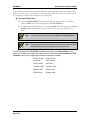
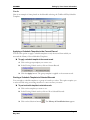
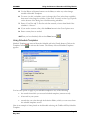
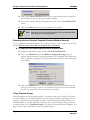
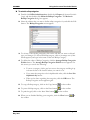
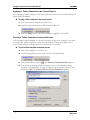
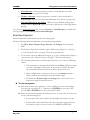
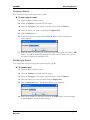
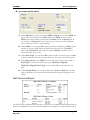
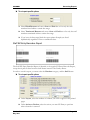
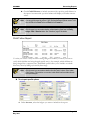
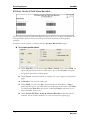
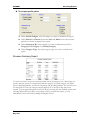
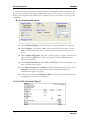
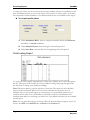
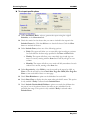
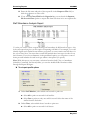
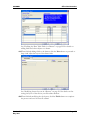
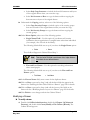
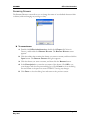
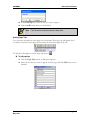
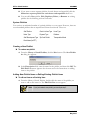
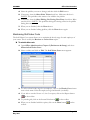
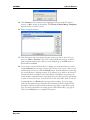
2. Type in a descriptive name for the new backup in the Name field (“Weekly
Saturday Night Backup” or something similar).
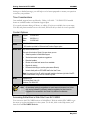
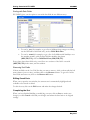
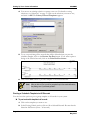
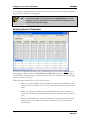
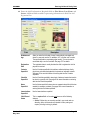
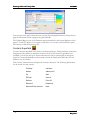
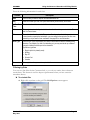
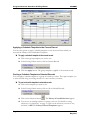
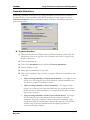
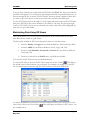
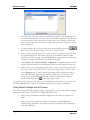
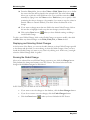
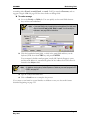
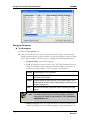
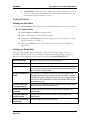
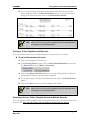
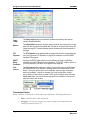
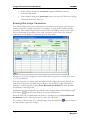
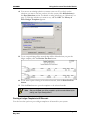
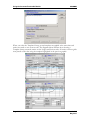
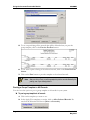
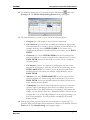
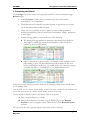
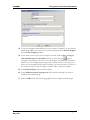
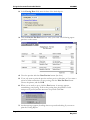
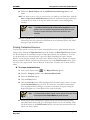
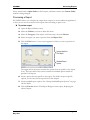
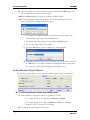
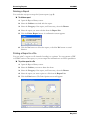
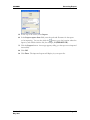
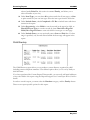
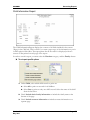
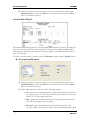
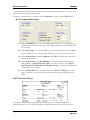
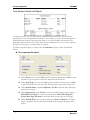
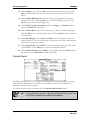
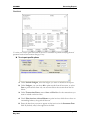
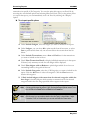
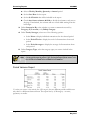
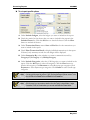
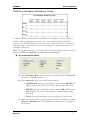
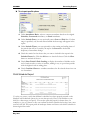
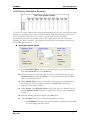
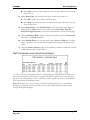
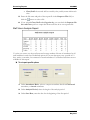
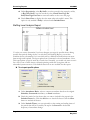
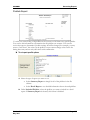
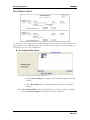
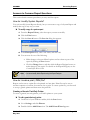
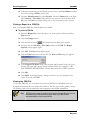
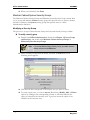
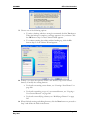
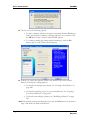
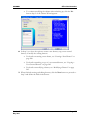
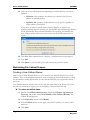
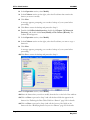
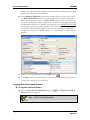
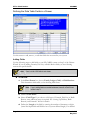
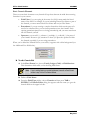
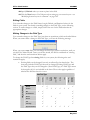
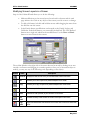
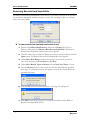
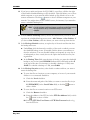
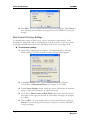
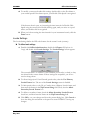
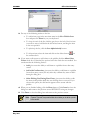
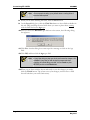
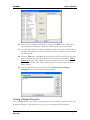
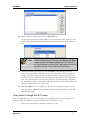
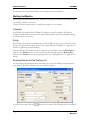
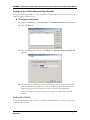
3. Click the OK button. The Scheduled Backup screen appears:
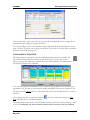
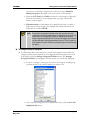
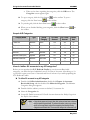
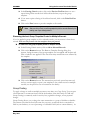
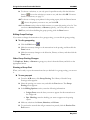
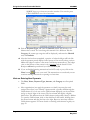
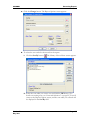
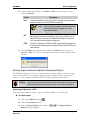
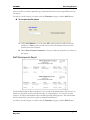
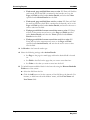
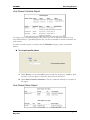
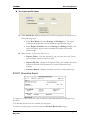
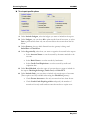
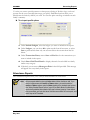
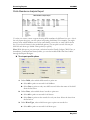
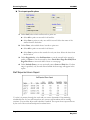
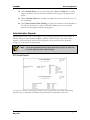
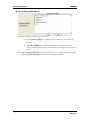
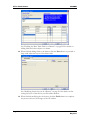
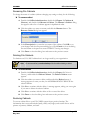
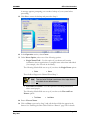
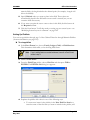
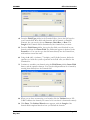
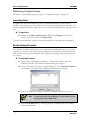
4. To set up a scheduled backup, click the Enable Scheduled Backup check box.
This will enable the other fields on the dialog.
Page 312
Version 7.0
May 2010