1
Office Administration
EZ-CARE2
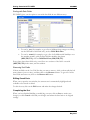
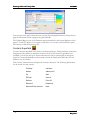
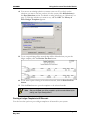
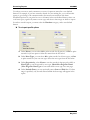
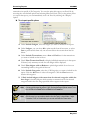
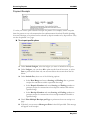
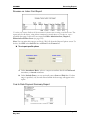
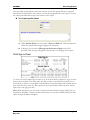
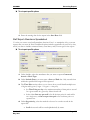
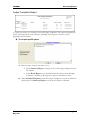
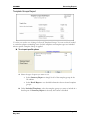
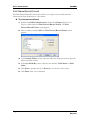
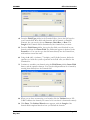
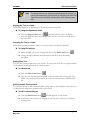
Confirm Adding New Child
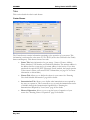
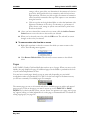
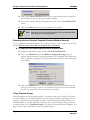
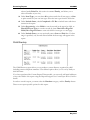
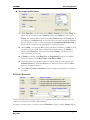
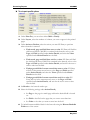
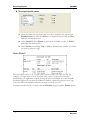
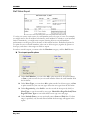
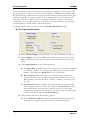
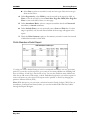
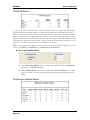
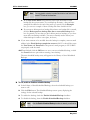
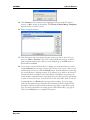
The Confirm Adding New Child setting determines whether or not to prompt the user when
a new child is added to the current family record in the Family drawer.
X To confirm adding new child
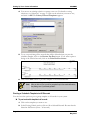
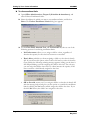
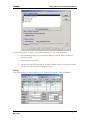
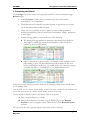
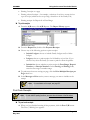
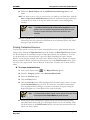
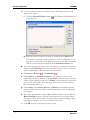
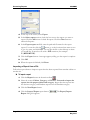
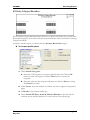
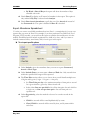
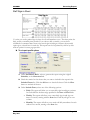
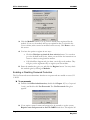
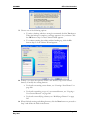
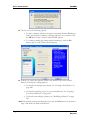
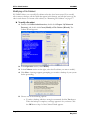
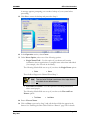
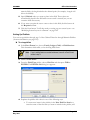
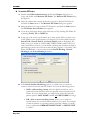
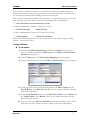
1. Double-click Office Administration, double-click Chapter 3 (Preferences &
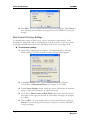
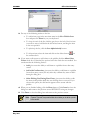
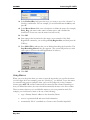
Setup), and double-click Confirm Adding New Child. The Confirm Adding
New Child screen appears.
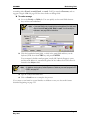
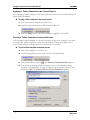
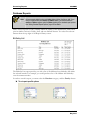
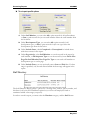
2. If you wish to Require confirmation of child being added to family, click the
check box. A blank check box indicates no confirmation.
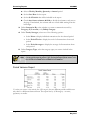
3. Click OK to save your changes and close the present dialog box. Click Cancel to
close the dialog box and return to the previous screen WITHOUT saving any
changes.
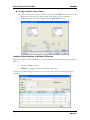
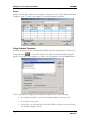
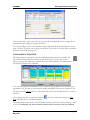
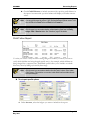
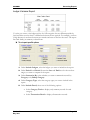
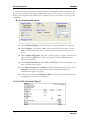
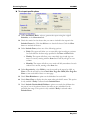
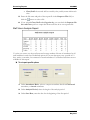
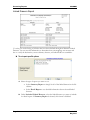
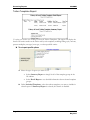
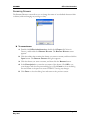
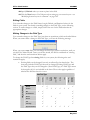
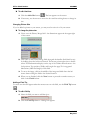
Confirm Cut/Delete
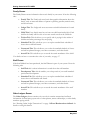
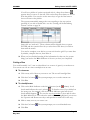
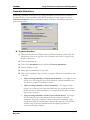
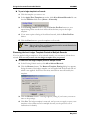
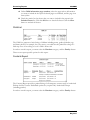
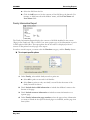
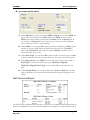
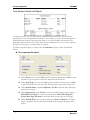
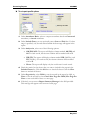
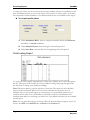
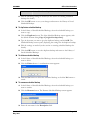
The Confirm Cut/Delete setting determines whether or not to prompt you before
performing a Cut or Paste operation on any grid of the EZ-CARE2 system.
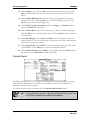
X To use confirm cut/delete
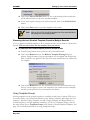
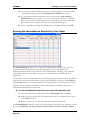
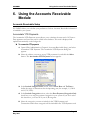
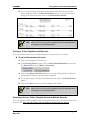
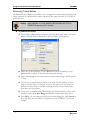
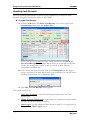
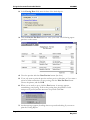
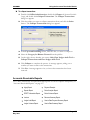
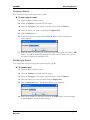
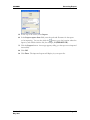
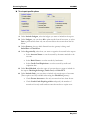
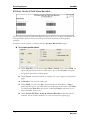
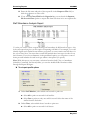
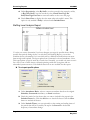
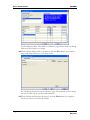
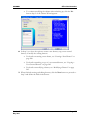
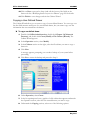
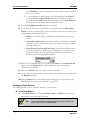
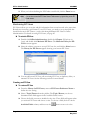
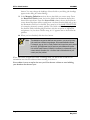
1. Double-click Office Administration, double-click Chapter 3 (Preferences &
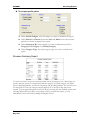
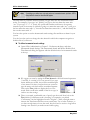
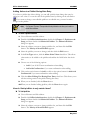
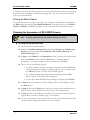
Setup), and double-click Confirm Cut/ Delete. The Confirm Cut/Delete
dialog box appears.
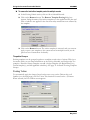
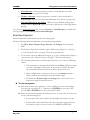
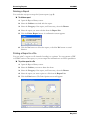
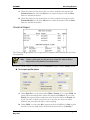
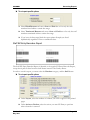
2. If you wish to Always prompt for Cut/Delete in all grids, click the check box.
A blank check box indicates no confirmation.
3. Click OK to save your changes and close the present dialog box. Click Cancel to
close the dialog box and return to the previous screen WITHOUT saving any
changes.
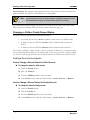
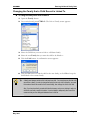
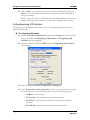
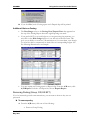
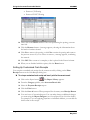
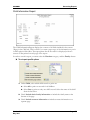
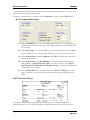
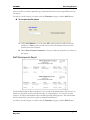
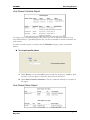
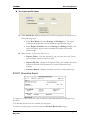
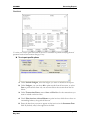
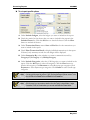
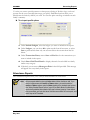
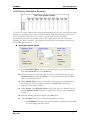
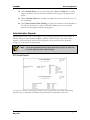
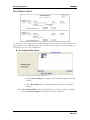
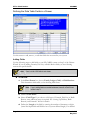
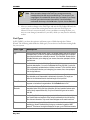
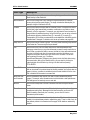
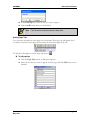
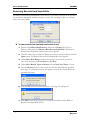
Incremental Search Settings
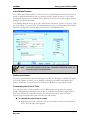
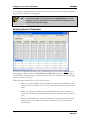
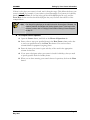
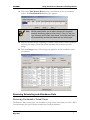
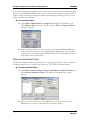
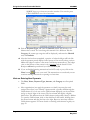
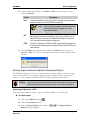
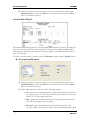
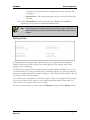
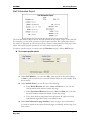
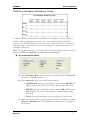
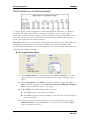
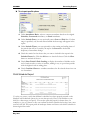
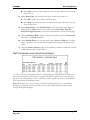
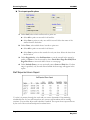
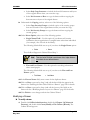
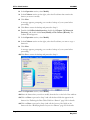
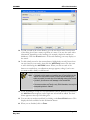
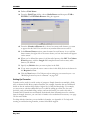
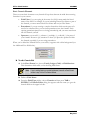
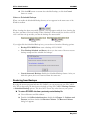
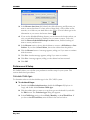
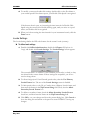
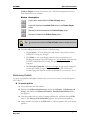
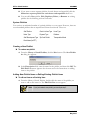
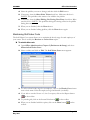
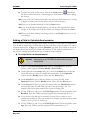
Incremental searches in the Families, Children, and Staff picklists work with a time interval
that you define. The time interval defines how long the system waits for you to type before
selecting the record that currently appears in the picklist.
Version 7.0
May 2010
Page 319