1
3.4
Role
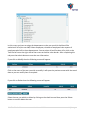
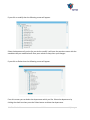
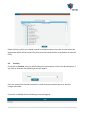
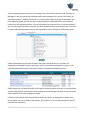
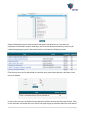
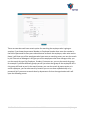
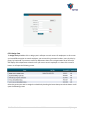
If you click on Roles, then you will find there are some option, click on the desired option. If you
click on New then the following screen will appear.
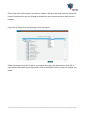
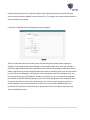
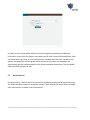
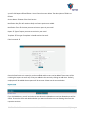
In this screen you are defining the Roles/ Authorization means one can do what. Enter the
name of Role in the Role Name files such as Admin, Supervisor, and HR etc then select the
option by clicking on the option. Every checked option means that the holders of this role have
this facility. You can select all instead of one by one by clicking on the tree Icon on the top of
the right screen just below the Scroll bar.
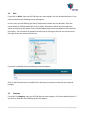
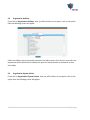
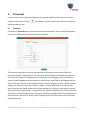
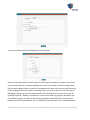
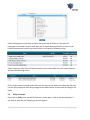
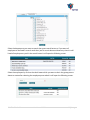
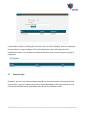
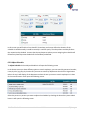
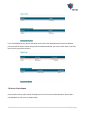
If you click on Modify then the following screen will appear.
Click on the Role you want to modify then it will open the previous screen do your required
changes.
3.5
Company
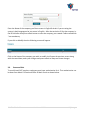
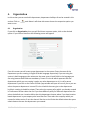
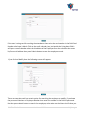
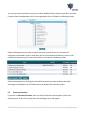
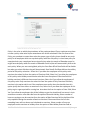
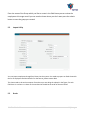
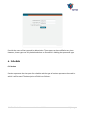
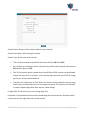
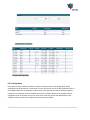
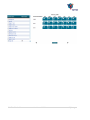
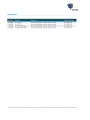
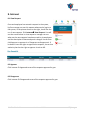
If you click on Company, then you will find there are some option, click on the desired option. If
you click on New then the following screen will appear.
SMA TimeTracker™
User Manual V2.0.4
12 | P a g e