1
8. Gantner
8.1 User Management
8.1.1 Transfer to Device
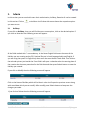
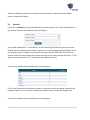
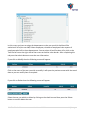
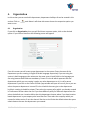
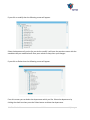
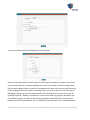
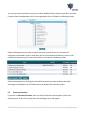
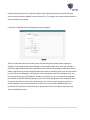
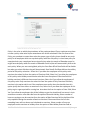
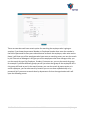
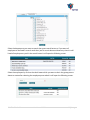
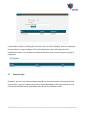
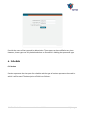
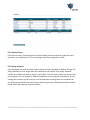
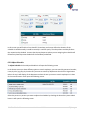
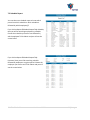
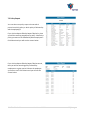
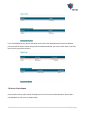
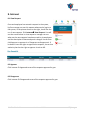
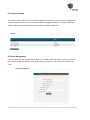
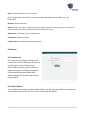
Click GantnerUser ManagementTransfer to Device. You will see the search screen to search
employees. Select the employees, you wish their profiles and fingerprint templates to be sent to the
Gantner devices. Choose the employees and the devices and their records will be updated in the
terminals. If you want to be a master user in the device (for enrolment purposes), then choose Master
as Yes. Click Transfer Personnel.
8.1.2 Delete Personnel
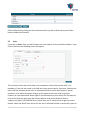
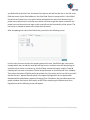
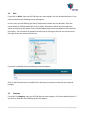
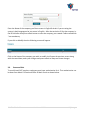
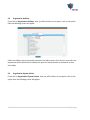
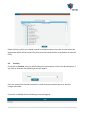
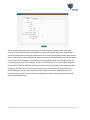
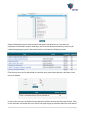
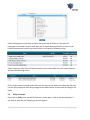
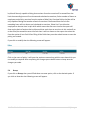
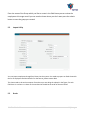
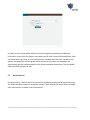
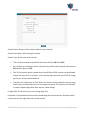
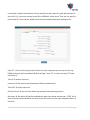
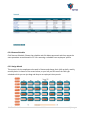
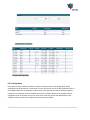
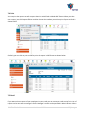
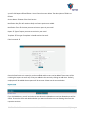
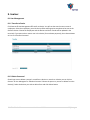
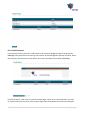
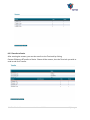
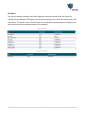
Should you want to delete a person’s record from a device or more than 1 device you can click on
Gantner User Management Delete Personnel. Choose the person or persons to delete from the
device(s). Select the devices you wish to delete from and click Delete button.
SMA TimeTracker™
User Manual V2.0.4
58 | P a g e