1
Project documentation
14.2 Using layouts
14.2
Using layouts
14.2.1
Using layouts
Introduction
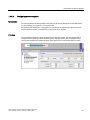
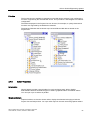
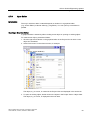
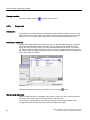
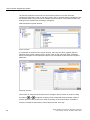
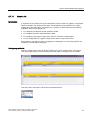
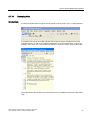
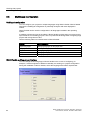
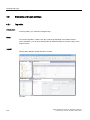
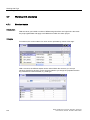
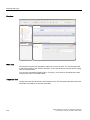
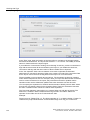
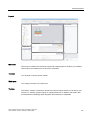
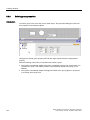
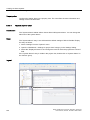
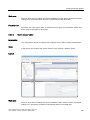
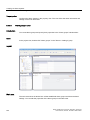
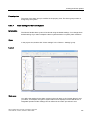
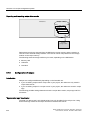
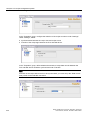
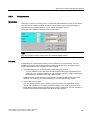
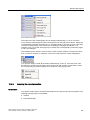
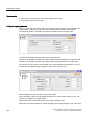
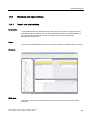
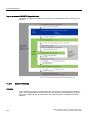
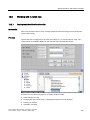
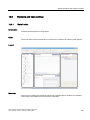
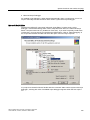
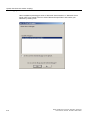
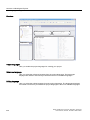
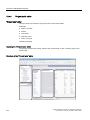
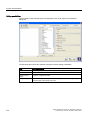
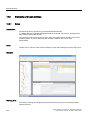
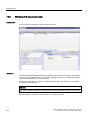
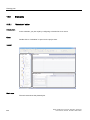
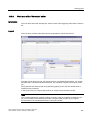
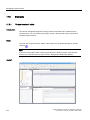
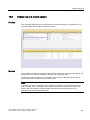
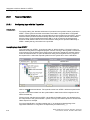
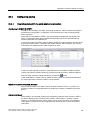
The "Print project documentation" dialog box is used to edit the layouts. This dialog box is
used to create new layouts and to duplicate and/or delete existing layouts.
Overview
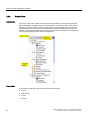
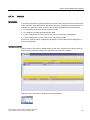
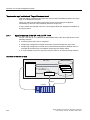
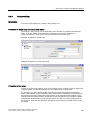
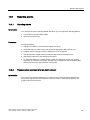
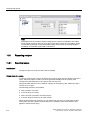
WinCC flexible provides a ready-made layout as the basis for a project report. The readymade layout with its settings is always used if you use the
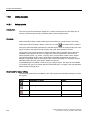
command button to create a
new layout. WinCC flexible generates the "standard layout" from the ready-made layout. The
layout is used for the output of project reports using the "Print Selection" function.
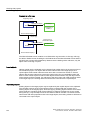
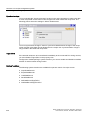
The layouts for the project reports are stored centrally in WinCC flexible and are therefore
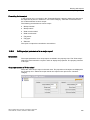
available in all projects for all users. Configure the common properties of a layout for a
WinCC flexible project, e.g. author, company name, project name, header, footer, display
used and the settings for the output. Duplicate this template several times and specify
different configuration data for the output in each of these templates. For example, create a
separate project report for each WinCC flexible component.
A predefined style is available in order to lay out a project report. The style can be modified
as required. The style is not saved with the individual layouts. A change in the style therefore
affects all the existing layouts.
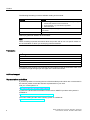
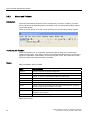
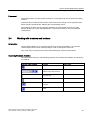
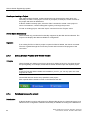
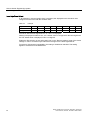
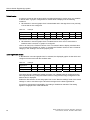
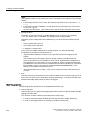
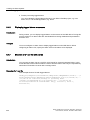
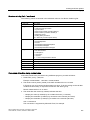
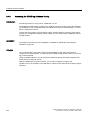
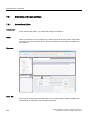
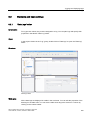
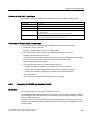
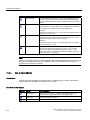
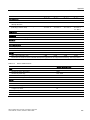
Commands for layout editing
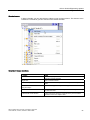
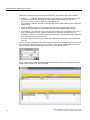
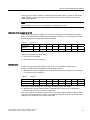
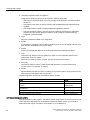
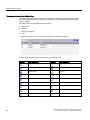
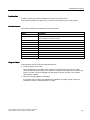
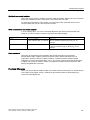
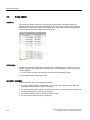
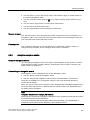
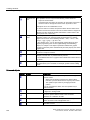
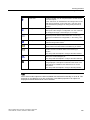
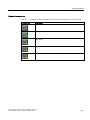
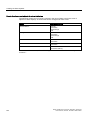
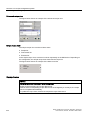
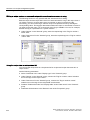
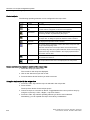
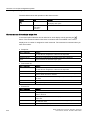
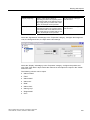
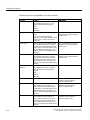
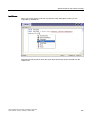
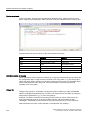
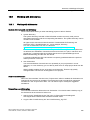
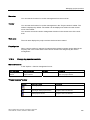
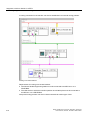
The following commands are available in the "Print project documentation" dialog box to edit
the layouts.
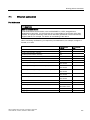
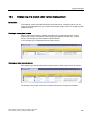
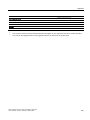
Button
346
Pop-up menu command
Hotkeys
New
<CTRL+SHIFT+N>
Duplicating
<CTRL+SHIFT+D>
Delete
<DEL>
Rename
F2
WinCC flexible 2007 Compact / Standard / Advanced
User's Manual, 07/2007, 6AV6691-1AB01-2AB0