1
Working with reports
10.1
10
Principles on the report system
Introduction
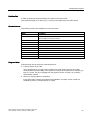
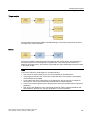
In WinCC flexible, reports are used to document process data and completed production
cycles. You can report messages and recipe data in order to create shift reports, output
batch data, or to document a manufacturing process for the acceptance test.
Overview
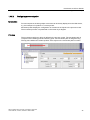
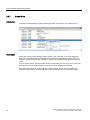
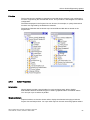
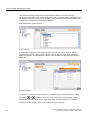
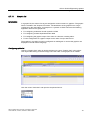
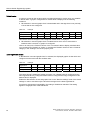
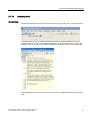
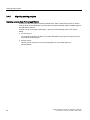
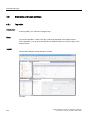
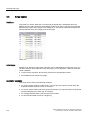
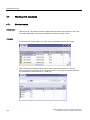
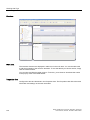
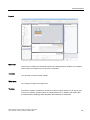
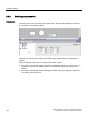
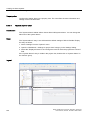
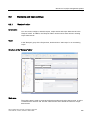
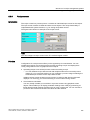
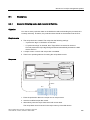
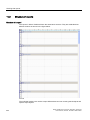
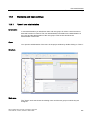
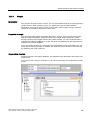
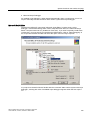
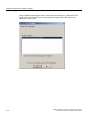
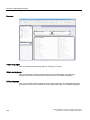
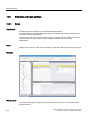
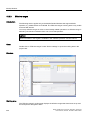
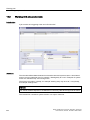
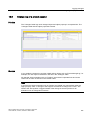
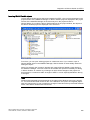
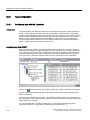
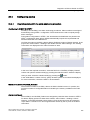
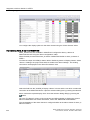
You can edit the report files in the graphic editor. In this editor, you configure the layout of
the reports and determine the output data. You can add various objects for the output of data
to a report file. Some of the toolbox objects are either available with restricted functionality or
not at all. This depends on the HMI device you are configuring. Objects not available in the
toolbox are grayed out and cannot be selected.
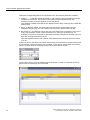
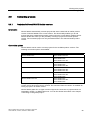
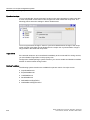
You can create separate report files for reporting different types of data. You can set the
triggering of the output separately for each report file. You can choose to trigger the output of
data at a specific time or in defined intervals, or by other events.
The modular structure of these features allows you to explicitly configure reports for different
requirements.
Application Examples
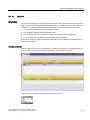
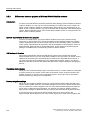
At the end of a shift, create a shift report which contains the batch data and error events of
the completed production.
You can create a report which outputs the recorded production data of a batch production.
You can create a report which outputs messages of a certain class or type.
WinCC flexible 2007 Compact / Standard / Advanced
User's Manual, 07/2007, 6AV6691-1AB01-2AB0
261