1
WinCC flexible Engineering System
2.2 WinCC flexible user interface
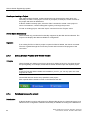
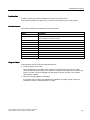
Toolbars
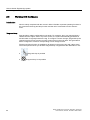
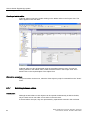
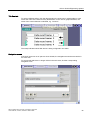
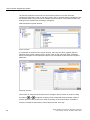
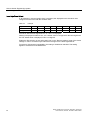
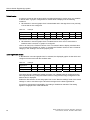
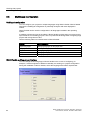
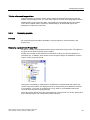
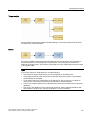
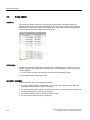
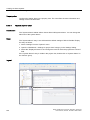
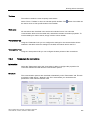
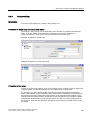
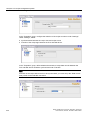
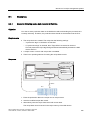
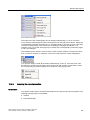
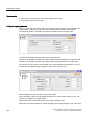
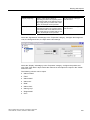
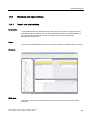
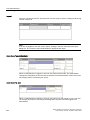
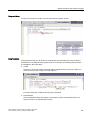
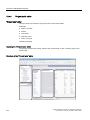
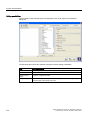
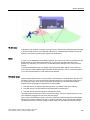
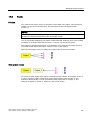
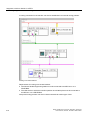
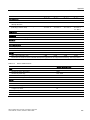
The toolbars provide quick access to important, frequently used functions. The following
toolbar configuration options are available:
● Adding and removing buttons
● Changing the position
2.2.3
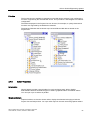
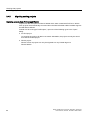
Work area
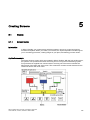
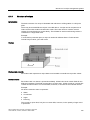
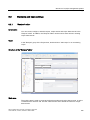
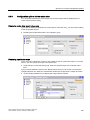
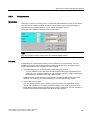
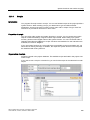
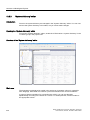
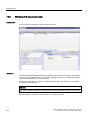
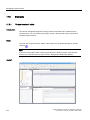
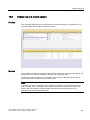
Introduction
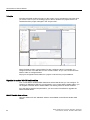
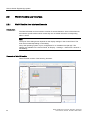
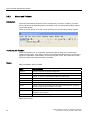
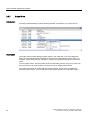
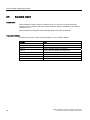
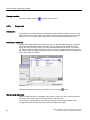
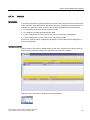
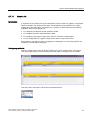
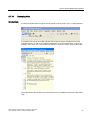
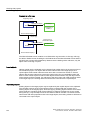
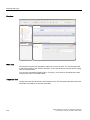
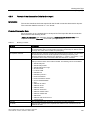
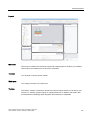
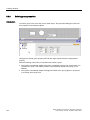
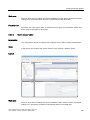
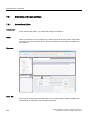
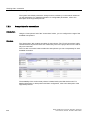
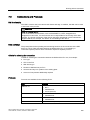
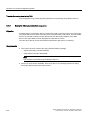
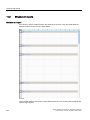
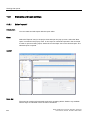
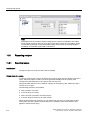
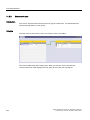
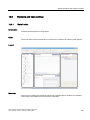
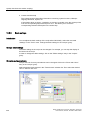
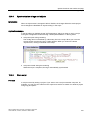
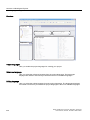
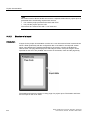
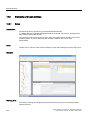
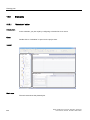
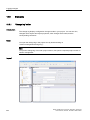
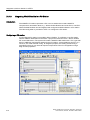
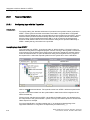
The work area is used to edit project data either in table format, e.g. the tags, or in graphic
format, e.g. a process screen.
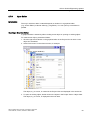
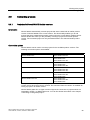
Description
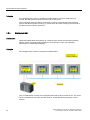
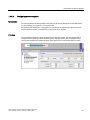
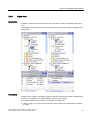
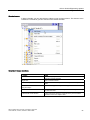
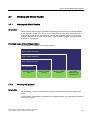
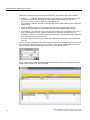
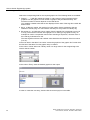
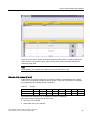
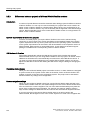
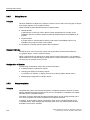
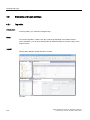
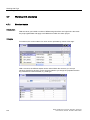
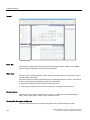
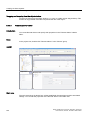
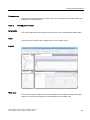
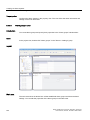
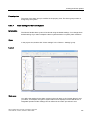
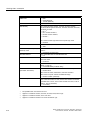
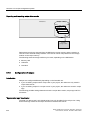
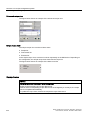
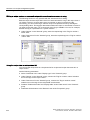
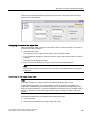
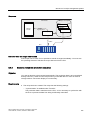
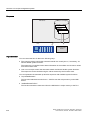
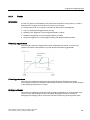
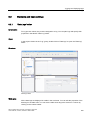
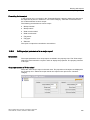
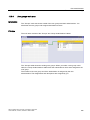
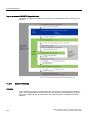
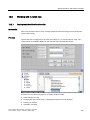
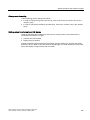
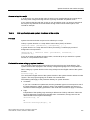
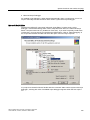
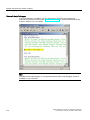
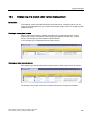
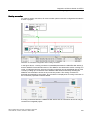
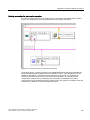
Each editor is opened in a separate tab control on the work area. In the case of graphic
editors, each element is displayed on a separate tab control. Only one tab is active when
several editors are open simultaneously. To move to another editor, click the corresponding
tab. You can open up to 20 editors in parallel.
WinCC flexible 2007 Compact / Standard / Advanced
User's Manual, 07/2007, 6AV6691-1AB01-2AB0
45