1
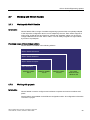
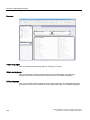
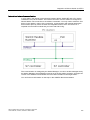
Structure of Multilingual Projects
13.4 Creating a project in multiple languages
Project names and object names
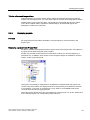
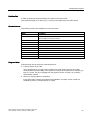
Only Asian characters can be used for project names and object names in STEP 7 objects.
13.4.3
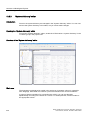
Translating project texts in the editor
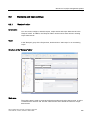
Introduction
As a general rule, if you are creating a project for multiple languages, all texts are configured
initially in a language you are familiar with. You use this language as the reference language
for translation.
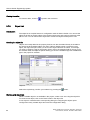
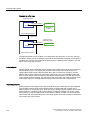
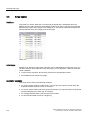
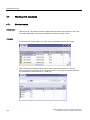
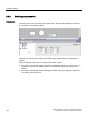
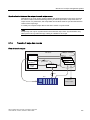
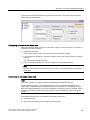
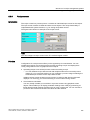
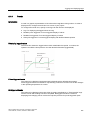
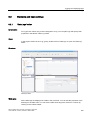
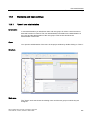
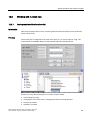
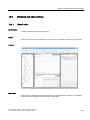
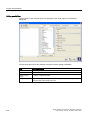
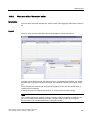
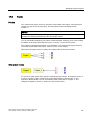
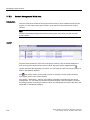
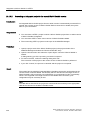
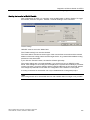
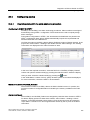
Define the project languages in the "Project languages" editor. Select the reference
language and the respective editing language to which it should be translated, from the
project languages.
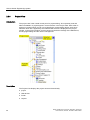
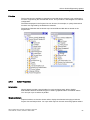
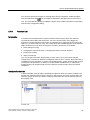
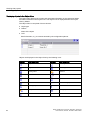
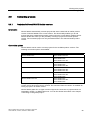
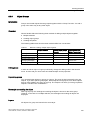
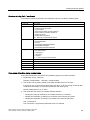
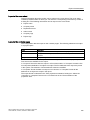
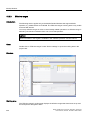
Editors with language-dependent objects
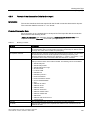
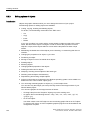
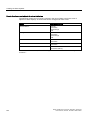
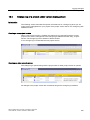
The following editors contain language-dependent objects:
● Screens
● Protocols
● Analog alarms
● Discrete alarms
● System alarms
● Recipes
● Text lists
● Graphics lists
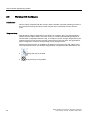
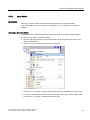
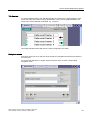
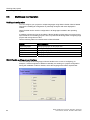
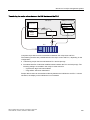
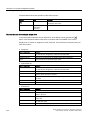
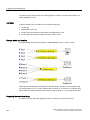
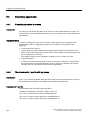
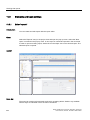
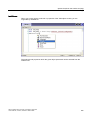
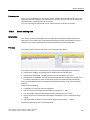
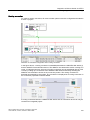
Switching the editing language in the WinCC flexible editors
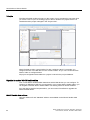
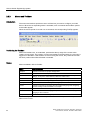
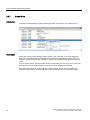
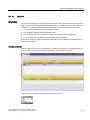
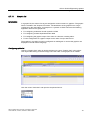
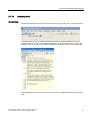
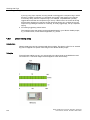
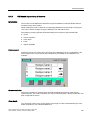
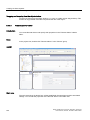
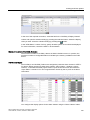
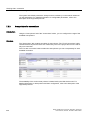
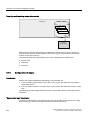
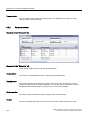
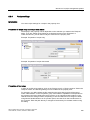
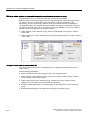
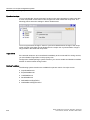
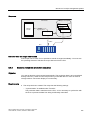
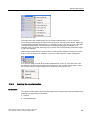
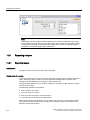
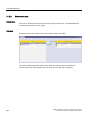
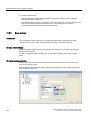
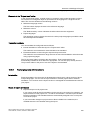
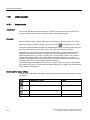
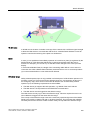
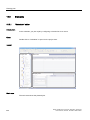
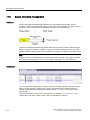
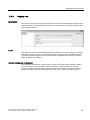
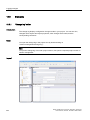
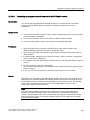
You can switch the editing language by means of the "Localize" toolbar. The editing
language applies to all editors.
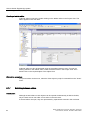
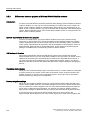
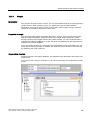
Reference texts
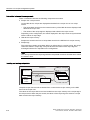
As a general rule, if you are creating a project for multiple languages, all texts are configured
initially in a language known to you. This language then serves as the reference language.
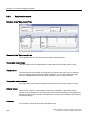
If you then switch the editing language to enter texts in another language, all of the text fields
are empty.
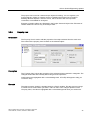
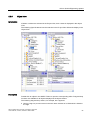
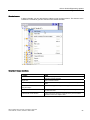
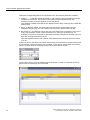
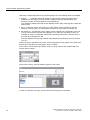
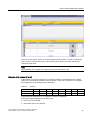
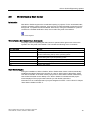
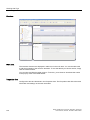
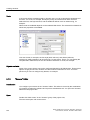
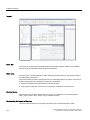
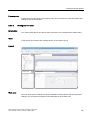
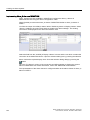
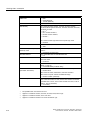
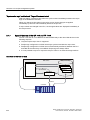
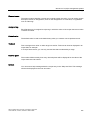
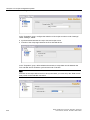
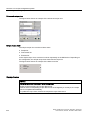
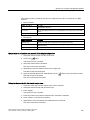
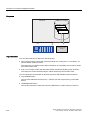
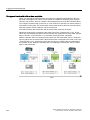
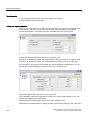
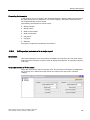
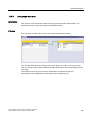
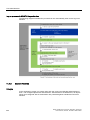
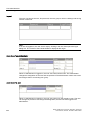
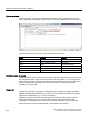
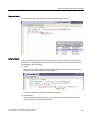
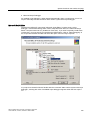
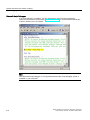
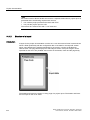
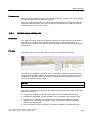
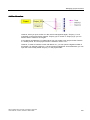
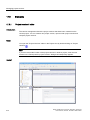
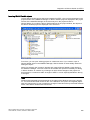
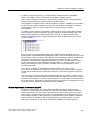
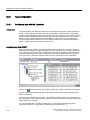
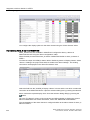
WinCC flexible offers a convenient reference text function so that you have a template for
translation. You can display the reference text window containing texts in the reference
language in dialogs and editors.
WinCC flexible 2007 Compact / Standard / Advanced
User's Manual, 07/2007, 6AV6691-1AB01-2AB0
331