1
Creating an Alarm System
6.4 Alarm logging
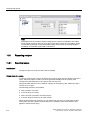
Note
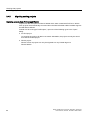
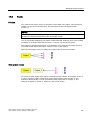
System functions can be used to control the restart of a log during runtime.
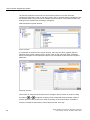
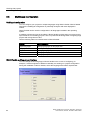
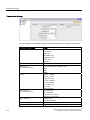
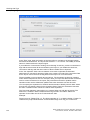
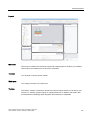
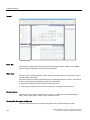
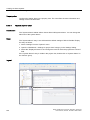
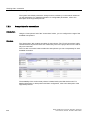
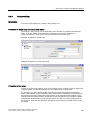
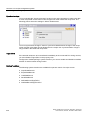
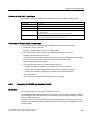
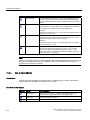
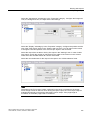
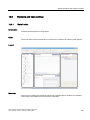
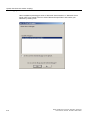
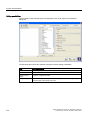
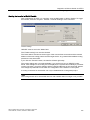
● Logging method
Here you can specify what should happen when the log is full. You can choose one of the
following options:
– Circular log
When the log is full, the oldest entry will be overwritten.
– Segmented circular log
Multiple logs of the same size will be created and filled one after the other. When all
logs are completely full, the oldest log is overwritten.
– Display system alarms with
If a defined level is reached, a system alarm is shown.
– Trigger event
The "Overflow" event is triggered as soon as the log is full.
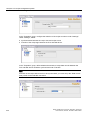
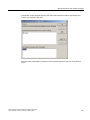
● Settings
Define whether the alarm text and error location should be stored each time an alarm is
logged. The alarm texts will be logged in the current runtime language.
● Comment
Here you can enter descriptive text regarding the log.
6.4.5
Alarm logging
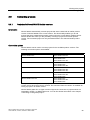
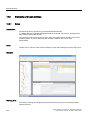
Introduction
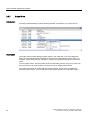
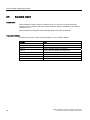
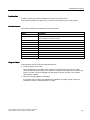
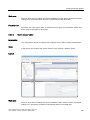
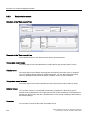
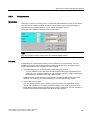
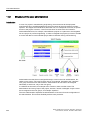
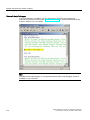
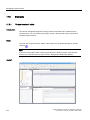
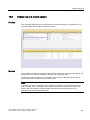
In runtime, alarms can be stored in logs for later evaluation. You must specify the following in
order to log alarms of an alarm class:
● In which log the alarms are to be saved
● Whether the associate alarm text and tag values are also to be saved
Principle
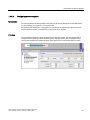
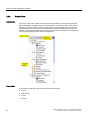
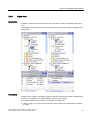
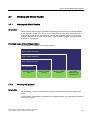
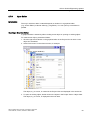
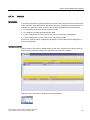
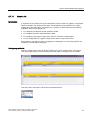
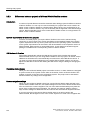
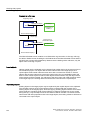
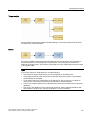
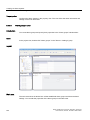
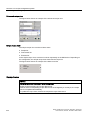
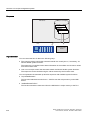
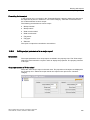
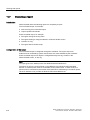
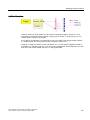
The following steps are necessary for alarm logging:
● Creating and configuring alarm logs
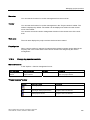
When creating an alarm log, the following must be defined:
– General settings, e.g. name, size, storage location
– Behavior at runtime start
– Behavior when the log is full
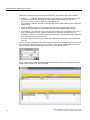
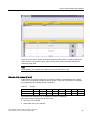
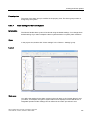
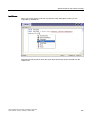
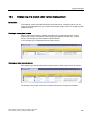
● Configuring logging of the alarms in an alarm class
You can can be specify an alarm log for each alarm class in which the alarm events are
stored during runtime.
WinCC flexible 2007 Compact / Standard / Advanced
User's Manual, 07/2007, 6AV6691-1AB01-2AB0
199