1
OptiScan 6.2.0 User’s Manual - University of Arizona - College of Optical Sciences
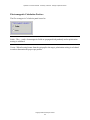
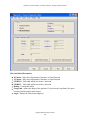
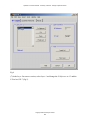
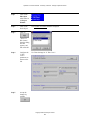
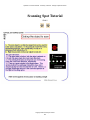
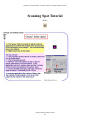
Finishing:
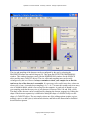
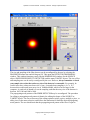
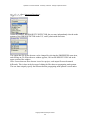
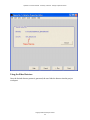
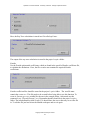
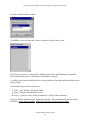
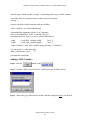
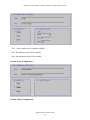
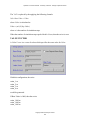
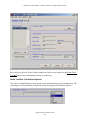
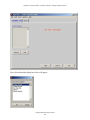
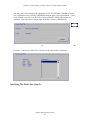
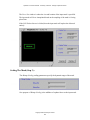
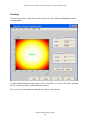
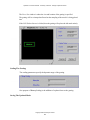
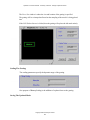
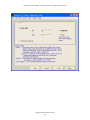
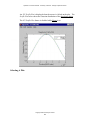
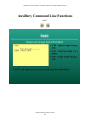
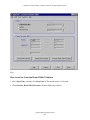
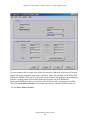
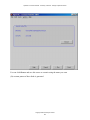
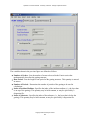
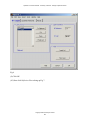
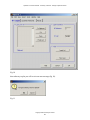
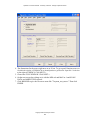
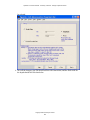
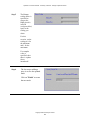
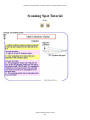
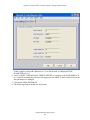
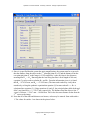
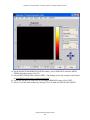
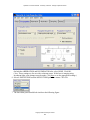
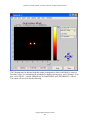
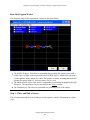
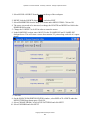
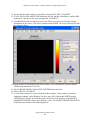
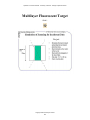
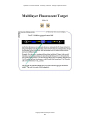
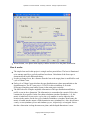
The next step involves which portion of the source you wish to replace/add/multiply with the
selected pattern.
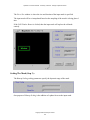
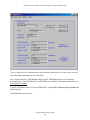
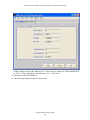
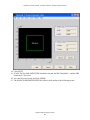
To replace/add/multiply the entire pattern, click on "Full Win", or click on "Find Win" and enter
an X,Y center along with a width and length in meters.
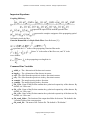
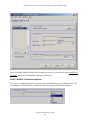
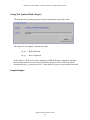
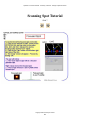
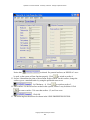
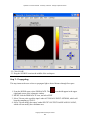
Next, one is given the option of scaling the new data to a min and max.
Copyright 2005 University of Arizona
196