1
OptiScan 6.2.0 User’s Manual - University of Arizona - College of Optical Sciences
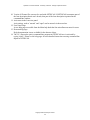
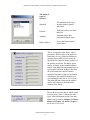
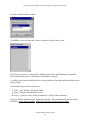
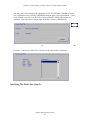
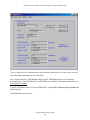
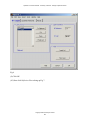
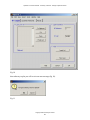
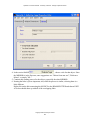
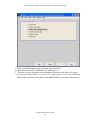
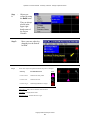
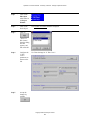
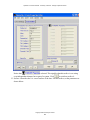
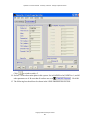
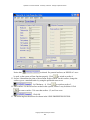
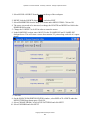
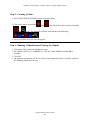
Click
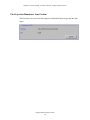
to switch to surface 5.
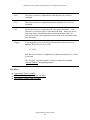
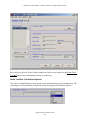
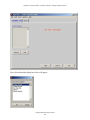
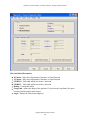
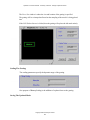
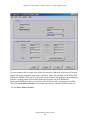
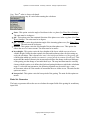
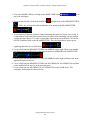
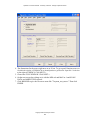
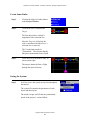
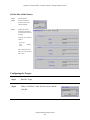
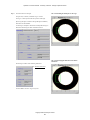
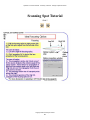
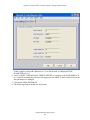
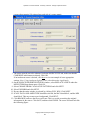
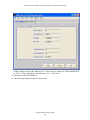
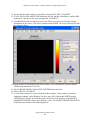
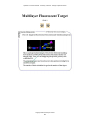
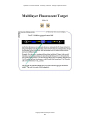
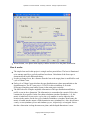
14. Surface 5 is the observation plane in this system. Set its RADUIS to Inf, INDEX to 1, and all
other parameters to 0. Be sure that all surfaces are set to
. Click OK.
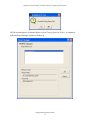
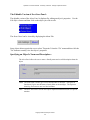
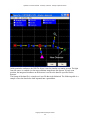
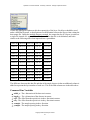
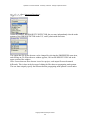
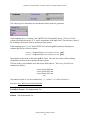
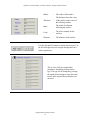
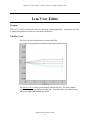
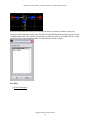
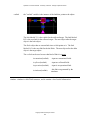
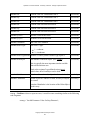
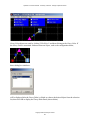
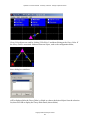
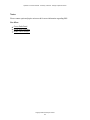
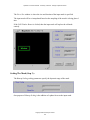
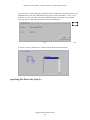
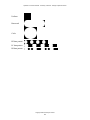
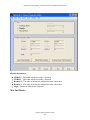
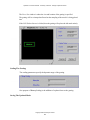
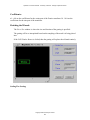
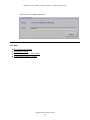
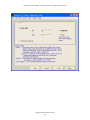
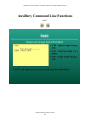
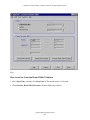
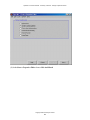
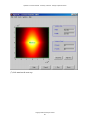
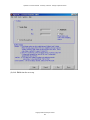
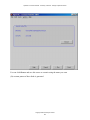
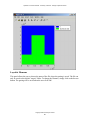
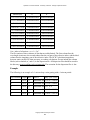
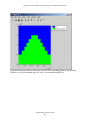
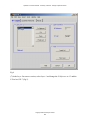
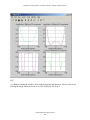
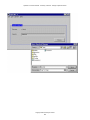
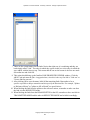
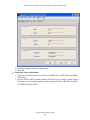
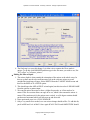
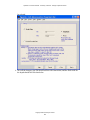
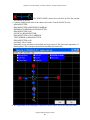
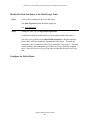
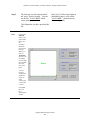
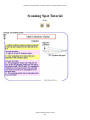
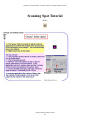
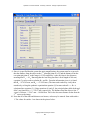
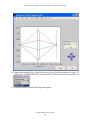
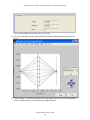
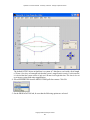
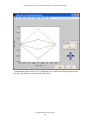
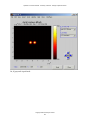
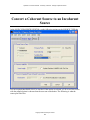
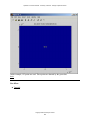
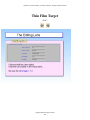
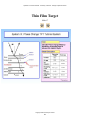
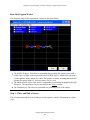
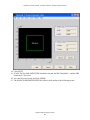
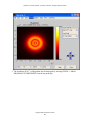
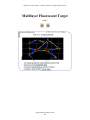
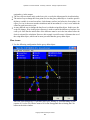
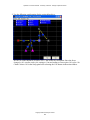
15. The following lens should now be shown in the LENS PROPERTIES EDITOR:
Copyright 2005 University of Arizona
387