Project Design
261
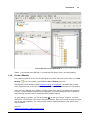
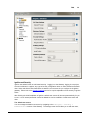
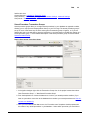
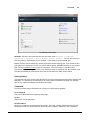
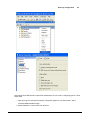
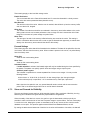
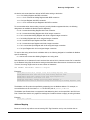
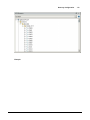
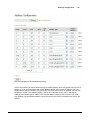
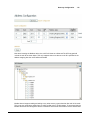
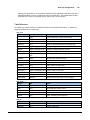
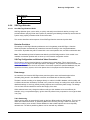
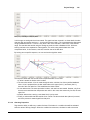
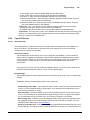
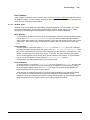
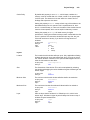
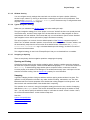
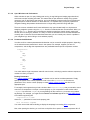
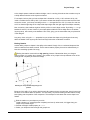
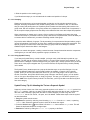
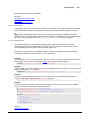
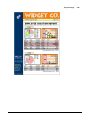
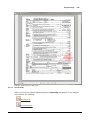
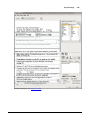
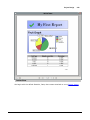
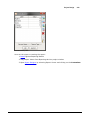
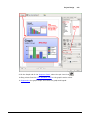
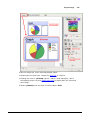
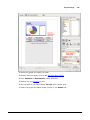
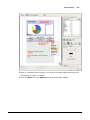
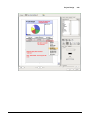
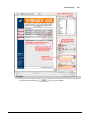
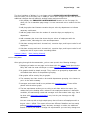
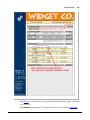
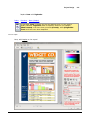
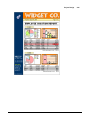
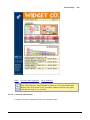
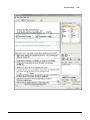
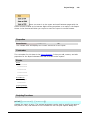
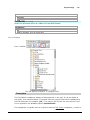
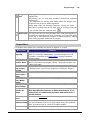
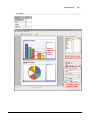
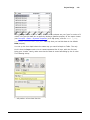
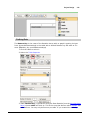
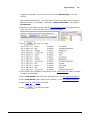
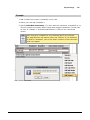
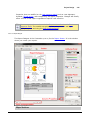
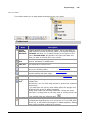
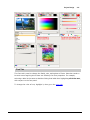
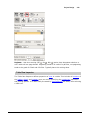
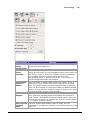
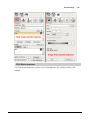
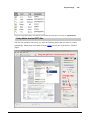
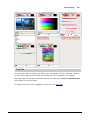
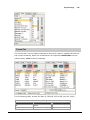
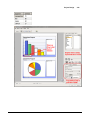
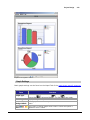
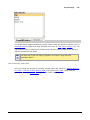
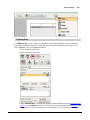
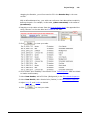
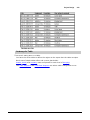
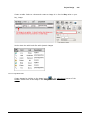
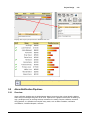
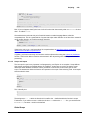
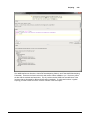
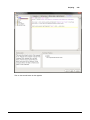
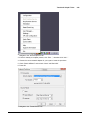
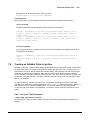
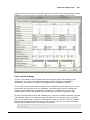
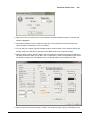
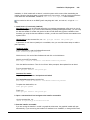
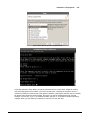
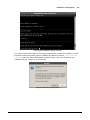
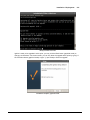
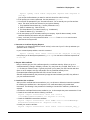
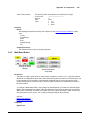
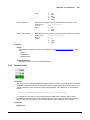
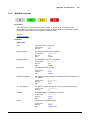
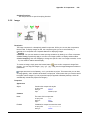
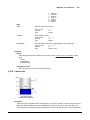
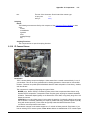
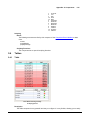
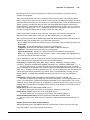
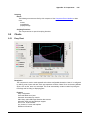
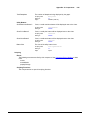
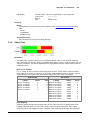
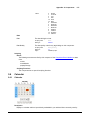
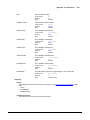
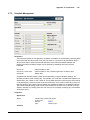
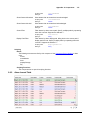
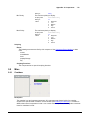
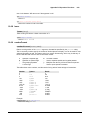
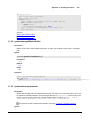
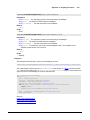
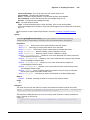
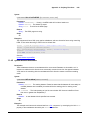
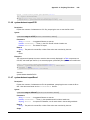
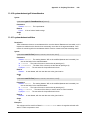
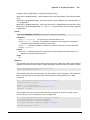
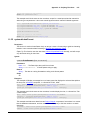
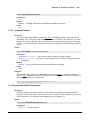
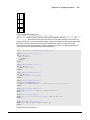
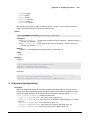
4. Select the keys tab of the Attributes panel and drag Data to the report.
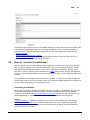
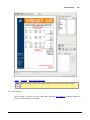
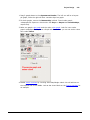
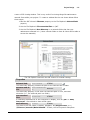
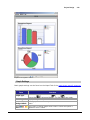
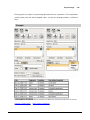
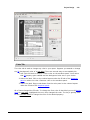
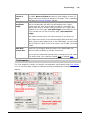
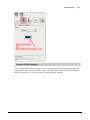
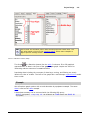
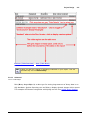
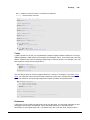
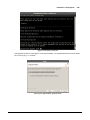
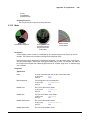
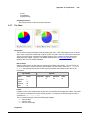
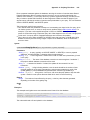
5. Select graph
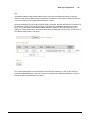
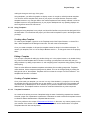
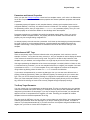
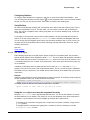
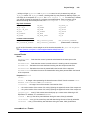
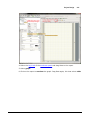
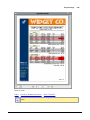
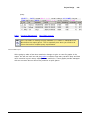
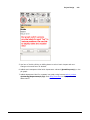
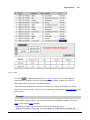
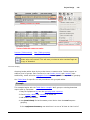
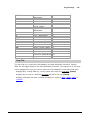
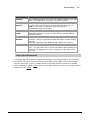
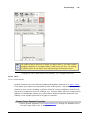
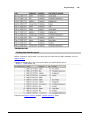
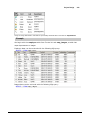
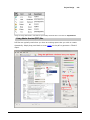
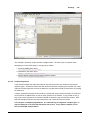
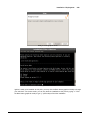
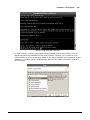
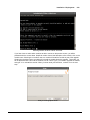
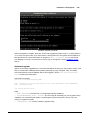
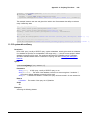
6. Click on the report to unselect the graph. Drag Data again, this time select table
.
© 2013 Inductive Automation