1
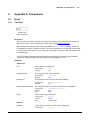
Appendix A. Components
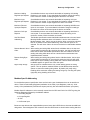
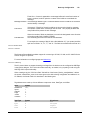
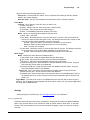
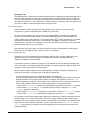
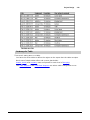
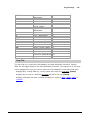
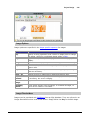
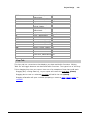
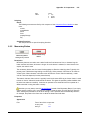
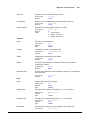
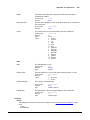
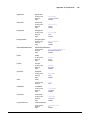
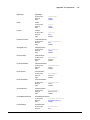
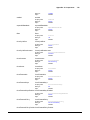
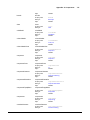
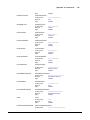
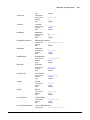
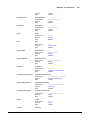
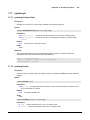
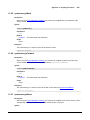
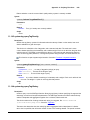
Scripting name
Data type
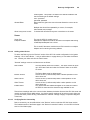
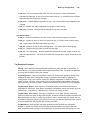
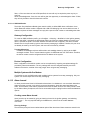
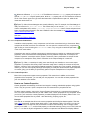
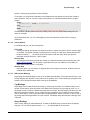
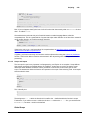
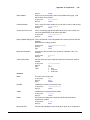
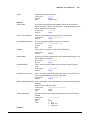
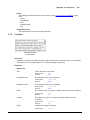
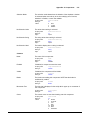
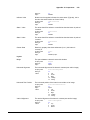
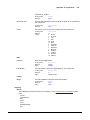
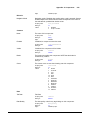
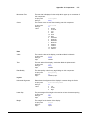
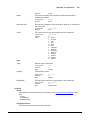
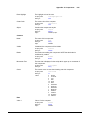
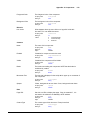
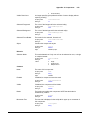
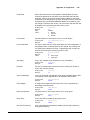
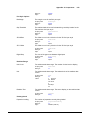
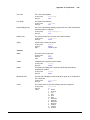
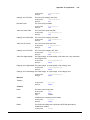
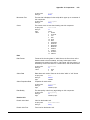
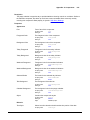
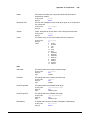
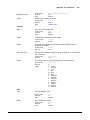
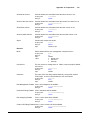
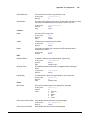
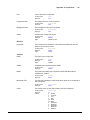
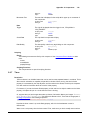
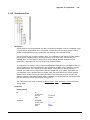
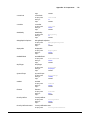
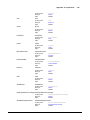
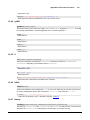
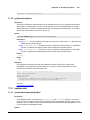
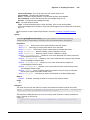
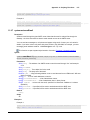
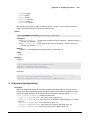
Category Axis Tick Font
valAxisTickColor
Color
The color for the category axis' ticks.
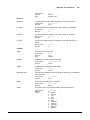
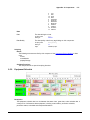
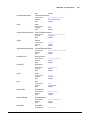
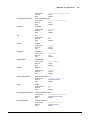
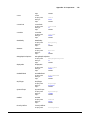
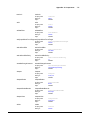
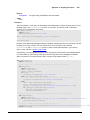
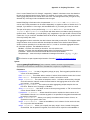
Scripting name
Data type
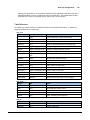
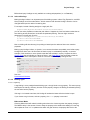
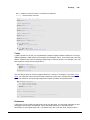
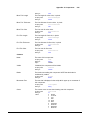
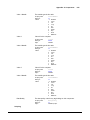
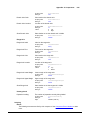
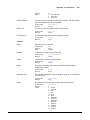
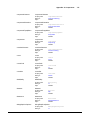
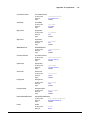
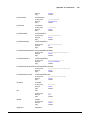
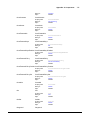
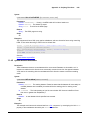
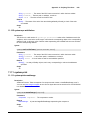
Value Axis Upper Margin
catAxisLabelColor
Color
The color for the value axis' ticks.
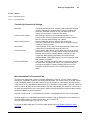
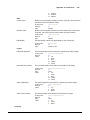
Scripting name
Data type
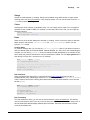
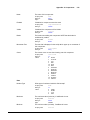
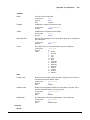
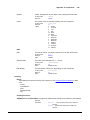
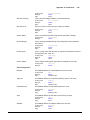
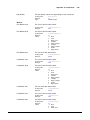
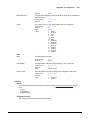
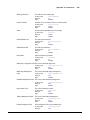
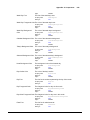
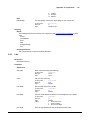
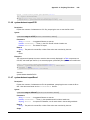
Category Axis Tick Color
valAxisLabelColor
Color
The color for the category axis label.
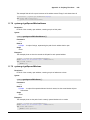
Scripting name
Data type
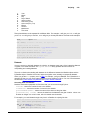
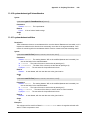
Value Axis Tick Color
barLabelColor
Color
The color for the value axis label.
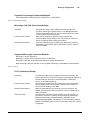
Scripting name
Data type
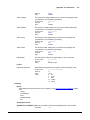
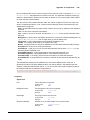
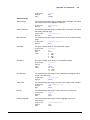
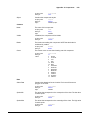
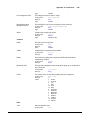
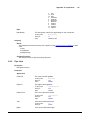
Category Axis Label Color
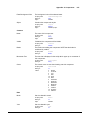
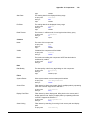
catAxisTickFont
Font
The color for the bar labels.
Scripting name
Data type
Value Axis Label Color
valAxisTickFont
Font
The font for the category axis' ticks.
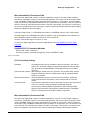
Scripting name
Data type
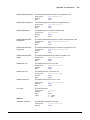
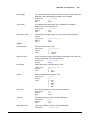
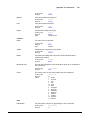
Bar Label Color
catAxisTickColor
Color
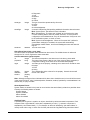
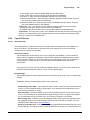
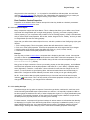
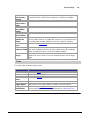
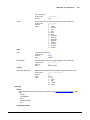
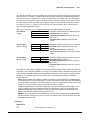
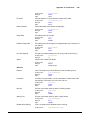
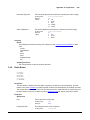
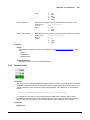
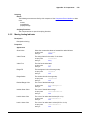
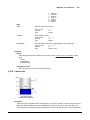
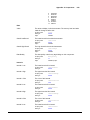
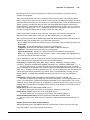
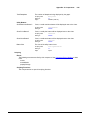
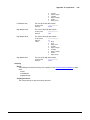
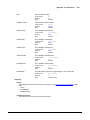
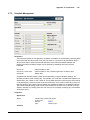
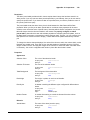
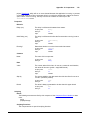
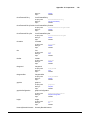
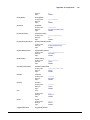
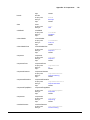
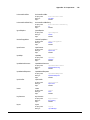
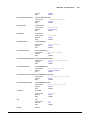
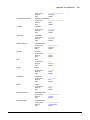
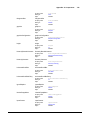
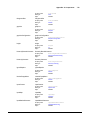
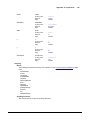
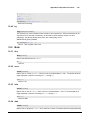
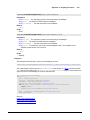
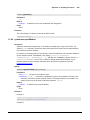
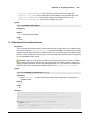
The upper margin, as a percentage, of the value axis. Only used when
auto-range is true.
Scripting name
Data type
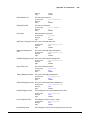
valAxisUpperMargin
double
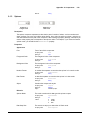
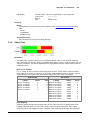
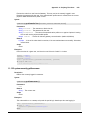
Category Axis Upper Margin The upper margin, as a percentage, of the category axis.
Scripting name
Data type
catAxisUpperMargin
double
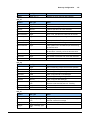
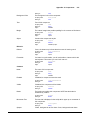
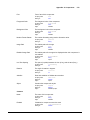
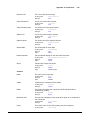
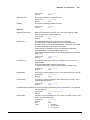
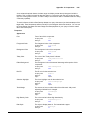
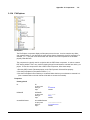
Category Axis Lower Margin The lower margin, as a percentage, of the category axis.
Scripting name
Data type
catAxisLowerMargin
double
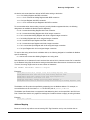
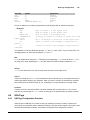
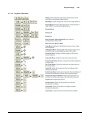
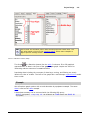
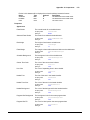
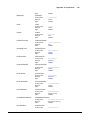
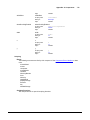
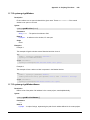
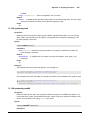
Scripting name
Data type
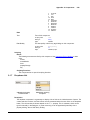
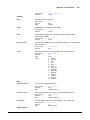
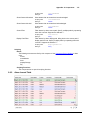
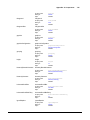
tooltips
boolean
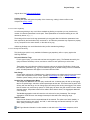
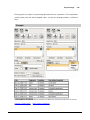
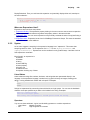
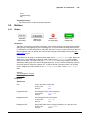
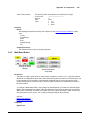
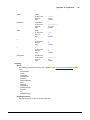
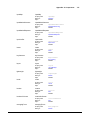
Behavior
Tooltips?
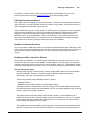
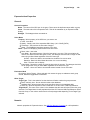
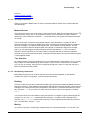
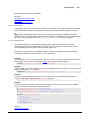
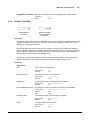
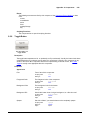
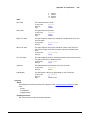
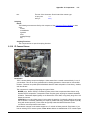
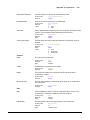
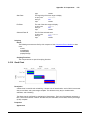
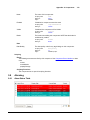
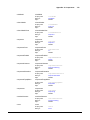
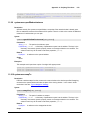
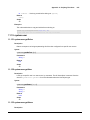
Common
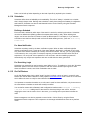
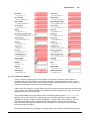
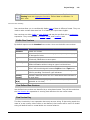
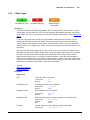
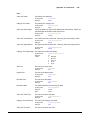
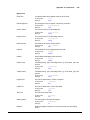
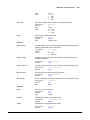
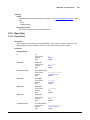
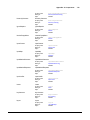
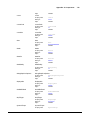
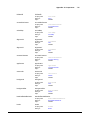
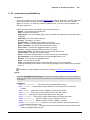
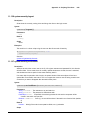
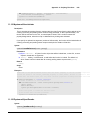
Name
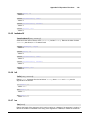
The name of this component.
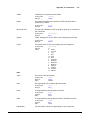
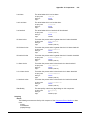
Scripting name
Data type
Flags
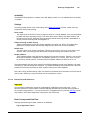
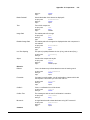
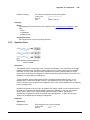
Visible
visible
boolean
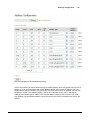
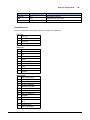
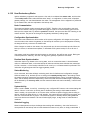
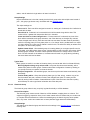
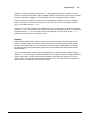
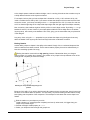
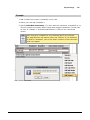
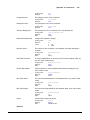
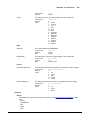
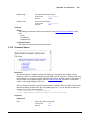
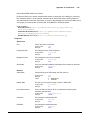
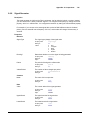
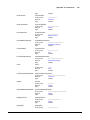
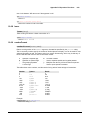
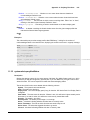
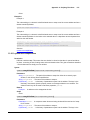
The border surrounding this component. NOTE that the border is
unaffected by rotation.
Scripting name
© 2013 Inductive Automation
name
String
bindable
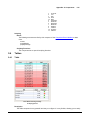
If disabled, the component will be hidden.
Scripting name
Data type
Border
657
border