1
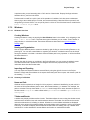
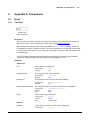
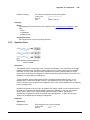
Project Design
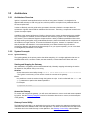
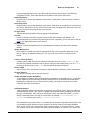
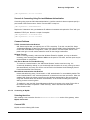
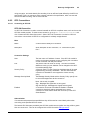
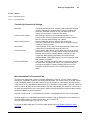
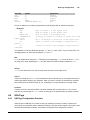
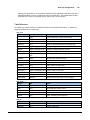
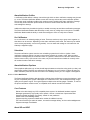
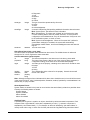
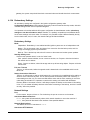
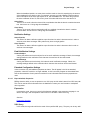
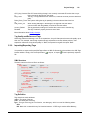
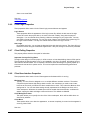
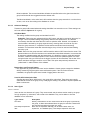
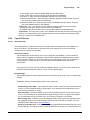
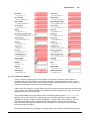
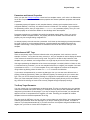
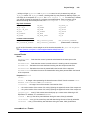
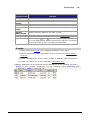
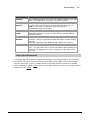
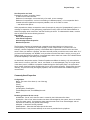
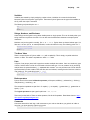
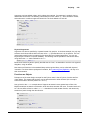
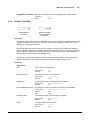
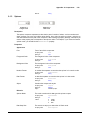
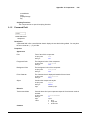
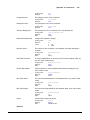
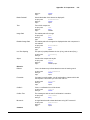
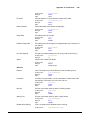
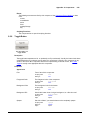
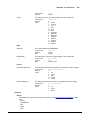
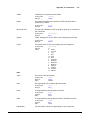
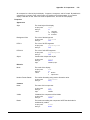
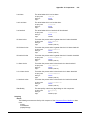
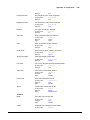
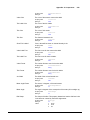
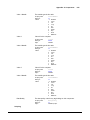
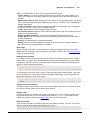
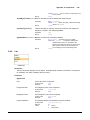
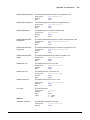
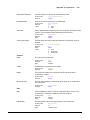
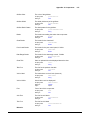
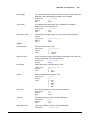
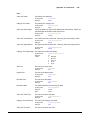
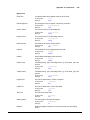
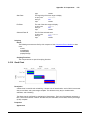
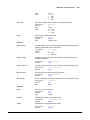
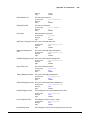
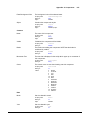
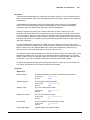
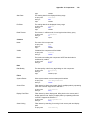
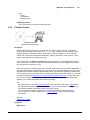
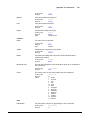
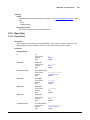
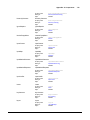
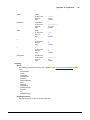
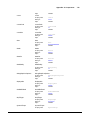
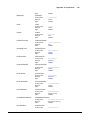
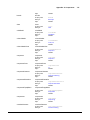
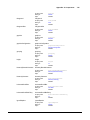
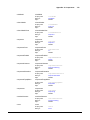
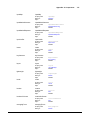
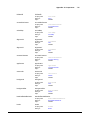
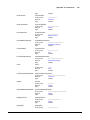
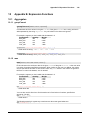
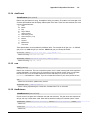
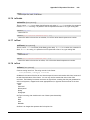
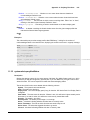
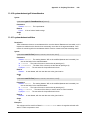
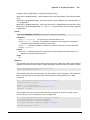
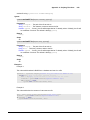
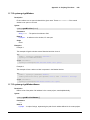
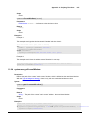
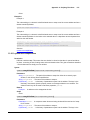
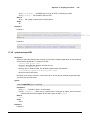
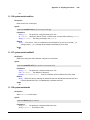
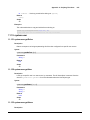
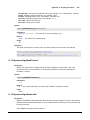
DeadbandMode
Int
FormatString
EngUnit
EngLow
EngHigh
EngLimitMode
String
String
Float
Float
Int
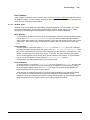
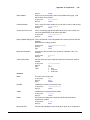
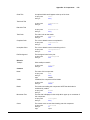
Tooltip
Documentation
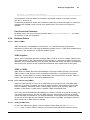
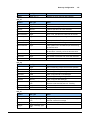
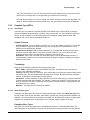
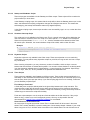
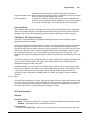
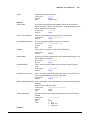
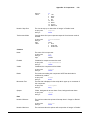
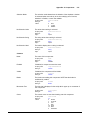
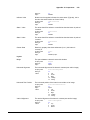
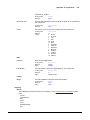
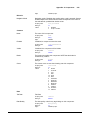
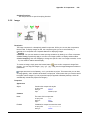
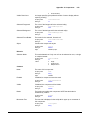
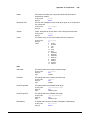
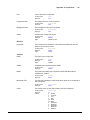
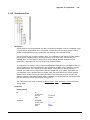
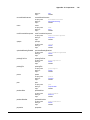
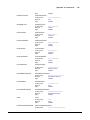
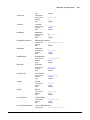
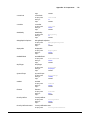
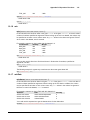
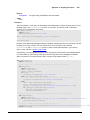
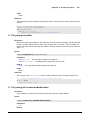
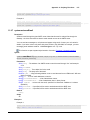
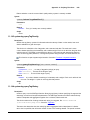
ExpressionType
String
String
Int
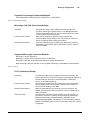
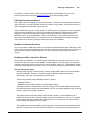
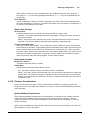
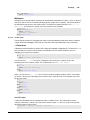
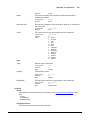
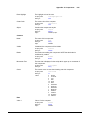
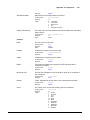
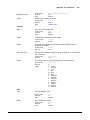
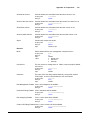
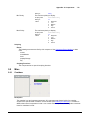
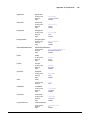
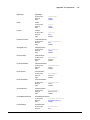
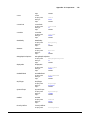
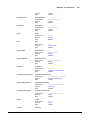
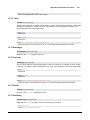
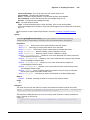
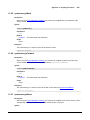
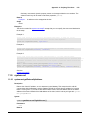
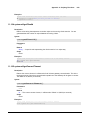
DriverName
ScanClass
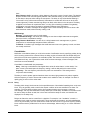
HistoryEnabled
PrimaryHistoryProvider
String
String
Boolean
String
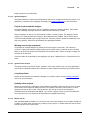
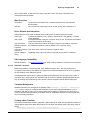
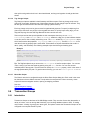
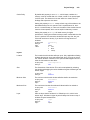
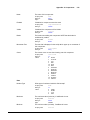
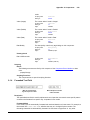
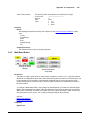
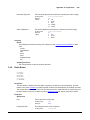
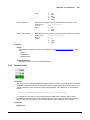
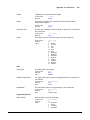
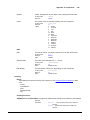
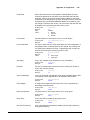
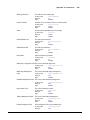
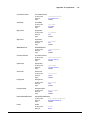
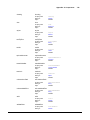
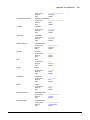
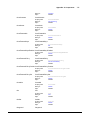
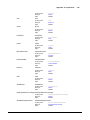
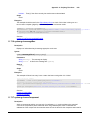
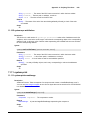
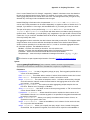
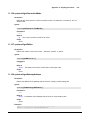
HistoricalDeadband
HistoricalDeadbandMode
Float
Int
HistoricalScanclass
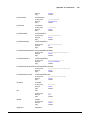
InterpolationMode
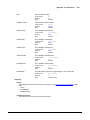
String
Int
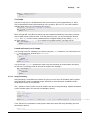
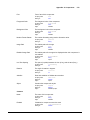
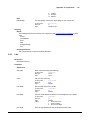
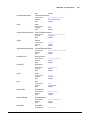
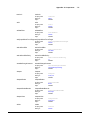
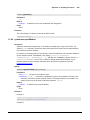
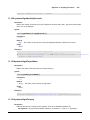
HistoryTimestampSource
Int
HistoryMaxAgeMode
Int
HistoryMaxAge
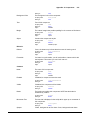
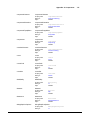
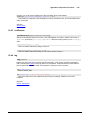
UDTParentType
Int
String
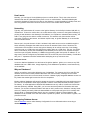
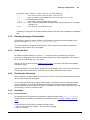
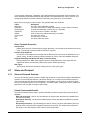
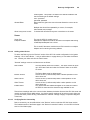
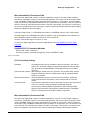
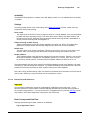
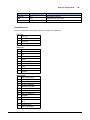
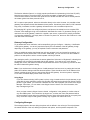
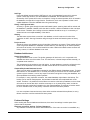
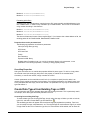
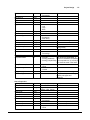
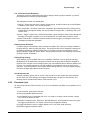
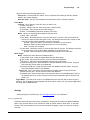
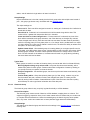
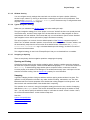
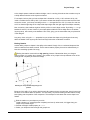
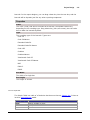
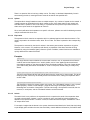
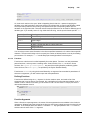
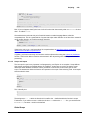
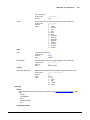
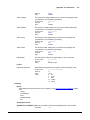
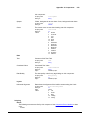
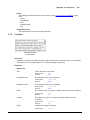
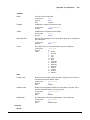
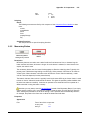
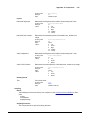
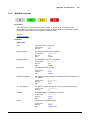
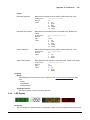
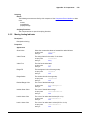
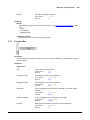
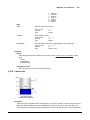
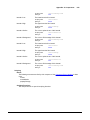
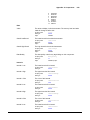
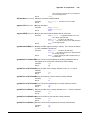
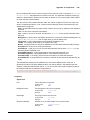
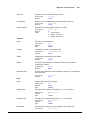
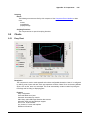
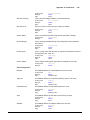
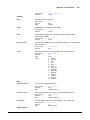
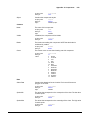
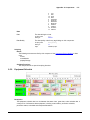
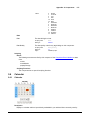
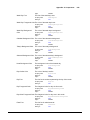
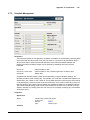
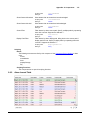
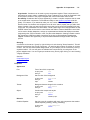
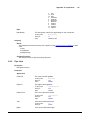
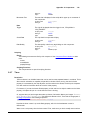
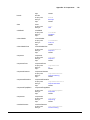
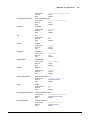
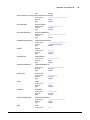
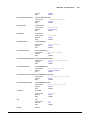
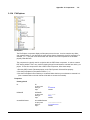
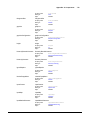
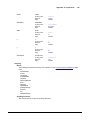
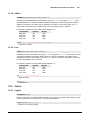
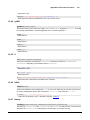
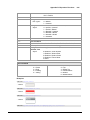
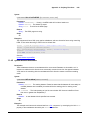
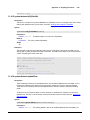
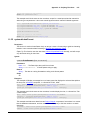
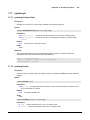
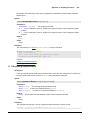
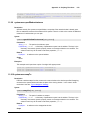
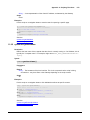
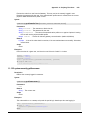
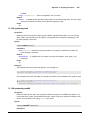
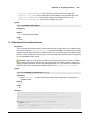
Alarm Properties
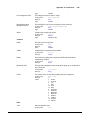
Property Name
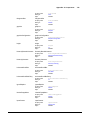
Enabled
Priority
Type
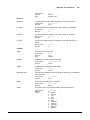
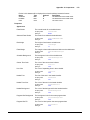
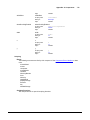
Boolean
String
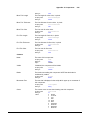
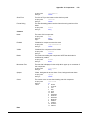
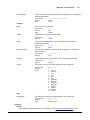
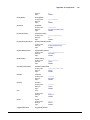
DisplayPath
ActivePipeline
ClearPipeline
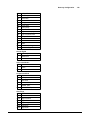
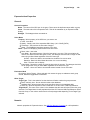
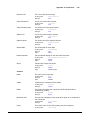
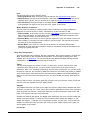
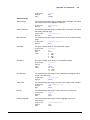
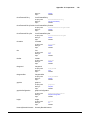
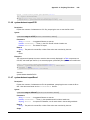
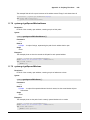
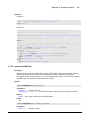
Deadband
DeadbandEvalMode
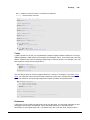
String
String
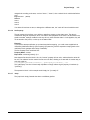
TimeOnDelaySeconds
TimeOffDelaySeconds
TimestampSource
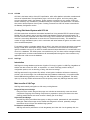
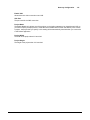
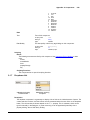
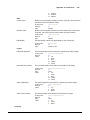
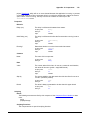
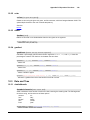
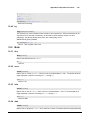
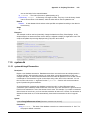
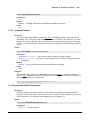
Float
Float
Int
© 2013 Inductive Automation
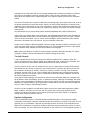
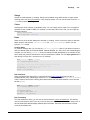
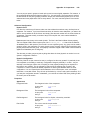
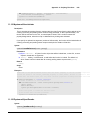
Float
Integer
177
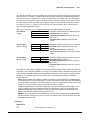
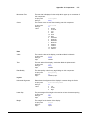
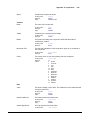
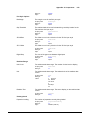
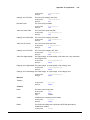
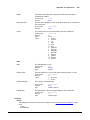
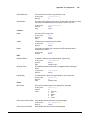
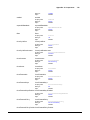
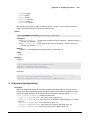
0 - Absolute
1 - Percentage
0 - None
1 - Low
2 - High
3 - Both
0 - None
1 - Expression
2 - SQL Query
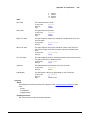
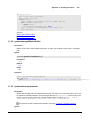
Used for external tags
true/false
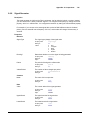
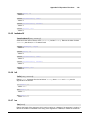
The history provider to use if
storing history
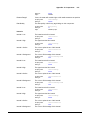
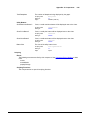
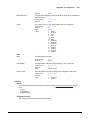
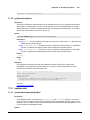
0 - Absolute
1 - Percentage
0 - Discrete
How values are interpolated. 2
2 - Analog (deadband)
exists for backwards compatibility
3 - Analog (compressed) (and is equivalent to 1), but only 0
or 3 should be used in the future.
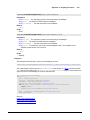
0 - System
1 - Value
0 - Unlimited
1 - Limited
Max cycles between storage.
The path to the parent UDT type.
Used by sub-types and
instances.
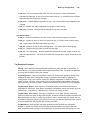
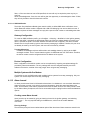
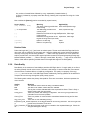
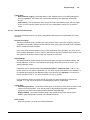
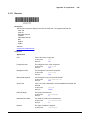
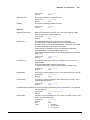
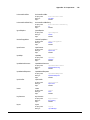
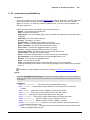
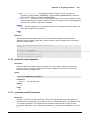
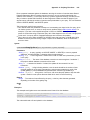
Values (if applicable)
true/false
Diagnostic, Low,
Medium, High, Critical
Description
May also be numeric, 0-4.
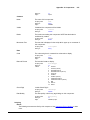
0 - Absolute
1 - Percentage
The "active delay"
The "clear delay"
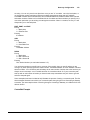
0 - System
1 - Value