1
USER'S MANUAL
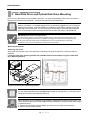
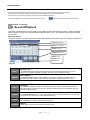
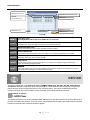
You may navigate to any other desired menu by click on the button located on the top left side of the screen.
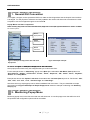
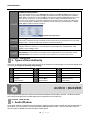
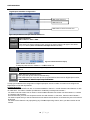
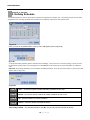
Night Setting, Copy Setting, Pop‐up Page:
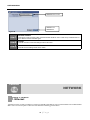
Figure 67
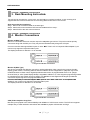
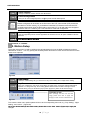
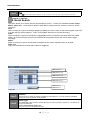
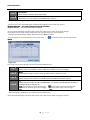
Copy Setting: You may choose to copy the settings from onee channel to another, or to other multiple channels. ITEM 1
From – This is the source channel to copy tthe settings from.
ITEM 2
Properties – These are the attributes you may select to copy from the source channel.
ITEM 3
To – These are the channels that you copyy the source channel settings to.
ITEM 4
Ok – Press this button to apply the changees made.
ITEM 5
Cancel – Press this button to discard the changes made.
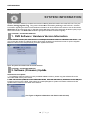
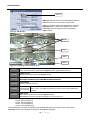
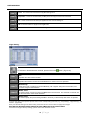
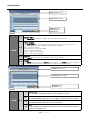
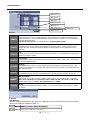
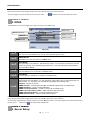
Action:
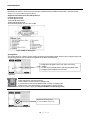
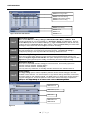
Figure 68
ITEM 1
Ch This represents the “action” number
Ch. –
Thi
t th “ ti ”
b .
ITEM 2
Beep – Check this box if you wish the DVR to make an audible noise when motion is captured.
ITEM 3
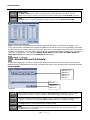
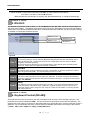
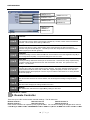
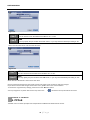
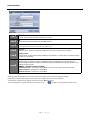
Alarm‐Out – Select this option to open thee “Alarm‐Out” pop‐up menu to choose which sensor or relay will be activated when motion is deteected. (Please refer to figure 68)
53 | P a g e