1
USER'S MANUAL
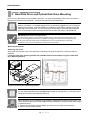
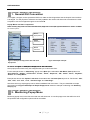
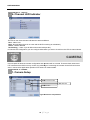
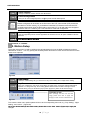
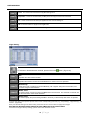
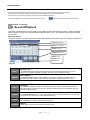
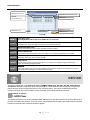
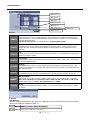
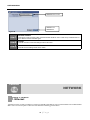
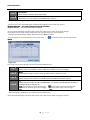
Item 1 Remote Control
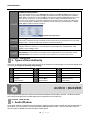
Item 2 Cancel
Item 3 Save
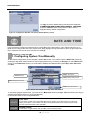
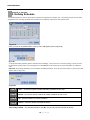
Figure 98
ITEM 1
Remote Control
This option is used to specify which remote controller
c
ID will be used. There are up 6 different IDs’ for
the 6 different remote controller types.
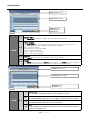
ITEM 2
Cancel
ITEM 3
Save
This will close and cancel the settings made to this menu.
This will save the settings made to this menu
u.
CHAPTER
NETWORK
16
CHAPTER 16 . NETWORK
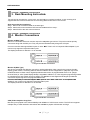
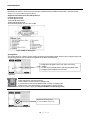
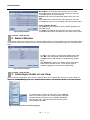
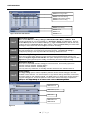
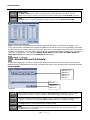
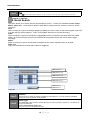
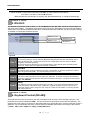
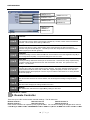
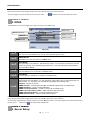
1. Ethernet
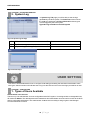
The Ethernet menu is used to configure a remote connection
n to the DVR via your Local Area Network or the World Wide Web There are various options in this menu for different networking environments. Web. There are various options in this menu for different ne
tworking environments
73 | P a g e