1
SR Intelligent Controllerr
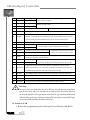
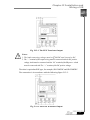
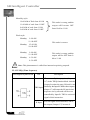
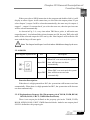
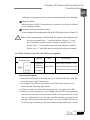
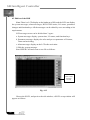
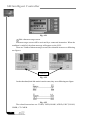
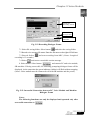
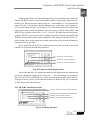
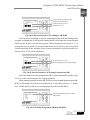
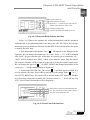
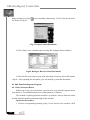
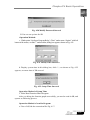
9. Memory Indicator:
indicates the occupied
memory of the voice message of the voice module.
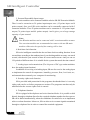
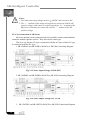
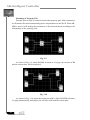
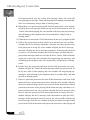
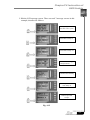
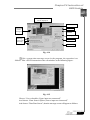
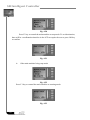
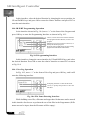
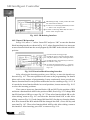
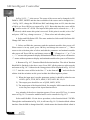
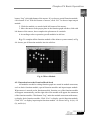
10. Voice Message Selection: Select broadcasting or writing voice message via
.
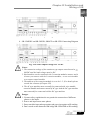
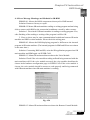
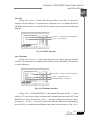
11. Play: Click button
and start broadcast the voice module message.
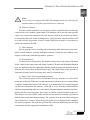
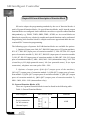
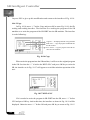
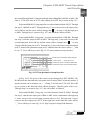
12. PC downloads the voice to the voice module: Select button
and
write the selected message into the voice module.
If the relative voice file of the selected section doesn’t exist, this function
button is forbidden to use. It must select the voice file first. The length of the voice
file is 1-15 seconds, otherwise it is regarded invalid.
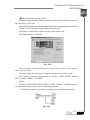
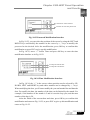
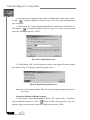
13. Set users’ password’: First enter the password (being 4 digit) and then
click button
.
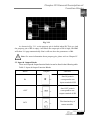
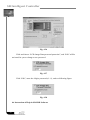
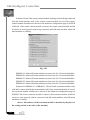
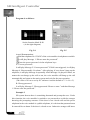
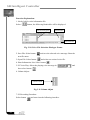
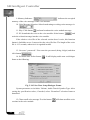
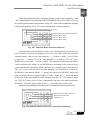
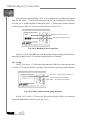
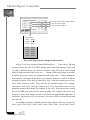
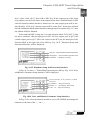
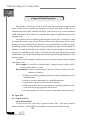
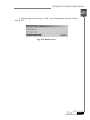
14. Set audio tone: Select button
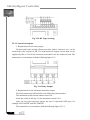
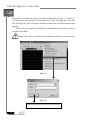
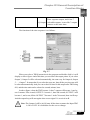
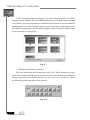
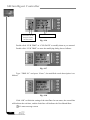
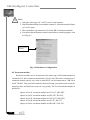
. It will display audio tone set dialogue
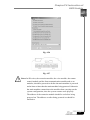
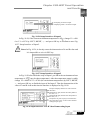
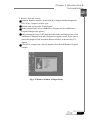
frame as the following.
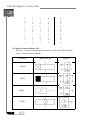
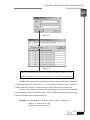
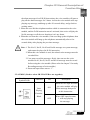
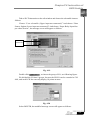
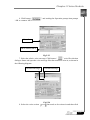
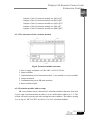
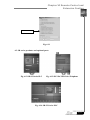
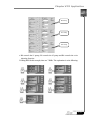
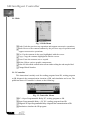
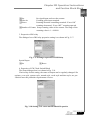
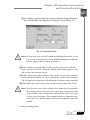
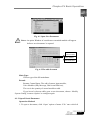
Fig. 5.14 Voice Tone Setup Dialogue Frame
System parameter set includes: Volume, Audio Tone & Speaker Type. After
setting the specification values, if needed, select “Download” selection frame to
download.
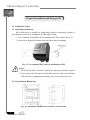
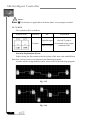
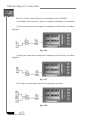
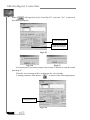
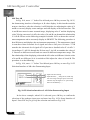
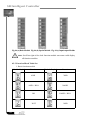
15. Clean out all voice message: To select button
sections in the voice module.
98
will clean out all the voice