1
SR Intelligent Controllerr
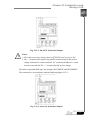
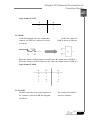
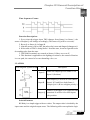
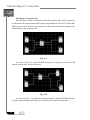
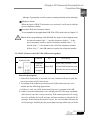
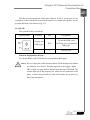
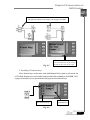
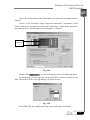
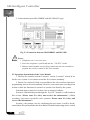
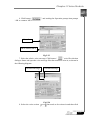
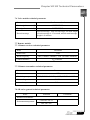
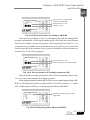
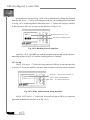
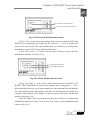
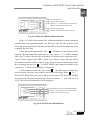
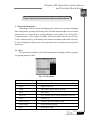
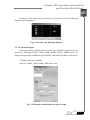
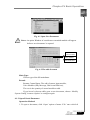
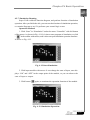
Prompt of Step Sequence Output Interface
Step Sequence Output 1
Step Sequence Output 2
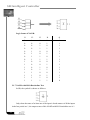
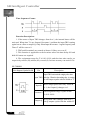
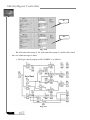
Select Out
Out1 = QXX
Out2 = QXX
Out3 = QXX
Out4
Out5
Out6
Out7
Out8
=
=
=
=
=
QXX
QXX
QXX
QXX
QXX
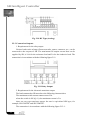
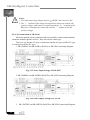
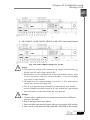
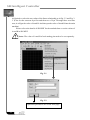
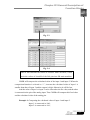
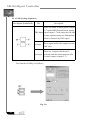
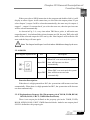
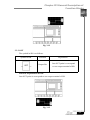
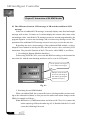
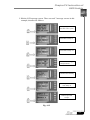
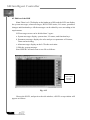
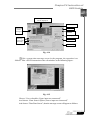
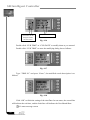
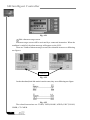
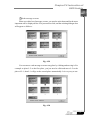
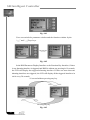
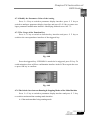
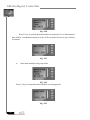
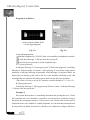
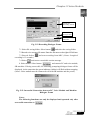
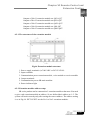
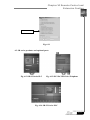
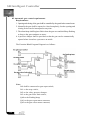
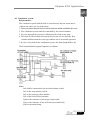
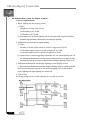
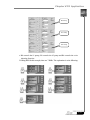
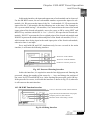
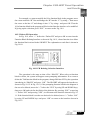
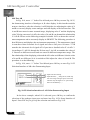
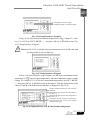
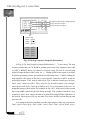
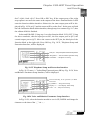
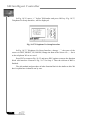
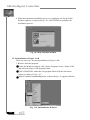
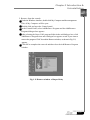
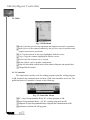
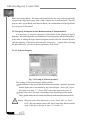
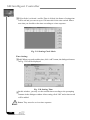
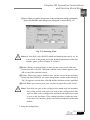
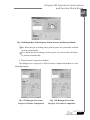
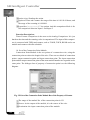
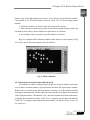
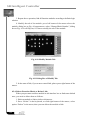
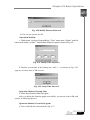
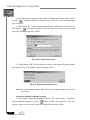
Fig. 10.34 Step Sequence Output Edit Interface
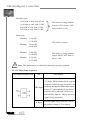
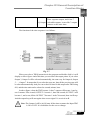
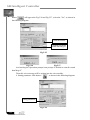
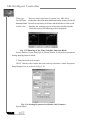
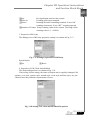
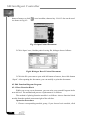
In Fig. 10.34, Step Sequence Output Edit Interface, “_” is the cursor. The step
sequence can be edit via UP, DOWN, and the space of the step sequence can be edit
via LEFT, RIGHT. Notes: Q cannot be selected. Only XX can be selected and
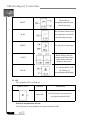
edited. Change the data of the cursor via +, -. Change QXX to the output we needed.
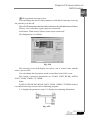
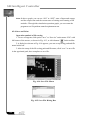
In edition procedure, please be attention the following notes. 1. When editing the
step sequence, the output of the above step sequence cannot be as QXX. It mus be
on detailed output. If we want to edit Out 4 =QA3, then the output port of Out1,
Out2, Out3 cannot be QXX. They must be the detailed output, for example,
Out1=QA0, Out2=QA1, Out3=QA2 and so on. 2. To be convenient to the user, we
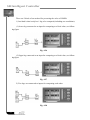
design the menu as circle menu. For example, in Fig. 10.31, if the cursor in the second
line of the WRT (caused by the first action prompt). The symbol of the above step
sequence is Out1. Now Out8 is needed to be edited. Pressing DOWN eight times is
too trouble. Directly press UP key one time. The cursor will be on Out8 directly and
user can edit.
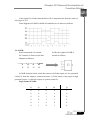
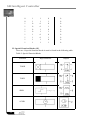
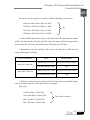
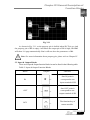
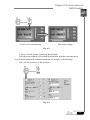
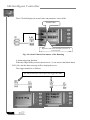
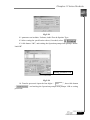
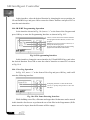
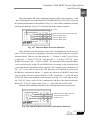
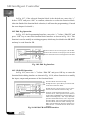
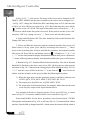
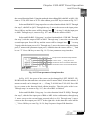
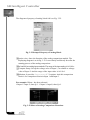
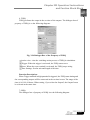
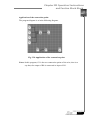
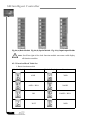
According to the above methods, edit the eight outputs of the step sequence as
Out1 =QA0, Out2=QA1, Out3 =QA2, Out4 =QA3, Out5 =QA4, Out6 =QA5,
156