1
C utLogic 2D, © TMachines, s.r.o.
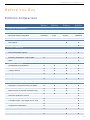
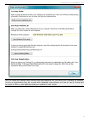
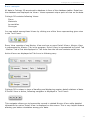
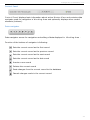
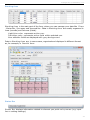
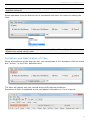
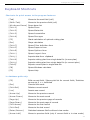
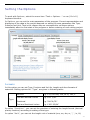
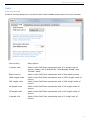
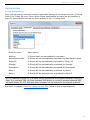
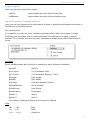
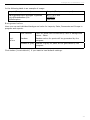
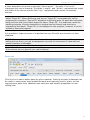
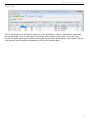
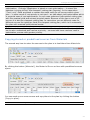
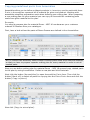
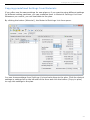
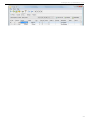
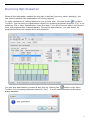
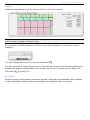
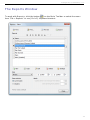
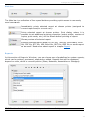
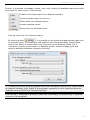
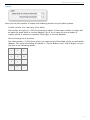
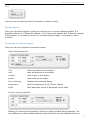
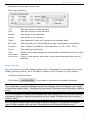
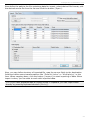
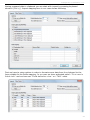
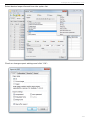
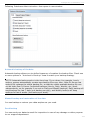
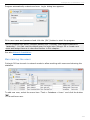
Now we can start to map the source fields to the destination fields. By left click on given
"Source field" in the Field mapping table mapping list of available source fields opens.
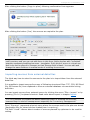
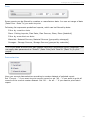
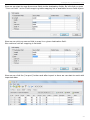
Now we can pick one source field to map it on given destination field.
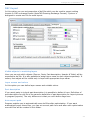
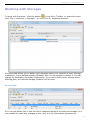
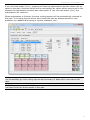
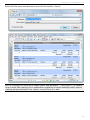
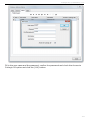
We continue until all mapping is finished.
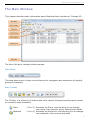
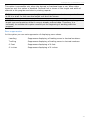
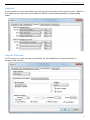
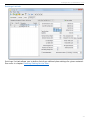
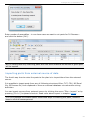
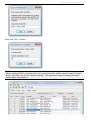
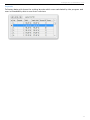
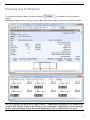
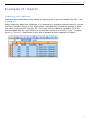
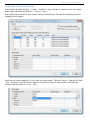
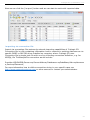
Now we can click the [Import] button and after import is done we can start to work with
imported data:
95