1
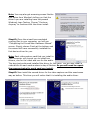
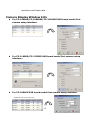
Jet 3.5, and ODBCDirect checked, leave both checked and click next.
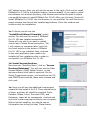
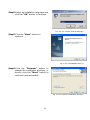
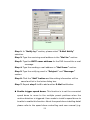
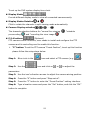
3d. Here you will see the additional components
needed for the install of Jet 3.5. There should be
six of them, and they all should be checked.
Excel, Paradox, XBase, Lotus, Text and HTML,
and Exchange. Leave all six components
checked and click next to start copying the files
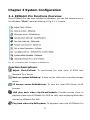
to your computer. When finished installing, you
should see an Information bar telling you that
“D ata A ccess O bjects (DAO) successfully
installed ”. C lick ok to finish th e in stallation .
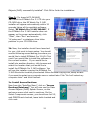
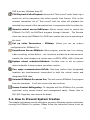
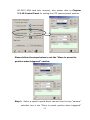
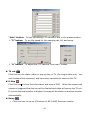
3e. Back to the AutoPlay Menu, click on the
“In stall V ideo C om p ression ” lin k to start the
install of the two supported video compression
types. They are MPEG4 and Wavelet.
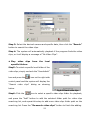
Note: Upon starting the install of either Mpeg4,
or W avelet, if you see a screen saying “M peg4 or
Wavelet, already installed , contin ue or not?”
Select No and cancel the installation. Windows XP already
has a built in Mpeg4 and Wavelet codec, therefore you do not need to install the
one w e provide. If you don ’t see this message, continue below with the install.
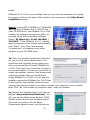
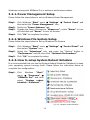
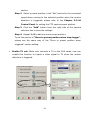
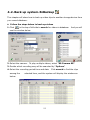
First, click “In stall M PEG 4 ” to start the installation .
MPEG4 is now installed.
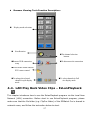
N ow , click on the “Install W avelet” lin k to start
the installation. Wavelet in now installed.
EZWatch Pro 3.1HD is now installed. Now you can
turn the computer off, unplug the power cord from
23