1
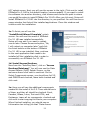
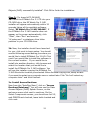
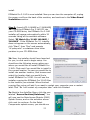
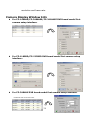
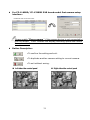
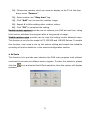
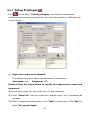
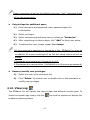
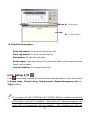
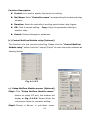
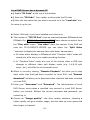
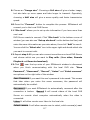
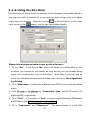
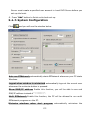
3-3. EZWatch Pro System Configuration This chapter introduces the EZWatch Pro system configuration to make system perform in optimum condition. Please follow the instruction below to complete each setting. 3-3-1. Set up video Parameters-EzSetup To ch ange the default p aram eter setting s, please go to the path : W indow s “S tart” “Program s” ―EZWatch Pro‖, and click the icon to display the parameter setup interface. According to the different models of the EZWatch Pro DVR board, the “S et u p video p aram eters” interface m ay be ch an ged. Please base on your EZWatch Pro DVR board model to refer to the instruction below for setting. 36