1
1.
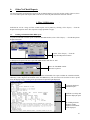
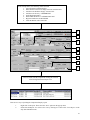
Changing the status by Printing the reports:
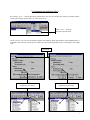
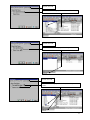
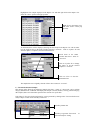
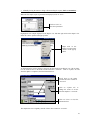
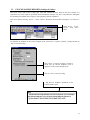
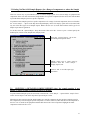
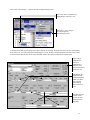
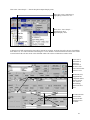
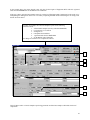
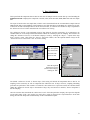
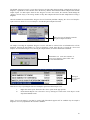
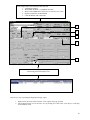
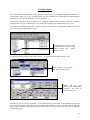
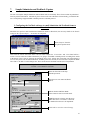
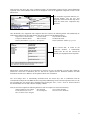
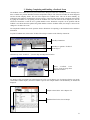
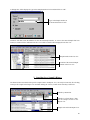
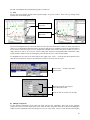
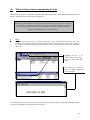
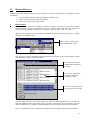
The user can specify which type of report must be the default report to be printed for Unactioned
Abnormal Samples”. This can be done by selecting the “Options/Report” drop down menu. Then
select the “Custom report” tab and specify the default report (Concise form, Sample form, Enquiry
form).
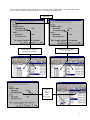
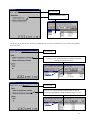
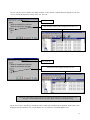
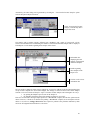
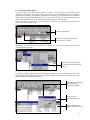
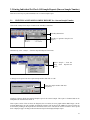
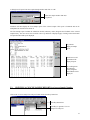
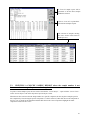
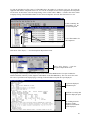
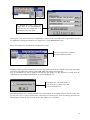
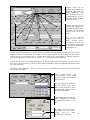
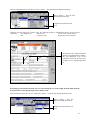
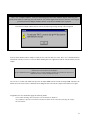
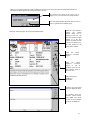
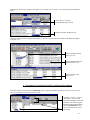
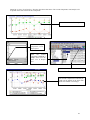
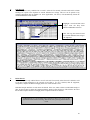
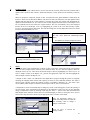
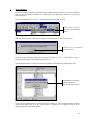
Once the user has closed the information box by clicking on “OK” a Sample report (as selected
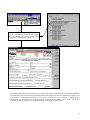
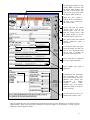
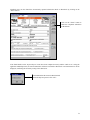
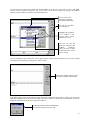
above), of the first Unactioned Abnormal sample will be generated. Click on “Print All” to print all
the reports selected. Once these reports have been printed, their status will automatically be
changed to “Actioned".
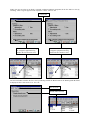
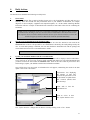
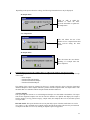
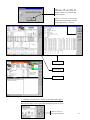
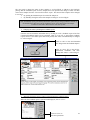
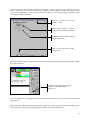
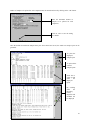
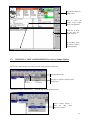
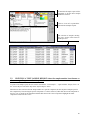
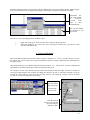
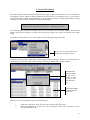
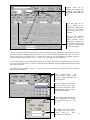
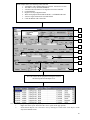
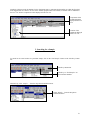
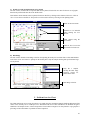
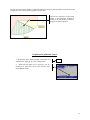
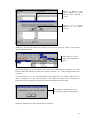
Click on “OK” to close the
information box and generate the
Sample reports of the Unactioned
Abnormal samples.
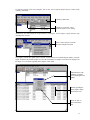
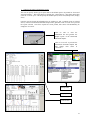
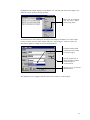
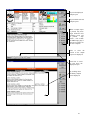
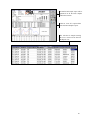
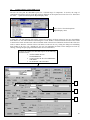
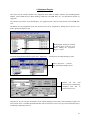
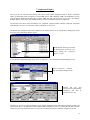
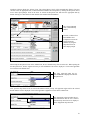
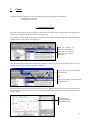
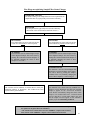
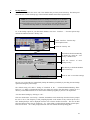
Click on “Print All” to print all the
Unactioned Abnormal samples and
thus change their status to
“Actioned”.
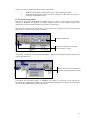
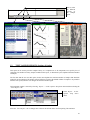
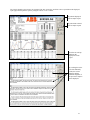
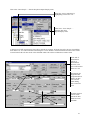
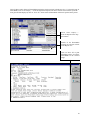
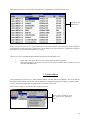
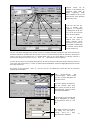
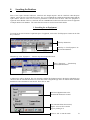
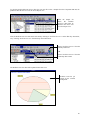
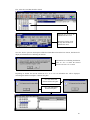
Sample form
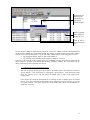
Enquiry form
Concise form
21