1
10.
Making Changes and/or manipulating the Data
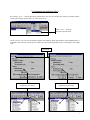
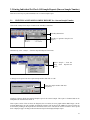
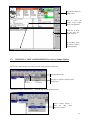
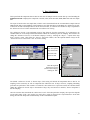
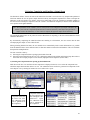
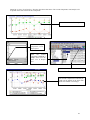
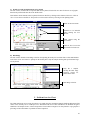
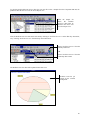
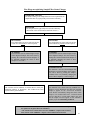
NetCheck allows the user to change and manipulate data in the local database. These changes/manipulations can be
made by using the facilities on the drop down Edit menu.
NOTE: These changes are restricted to the local database and will not be reflected on
Wearcheck’s global database. A future data email from Wearcheck can therefore also undo the
local change. For a change to the database to be permanent, Wearcheck should be requested to
do the change. This change done to the global database will then be emailed to the local
database and both databases will reflect the change.
1.
Copy
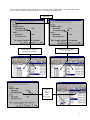
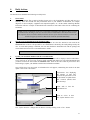
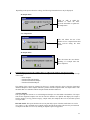
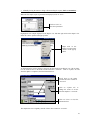
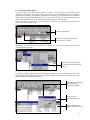
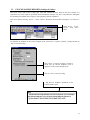
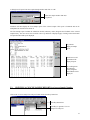
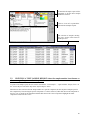
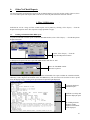
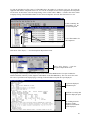
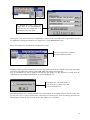
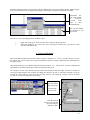
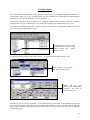
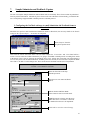
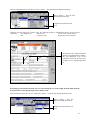
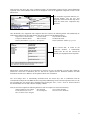
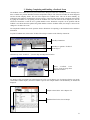
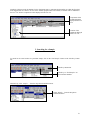
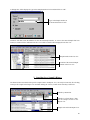
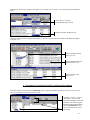
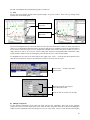
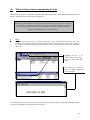
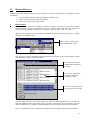
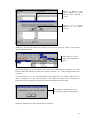
Highlight the text that needs to be copied. Then select “Copy” from the drop down Edit menu. This
command is only enabled when there is text available to copy. Only the currently selected text is copied to
the clipboard. No object copying is supported. In other words, you cannot copy a record or chart using this
menu item.
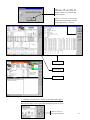
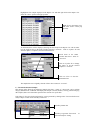
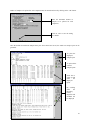
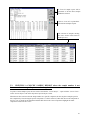
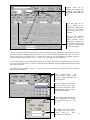
Highlight the text to be
copied. Then select “Copy”
from the drop down Edit
menu.
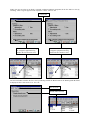
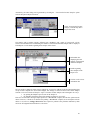
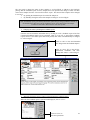
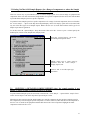
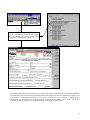
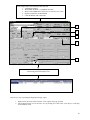
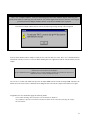
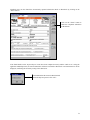
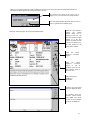
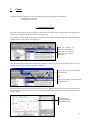
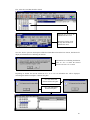
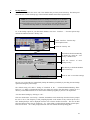
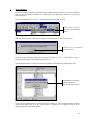
The copied text can then be
pasted in another application
such as Notepad.
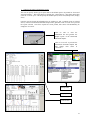
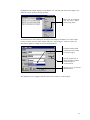
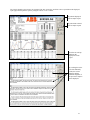
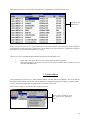
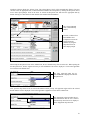
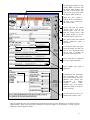
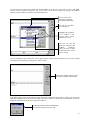
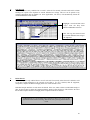
This command is most commonly used by customers to copy the sample's diagnosis displayed in the Sample Enquiry
form. The copied diagnosis is then pasted into work orders.
88