1
2. Due Submissions
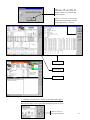
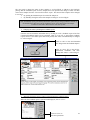
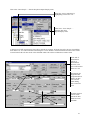
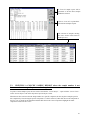
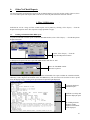
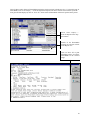
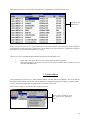
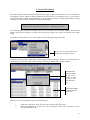
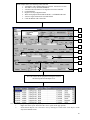
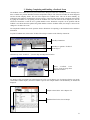
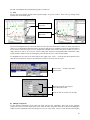
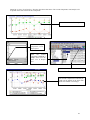
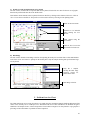
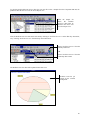
This report finds all components that are due for their next oil sample from the current date up to and including the
Submission Period. It displays the component’s location, name, make & model, SMR, SMR Units and next sample
date.
The report is based on the next sample date, which in turn is determined from the recommended re-sample interval
(RRI) and the daily average SMR for each component. Once this date has been calculated, the “Submission Period”
is taken into account. All samples that are due on the current date, or within the next number of days as stipulated in
the “Submission Period” will be included in the “Due Submissions” listing.
The “Submission Period” is the maximum period of time allowed, from the current date, for a component to be
considered due for an oil sample submission and thus enables the workshop to plan oil sampling. The customer can
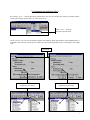
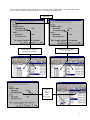
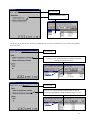
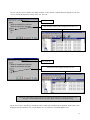
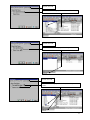
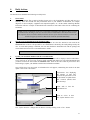
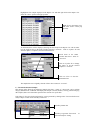
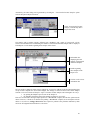
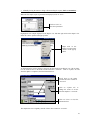
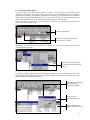
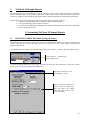
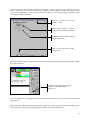
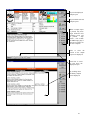
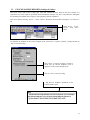
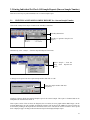
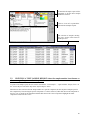
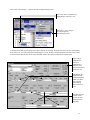
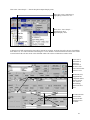
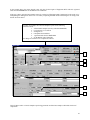
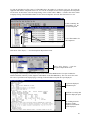
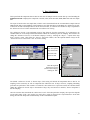
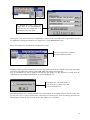
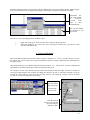
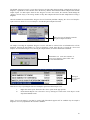
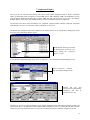
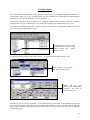
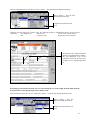
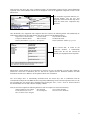
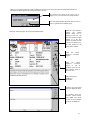
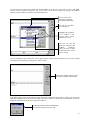
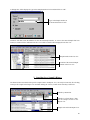
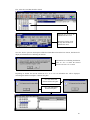
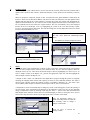
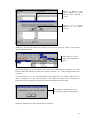
change the “Submission Period”, to suit his/her company’s needs, by selecting the “Report…” option on the drop
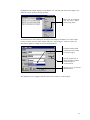
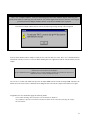
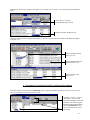
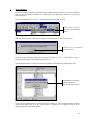
down “Options” menu. Then select the “General” tab on this window, enter the required number of days for the
“Submission Period” and click on “OK” to save this setting.
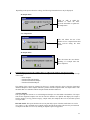
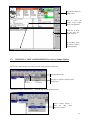
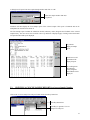
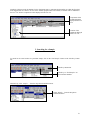
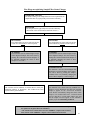
Select "Report"
from the Options
drop down menu.
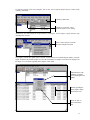
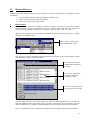
Then select the
"General" tab.
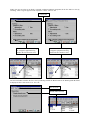
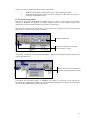
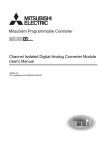
Enter the required
"Submission Period"
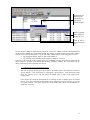
and save this setting by
clicking on "OK".
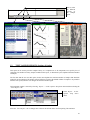
The default “Submission Period” is fourteen days. (This setting will include all components that are due for oil
sampling on the current day as well as components due within the next 14 days). However, sampling scheduling
procedures are particular to each customer. To make the “Due Submissions” report more useful, the customer should
change the “Submission Period” days to the number of days, they need to know in advance, when a component is
due for sampling.
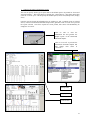
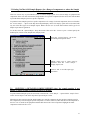
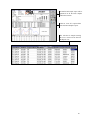
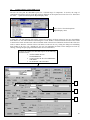
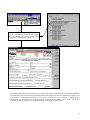
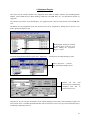
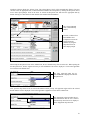
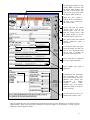
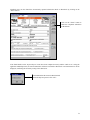
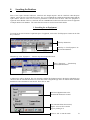
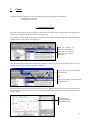
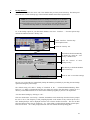
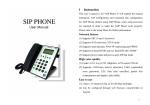
Once the customer has customized the “Submission Period” for his/her particular company, the report also depends
on one other setting. If the “Auto update next sample date” option is chosen in the “Option/Database” menu item
dialog, then the next sample date is automatically set after each database update.
51