1
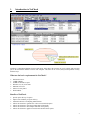
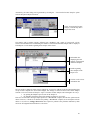
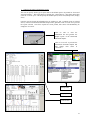
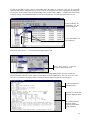
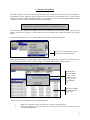
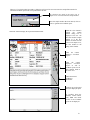
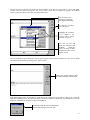
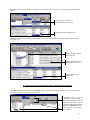
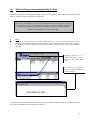
button bar or select "Trend Analysis" from the drop down Chart menu. The second Component's trend analysis will
be plotted on the same chart as the first component.
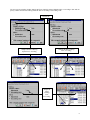
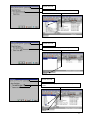
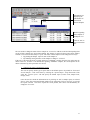
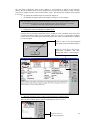
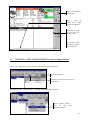
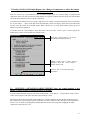
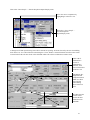
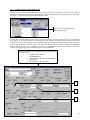
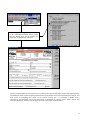
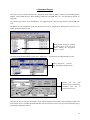
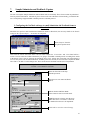
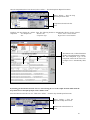
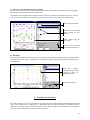
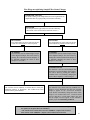
Plot the chart for the first component
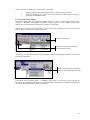
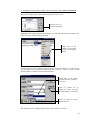
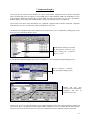
Click on "Multiple
Components" on the
Profile panel.
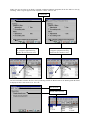
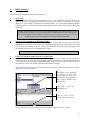
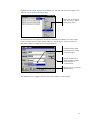
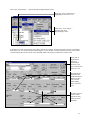
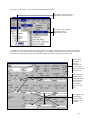
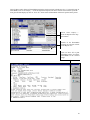
Select
the
second
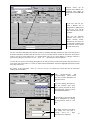
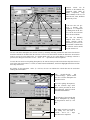
Component, Highlight a
sample from it in the
active List or Report
view.
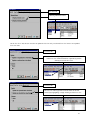
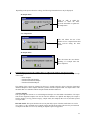
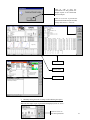
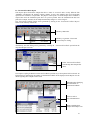
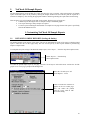
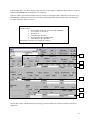
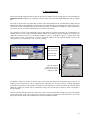
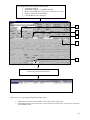
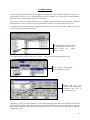
Click on the "Analysis Trend" Hot Key.
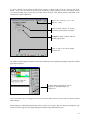
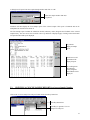
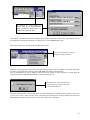
The second Components Trend Analysis
graph will be plotted on the same chart
as the first without overwriting it.
84

![[Product Name] Service Manual](http://vs1.manualzilla.com/store/data/006035113_1-0289c4c9f962713aa5c1b10dc8f42975-150x150.png)