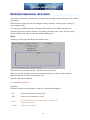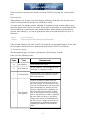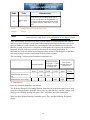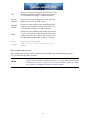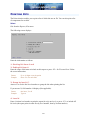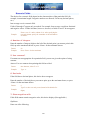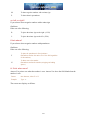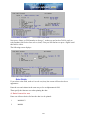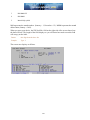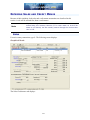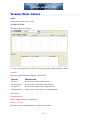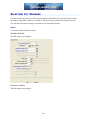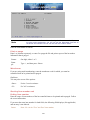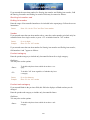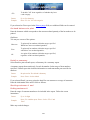
1
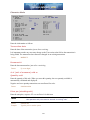
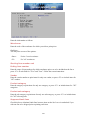
Format
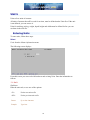
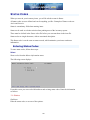
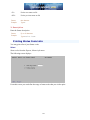
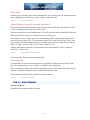
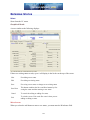
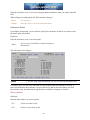
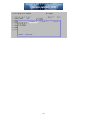
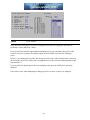
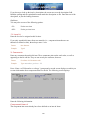
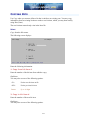
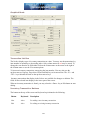
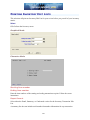
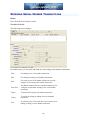
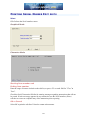
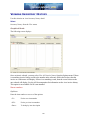
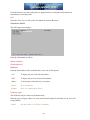
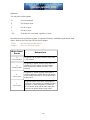
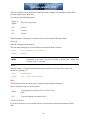
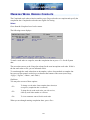
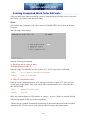
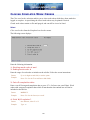
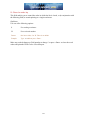
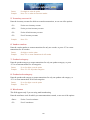
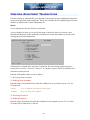
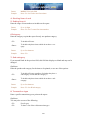
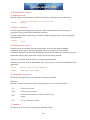
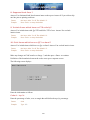
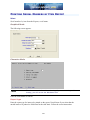
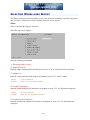
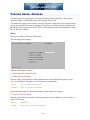
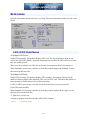
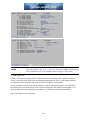
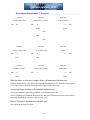
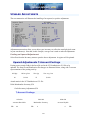
Six characters
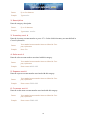
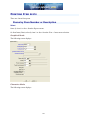
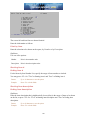
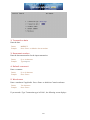
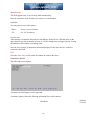
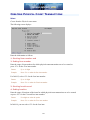
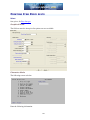
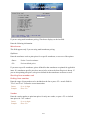
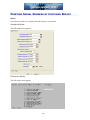
Product category
This is the Category you assigned to each item in Items.
Enter a product category to include only items of this category or press <F5> for "All" product
categories.
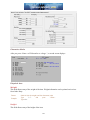
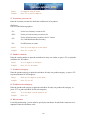
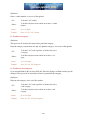
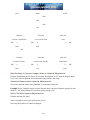
Format
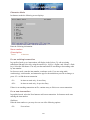
Five characters
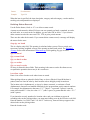
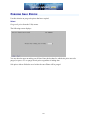
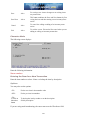
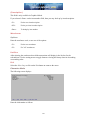
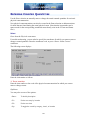
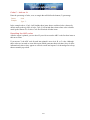
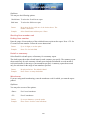
Product sub-category
This is the Sub-category you assigned to each item in Items. Enter a product sub-category to
include only items of this sub-category or press <F5> for "All" product categories.
Format
Five characters
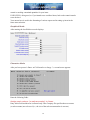
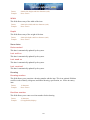
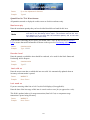
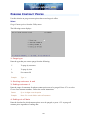
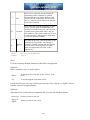
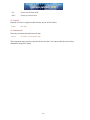
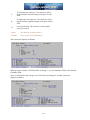
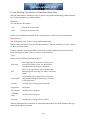
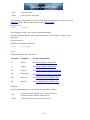
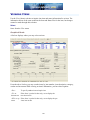
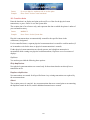
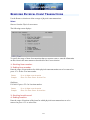
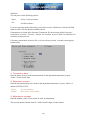
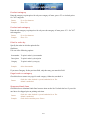
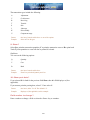
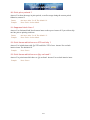
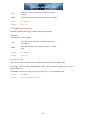
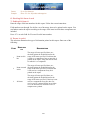
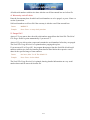
Print prior periods
Check this box to print all quantities sold, returned, or used in prior periods. (The report prints
faster and requires less paper if your answer leave the box unchecked.)
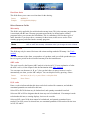
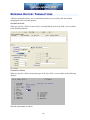
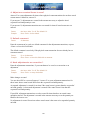
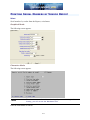
Print items which have no quantity on hand
Check this box to include items which have no quantity on hand.
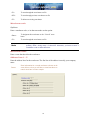
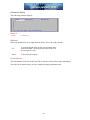
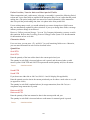
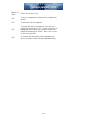
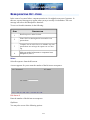
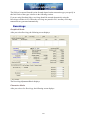
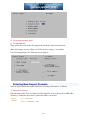
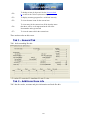
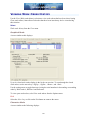
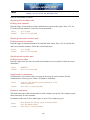
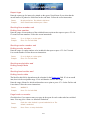
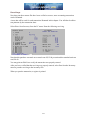
OK or Cancel
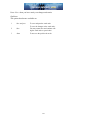
Select OK to print the report or Cancel to return to the menu without printing.
164