1
INTRODUCTION
TO
SERIAL NUMBER REPORTS
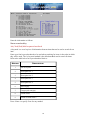
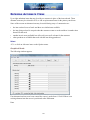
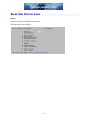
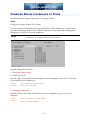
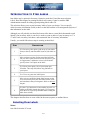
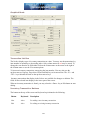
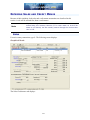
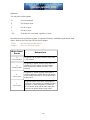
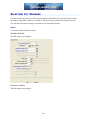
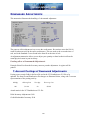
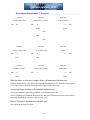
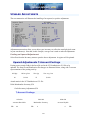
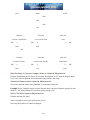
This chapter explains four of the reports that are available if you are using serial numbers.
The four reports are:
•
Serial Numbers by Customer
•
Serial Numbers by Item
•
Serial Numbers by Vendor
•
Serial Numbers on Loan
One other serial number report, the Flooring Report, is described in the Flooring Report
chapter.
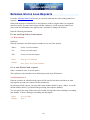
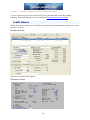
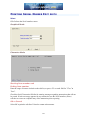
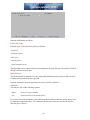
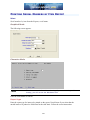
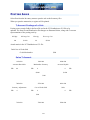
The Serial Numbers by Customer Report
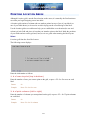
shows sold serialized inventory, organized by customer. This report can be used to highlight a
range of warranty expiration dates. The age of each sold serial number is also shown, based on
the invoice date.
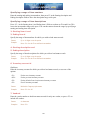
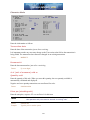
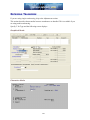
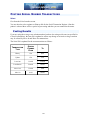
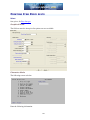
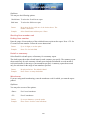
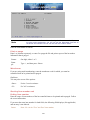
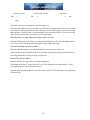
The Serial Numbers by Item Report
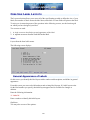
shows current unsold or sold serialized inventory, organized by item number.
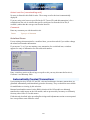
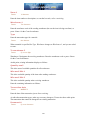
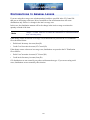
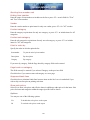
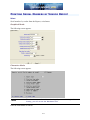
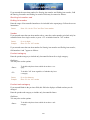
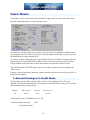
The Serial Numbers by Vendor Report
shows current unsold or sold serialized inventory, organized by vendor. This report shows the
age of each serial number, based on the serial number receiving date, for the specified range of
vendors. The last activity for each serial number is also shown.
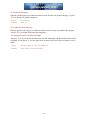
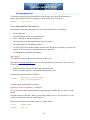
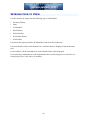
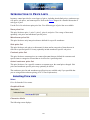
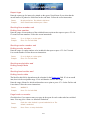
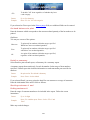
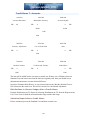
The Serial Numbers on Loan Report
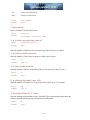
shows serialized items that have been loaned out. The report shows unsold serial numbers that
are on loan. Because this report is printed in order by the Reference field, you can track loans
by salesperson, customer name, or any method convenient for you.
464