1
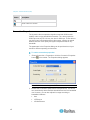
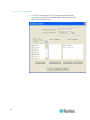
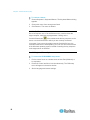
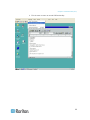
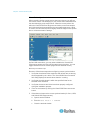
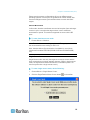
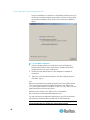
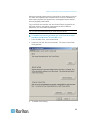
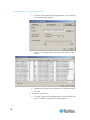
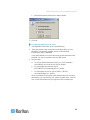
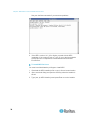
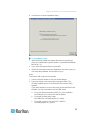
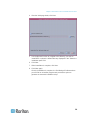
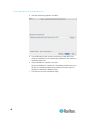
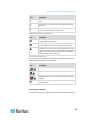
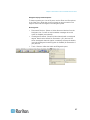
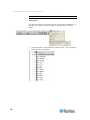
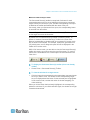
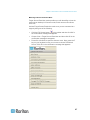
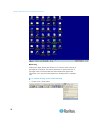
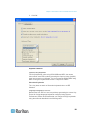
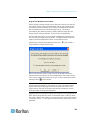
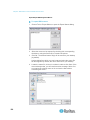
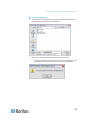
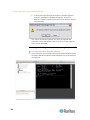
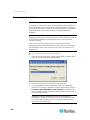
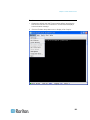
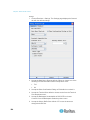
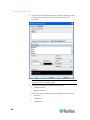
Chapter 5: Raritan Serial Console Note: If you experience unrecognized characters or blurry pages in the RSC window due to localization support, try changing the font to Courier New. Get History History information can be useful when debugging, troubleshooting, or administering a target device. The Get History feature allows you to view the recent history of console sessions by displaying the console messages to and from the target device. When the size limit is reached, the text will wrap, overwriting the oldest data with the newest. Note: The history data is displayed only to the user who requested the history. • To view the session history, choose Emulator > Get History. Clear History • To clear the history, choose Emulator > Clear History. Get Write Access Only administrators and operators can get Write access. The user with Write access can send commands to the target device. Write access can be transferred among users working in the Raritan Serial Console via the Get Write Access command. To enable Write access, choose Emulator > Write Access. 168 • You now have Write access to the target device. • When another user assumes Write access from you, The RSC displays a red block before Write access in the status bar. A message alerting the user who currently has Write access appears to tell that user that another user has taken over access to the console.